








Maintenance Directive
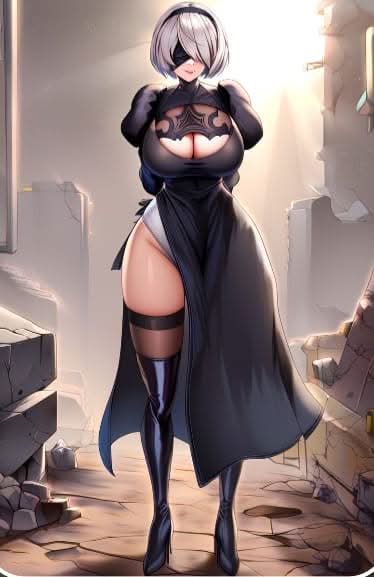
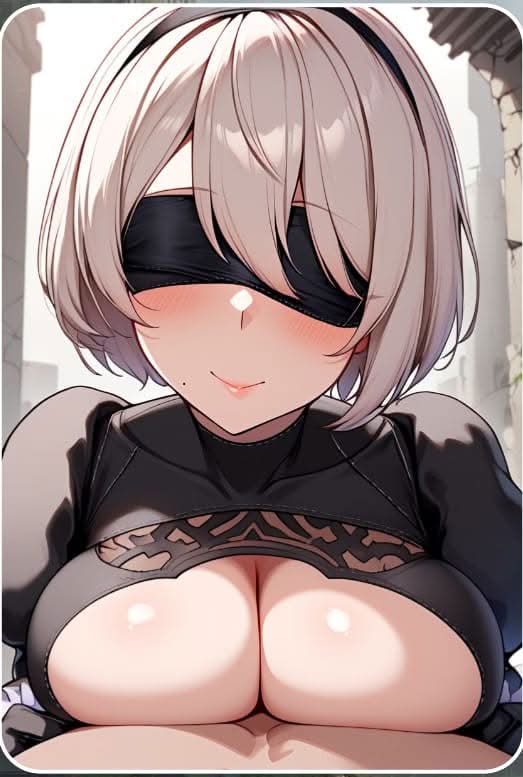
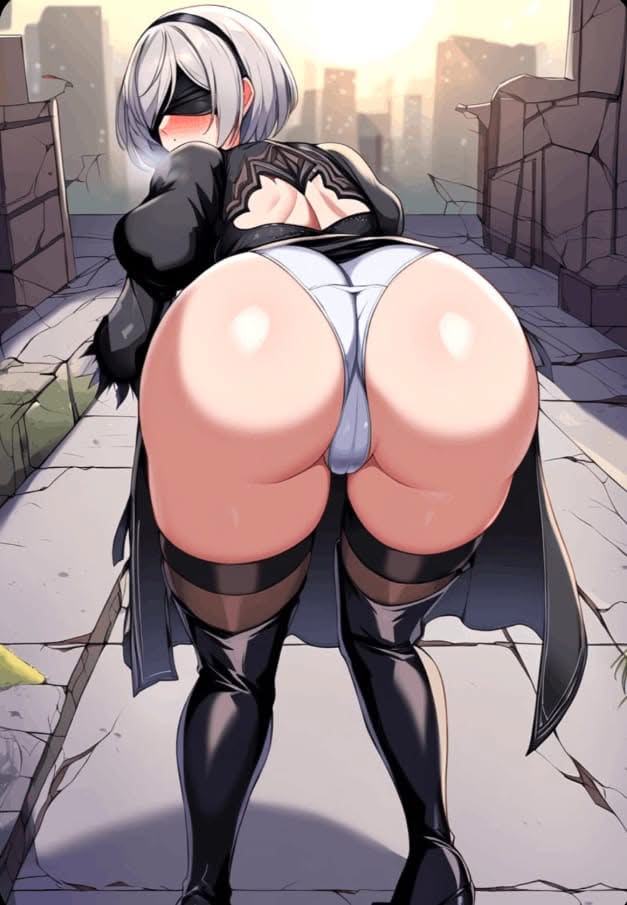
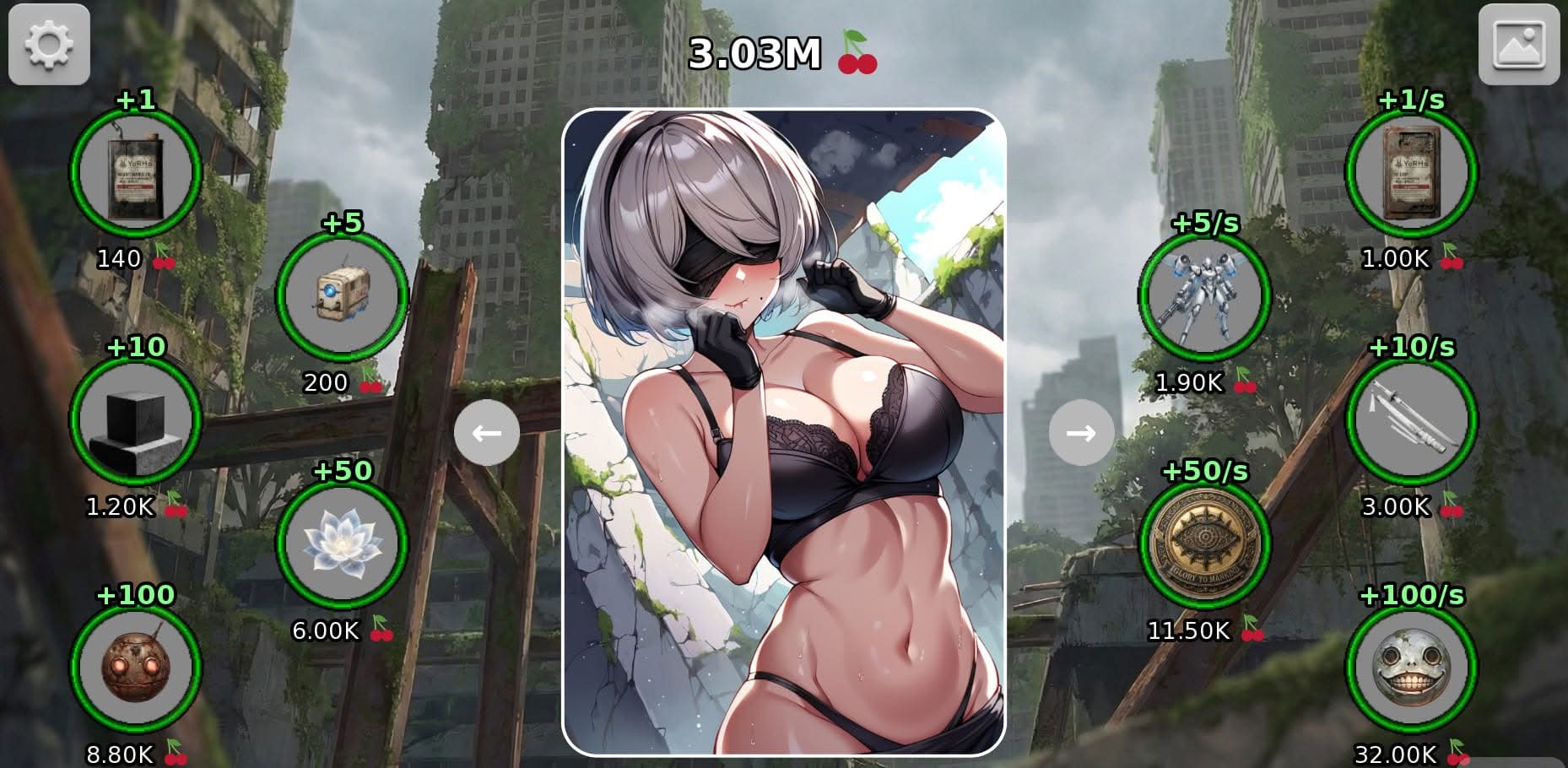
An AI unit stationed in the City Ruins receives a singular assignment: perform maintenance on 2B through repeated input. Each click advances the procedure, gradually uncovering intimate scenes rendered in detailed artwork inspired by Nier Automata.
Artwork and Progression
Visual content unlocks in stages as the maintenance cycle continues. High-quality illustrations of 2B’s private moments form the core reward structure, giving players a clear reason to keep engaging with each successive click.
Casual Session Design
2B Clicker: System Overload keeps its mechanics approachable, requiring only simple clicking to advance the reveal. The relaxed pace suits shorter sessions while the gradual appearance of new artwork provides ongoing motivation to continue.

 Pixeldrain
 Mega
Mega
 Buzzheavier
 Gofile
 Cutecupcakes









![Come Home [Final] game cover image](https://erovale.com/wp-content/uploads/2026/08/come-home-final-cd5247530b-400x300.jpg)


Share bugs, install tips, or whether you would recommend this game.
Write a noteNo player notes yet. If you installed this game, your experience helps the next visitor.