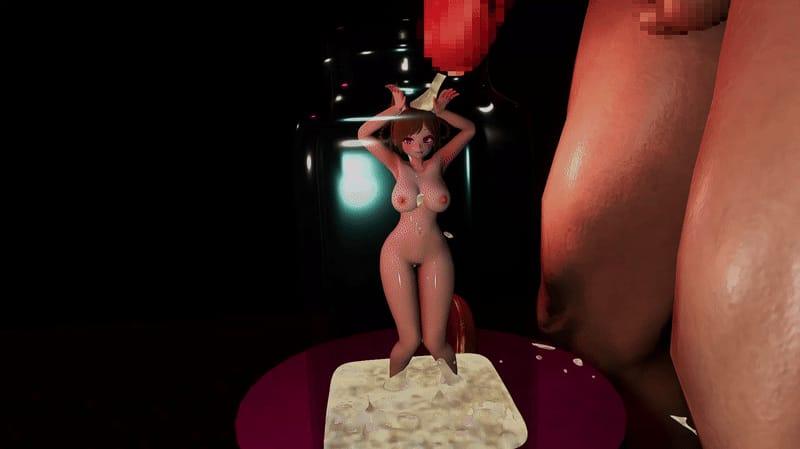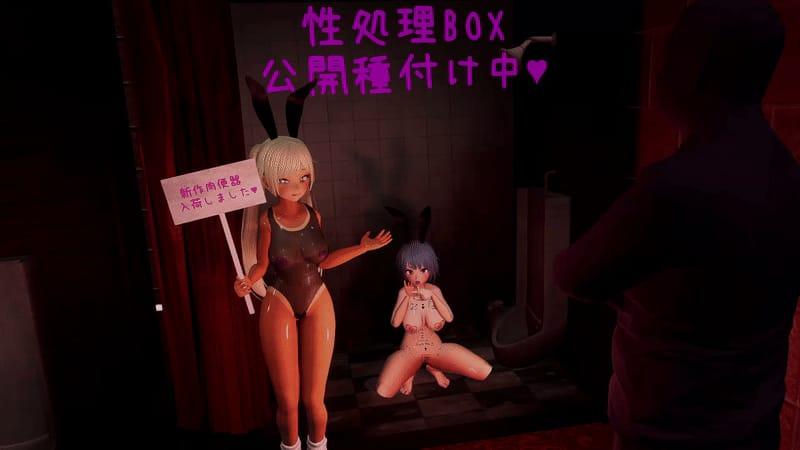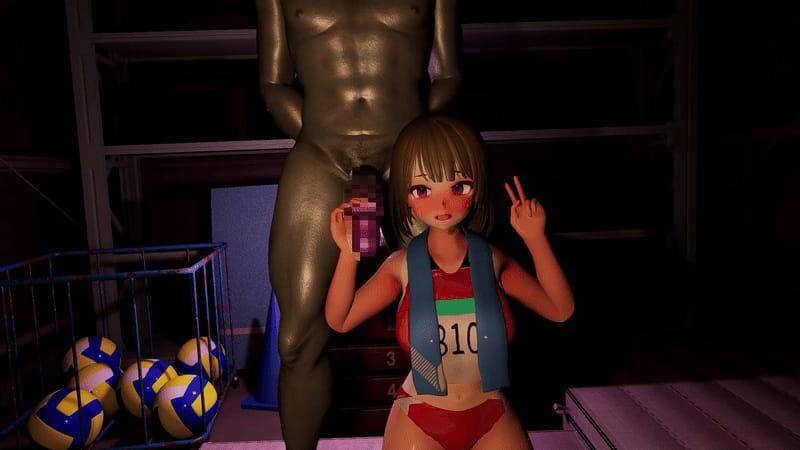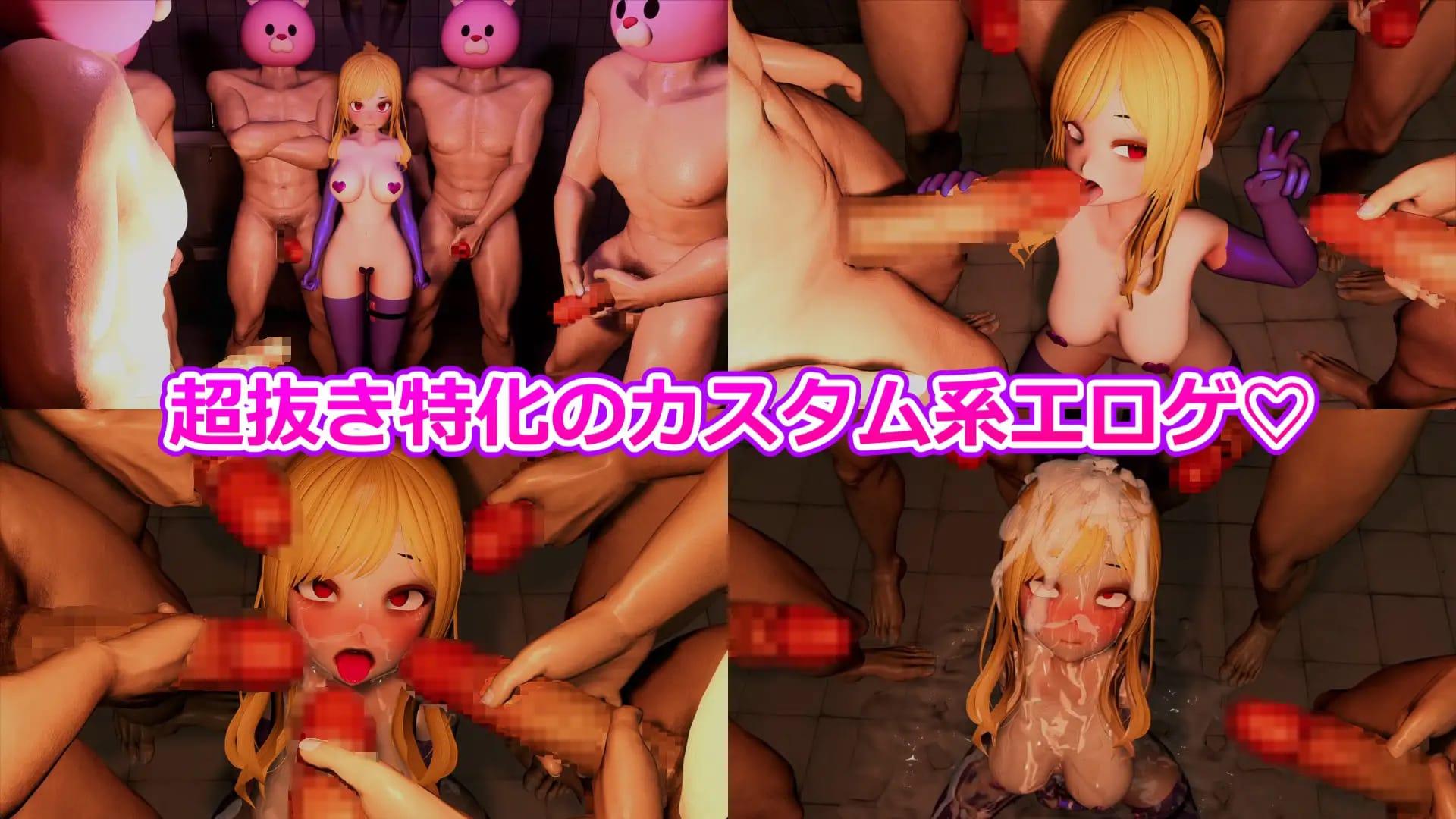



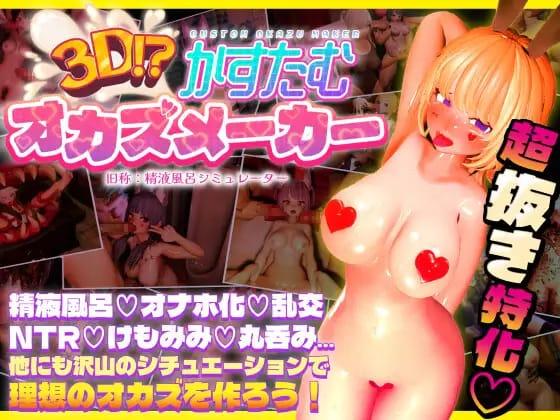

3D Custom Okazu Maker game cover image
Completed v1.0.0

3D Custom Okazu Maker

Download 1.7GB 2 mirrors
Available for Windows
Developer Perverted Cat Palace / ドスケベねこ御殿
Version v1.0.0
File Size 1.7GB
Engine Unity
Release Date December 23, 2025
Last Update May 30, 2026
Censorship Censored
Status Completed

Game Overview

Building Your Personal Realm of Desire

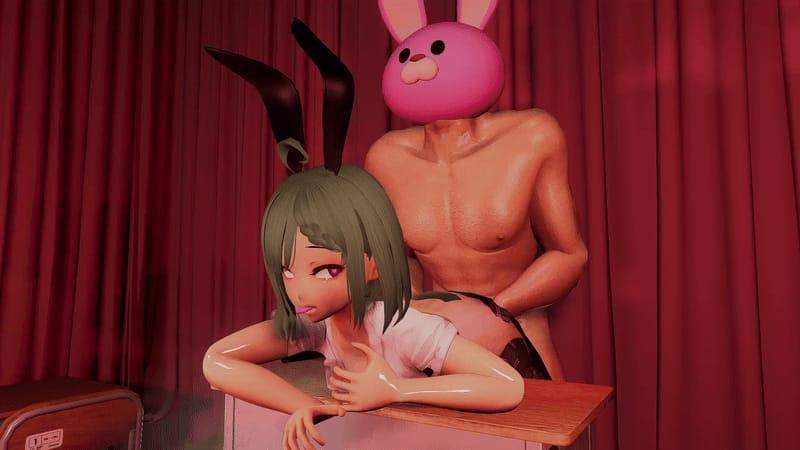
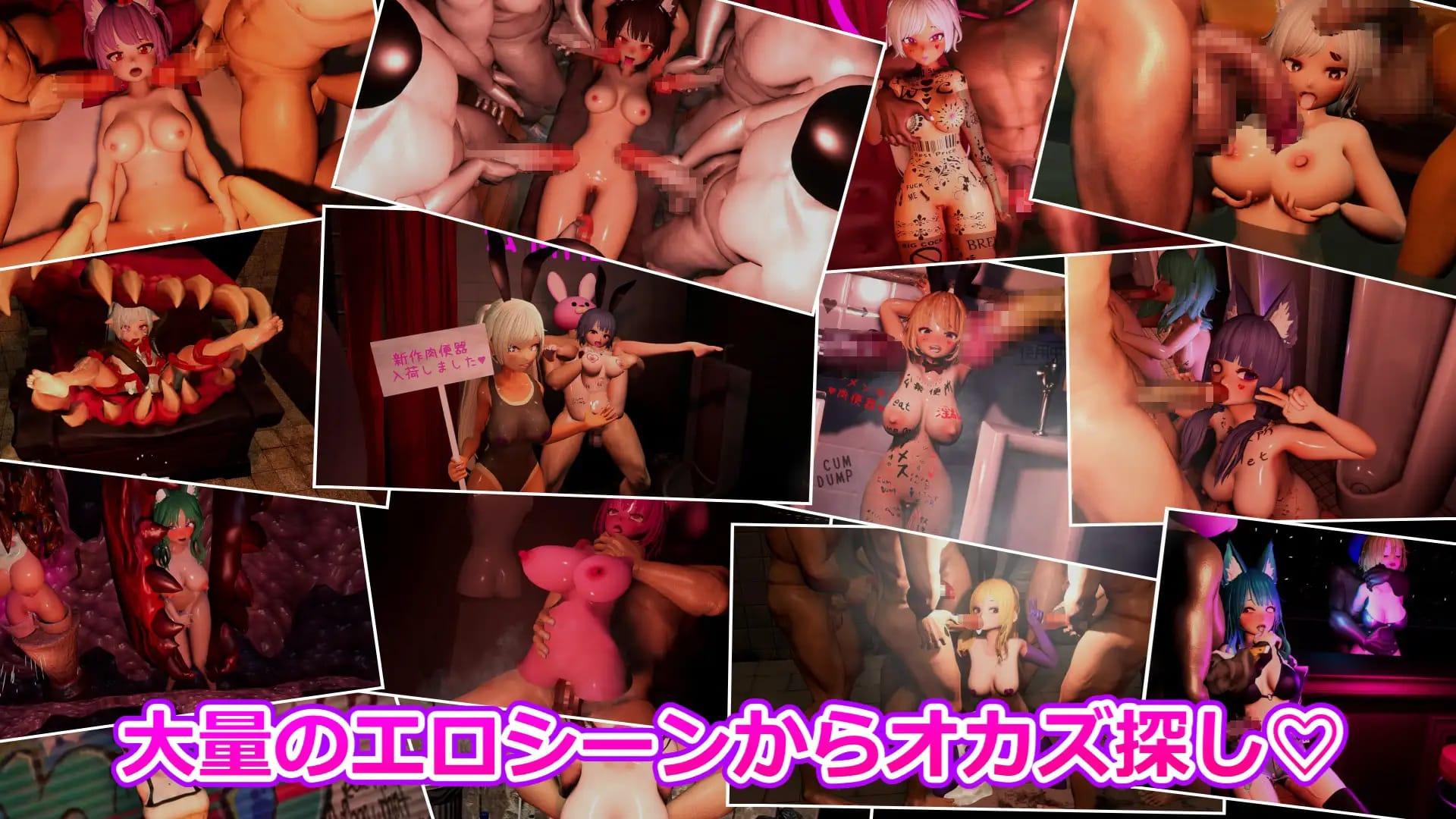
In 3D Custom Okazu Maker, players step into the role of master of a growing collection of monster girls, each defined by distinct personalities and specific cravings. Set within a private domain that expands alongside your ambitions, the game invites you to shape encounters that reflect your own vision of erotic fantasy.

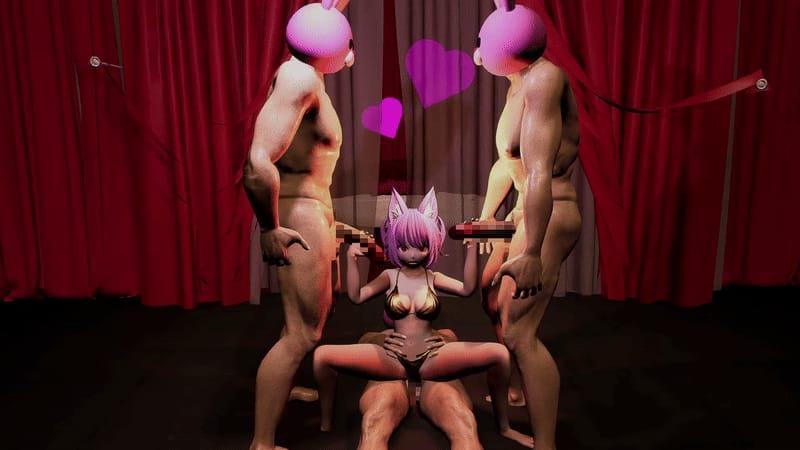
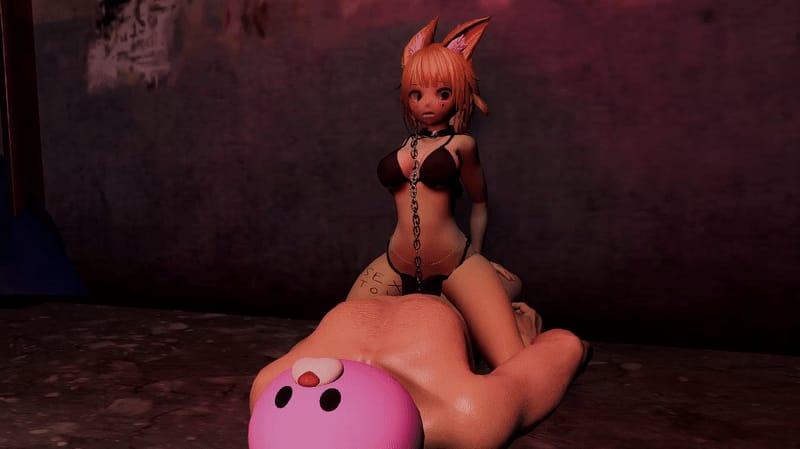
Using Unity’s 3D capabilities on Windows, the experience centers on animated group scenes where every detail—from participant selection to positioning and camera perspective—can be adjusted in real time. Multiple penetration options and varied acts allow for complex, synchronized sequences that emphasize exhibitionism and shared pleasure among the characters.

Training and Progression

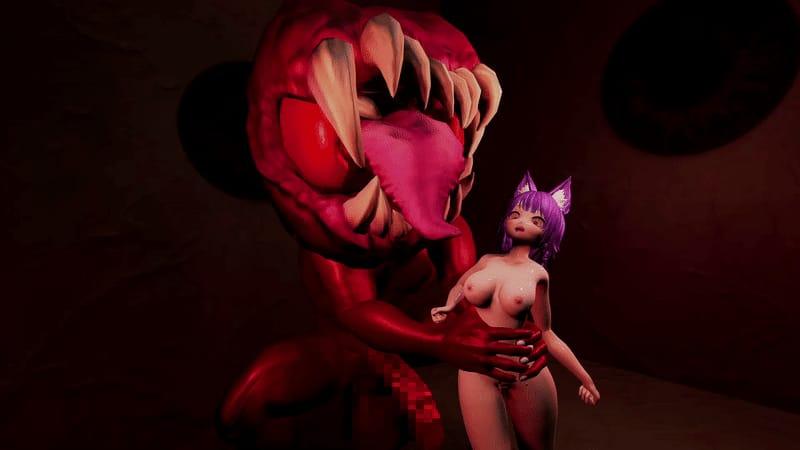
Central to the loop is guiding each monster girl through repeated performances of chosen fetishes. As they grow accustomed to specific acts such as bukkake or tentacle vore, new animations and abilities gradually become available. This creates a steady sense of advancement: the more attention you devote to their training, the wider the range of group compositions and intensities you can arrange.

Balancing the desires of multiple characters forms the core challenge. Scheduling orgies, monitoring satisfaction levels, and expanding your private palace to support larger gatherings keeps the cycle engaging without introducing external conflict or narrative quests.

Customization and Atmosphere

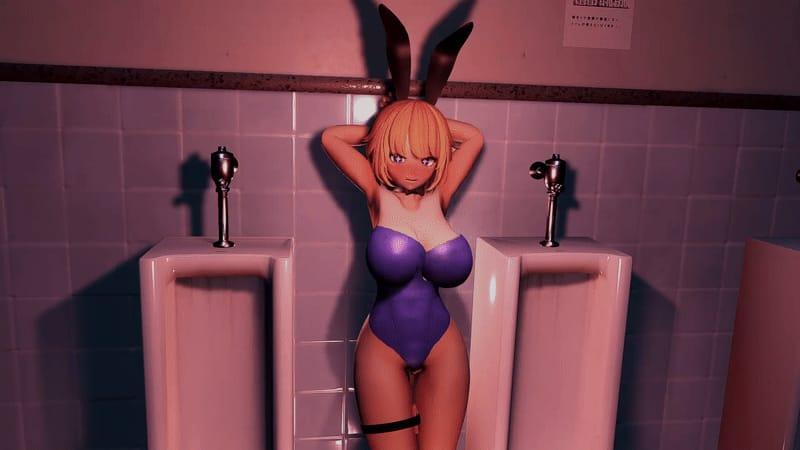
Appearance, personality traits, and individual fetishes remain fully adjustable, letting each monster girl feel distinct within the harem. The 3DCG presentation and animated sequences support both intimate focus and chaotic multi-partner scenes, all while preserving the game’s blend of group sex, BDSM, exhibitionism, and monster girl elements.

Whether you prefer carefully orchestrated solo training sessions or sprawling, boundary-pushing events, 3D Custom Okazu Maker delivers a flexible sandbox where player direction and character response drive the experience forward. Available in both English and Japanese, the title offers a direct, mechanics-focused approach to adult 3D customization and harem management.

How do I install 3D Custom Okazu Maker on Windows or Linux?

Most desktop builds of 3D Custom Okazu Maker are portable: download the archive, extract it fully, then run the executable inside the folder.

Windows

  1. Grab the Windows (or Win/Linux) pack from the download section on this page.
  2. Extract with 7-Zip, WinRAR, or Windows Explorer until you see a real .exe (not still inside a nested zip).
  3. Launch that exe. If Windows SmartScreen appears, use More infoRun anyway only when you trust the mirror.

Linux

  1. Extract the archive, then mark the binary executable if needed (chmod +x on the game file).
  2. Run from a terminal if double-click does nothing; missing libraries are the usual culprit.

If the pack is split into Part 1 / Part 2 / … download every part into the same folder before extracting.

Split files, compressed packs, or patches for 3D Custom Okazu Maker: what should I download?

Desktop sections for 3D Custom Okazu Maker often use a few patterns:

Full build
One complete archive (sometimes labeled Compressed). Extract and play.

Split files (Part 1, Part 2…)
All parts are required. Same folder, same names, then extract from Part 1 with 7-Zip/WinRAR.

Patch / update only
Goes on top of an older install of 3D Custom Okazu Maker. Read the section title (for example “Ep.10 → Ep.11”) so you apply it to the right base version.

When several hosts list the same section (Mega, Pixeldrain, Gofile), pick any working mirror; you do not need every host.

What does “modded” mean on a page like 3D Custom Okazu Maker?

Stock build = the base game as packaged for download. Modded means someone changed that package: extra scenes, unlocked gallery, cheats, UI tweaks, uncensored assets, or helper tools.

On Erovale you may see separate download groups (for example a main Windows pack plus a “Gallery Mod”). Treat each group as its own package: wrong combo or wrong folder = black screen or missing assets.

Tip: finish a clean install of 3D Custom Okazu Maker first, then add a mod only if you need it. If anything breaks, reinstall from the main section and skip the mod.

Walkthrough, cheat, unlock, multi-mod: which one do I want?

Names vary by uploader, but on pages for games like 3D Custom Okazu Maker they usually mean:

Walkthrough / guide mod
Nudges choices or reveals paths so you reach more content without replaying for hours.

Cheat / unlock / gallery unlock
Skips grinds: money, flags, locked CGs, or scenes that would otherwise need specific routes.

Multi-mod / “all-in-one”
Several small patches zipped together. Read the section title carefully; install order sometimes matters.

None of these are required to play 3D Custom Okazu Maker. Prefer the plain build if you want the intended experience.

Why do I leave Erovale when I click a download for 3D Custom Okazu Maker?

Erovale hosts the catalog page. The actual files for 3D Custom Okazu Maker sit on third-party mirrors (Mega, Pixeldrain, Gofile, Uploadhaven, and similar). After a short local redirect you land on their site.

Those hosts may show their own timers or ads. That is not Erovale and it is not automatically a broken link.

Report as broken when the mirror is gone, returns a hard error, or never starts a real download after the host page loads. Mention platform + host (example: “Windows Mega 404”) so we can fix 3D Custom Okazu Maker faster.

Something wrong with 3D Custom Okazu Maker on this page. Where do I write it?

Use the two report tabs next to this FAQ (same game: 3D Custom Okazu Maker):

Broken Link
Dead or unusable mirrors. Please describe which platform and which host failed.

Update Request
You know a newer version exists and this page still lists an older one. Optional: paste the version number you saw.

We read reports in queue. Clear notes beat long essays. Thanks for helping keep 3D Custom Okazu Maker accurate on Erovale.

Game Screenshots

Preview scenes and UI from 3D Custom Okazu Maker before you download. Tap any image to open it full size.

Keep exploring Find your next game

Keep exploring big tits for more of that theme, and do not overlook Unveiled Desire when you want another game with a familiar appeal.

Community score

Do you like 3D Custom Okazu Maker?

One tap. No account. No wall of text. Just pure player love (or honesty).

? / 5

No ratings yet — be first

Tap the hearts — no comment required

Player 0 notes

Share bugs, install tips, or whether you would recommend this game.

Write a note

No player notes yet. If you installed this game, your experience helps the next visitor.

Leave a player note

Want to rate the game? Use the hearts above — no need to write a note just to vote.