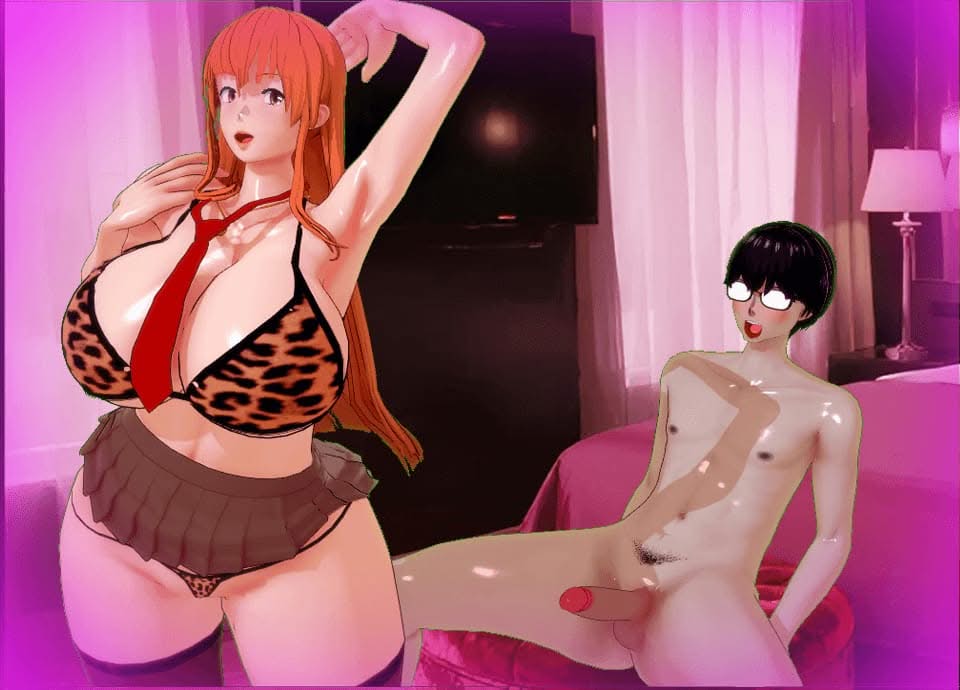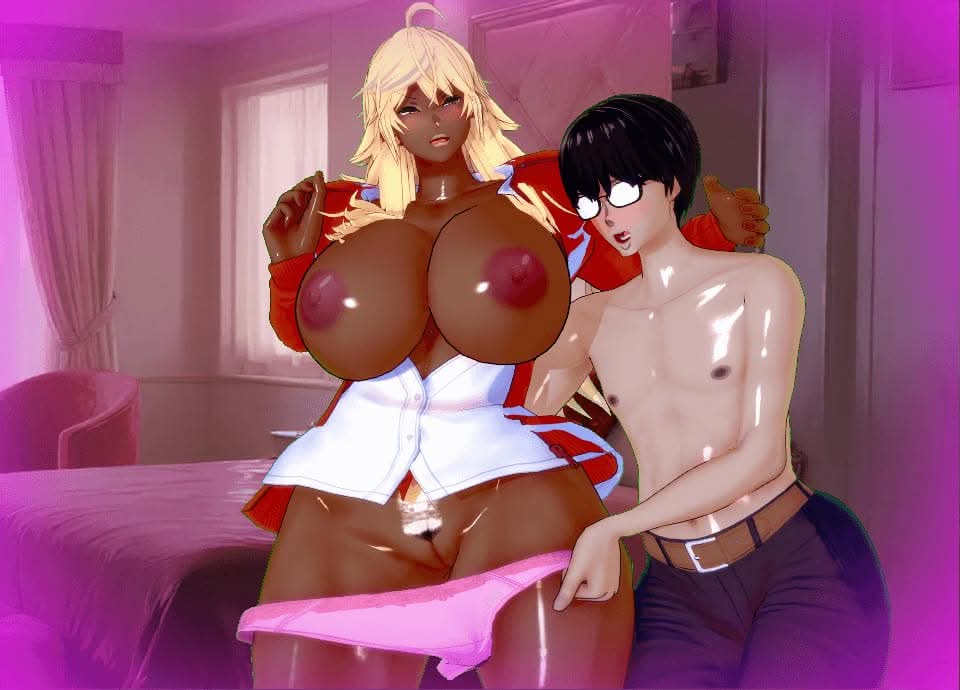





A Guy vs The World game cover image
Ongoing v0.1.2

A Guy vs The World

Download 632.3 MB 4 mirrors
Available for Windows
Developer 1619kid
Version v0.1.2
File Size 632.3 MB
Engine RPGM
Release Date June 6, 2026
Last Update June 29, 2026
Censorship Uncensored
Status Ongoing

Game Overview

Card Collection as Progression

The central mechanic in A Guy vs The World is a collectible “girl card” system. Each card unlocks a specific waifu tied to special abilities, and the collection directly gates story progression. Players manage which cards they have gathered to access new abilities and advance through the game’s missions.

An Isekai Built for Hentai Fans

The premise drops a hardcore fan into a world where recognizable hentai characters exist as real inhabitants. Rather than observing from outside, the player navigates this sandbox firsthand, meeting distinct characters and uncovering what the world has to offer through exploration and interaction.

Animated Platformer with Adult Content

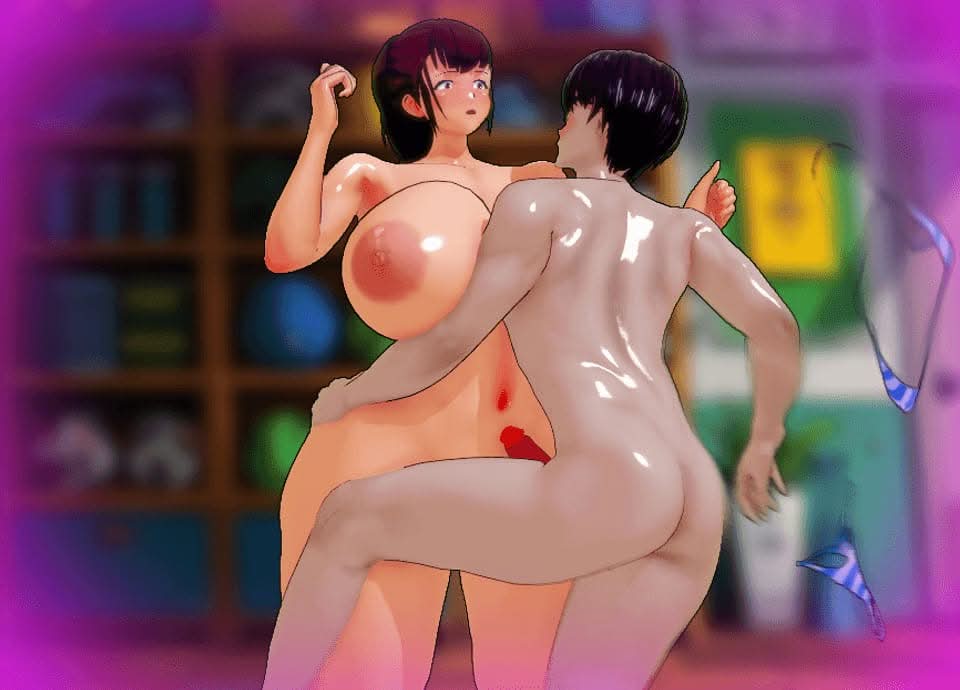
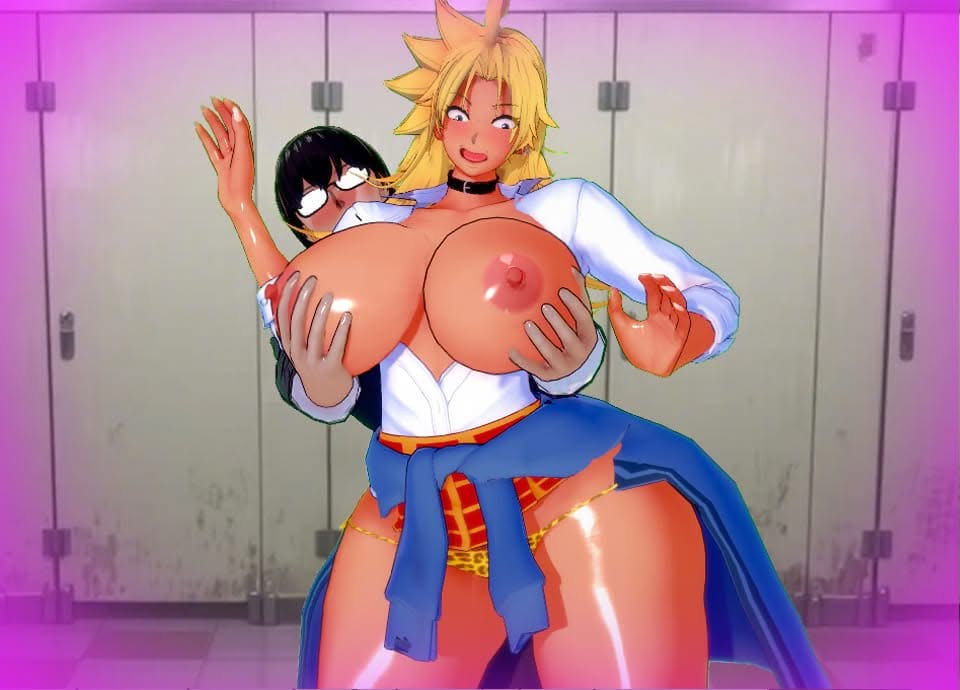
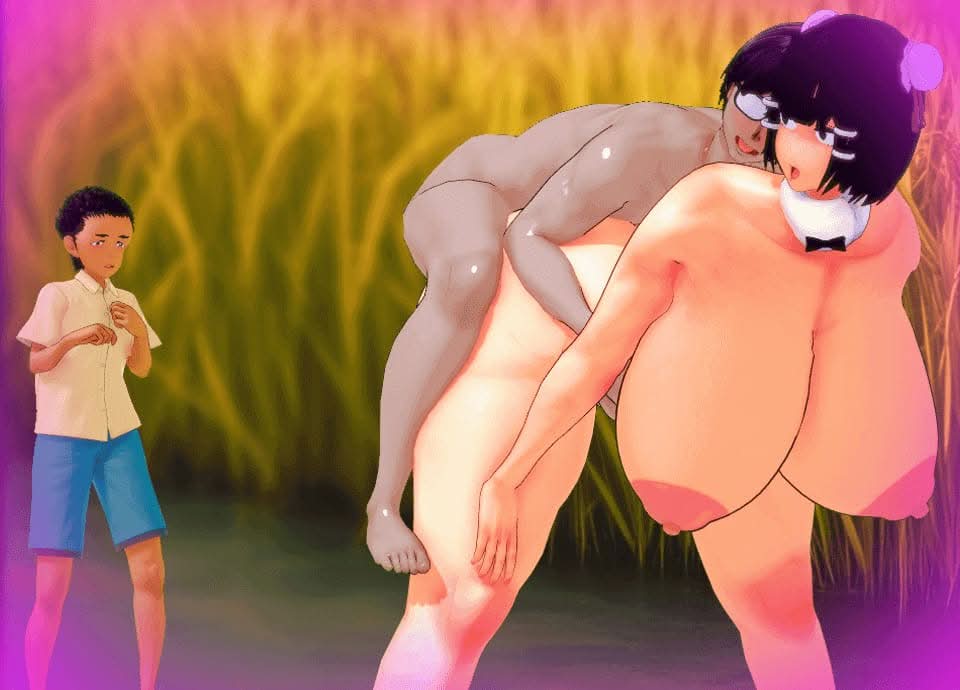
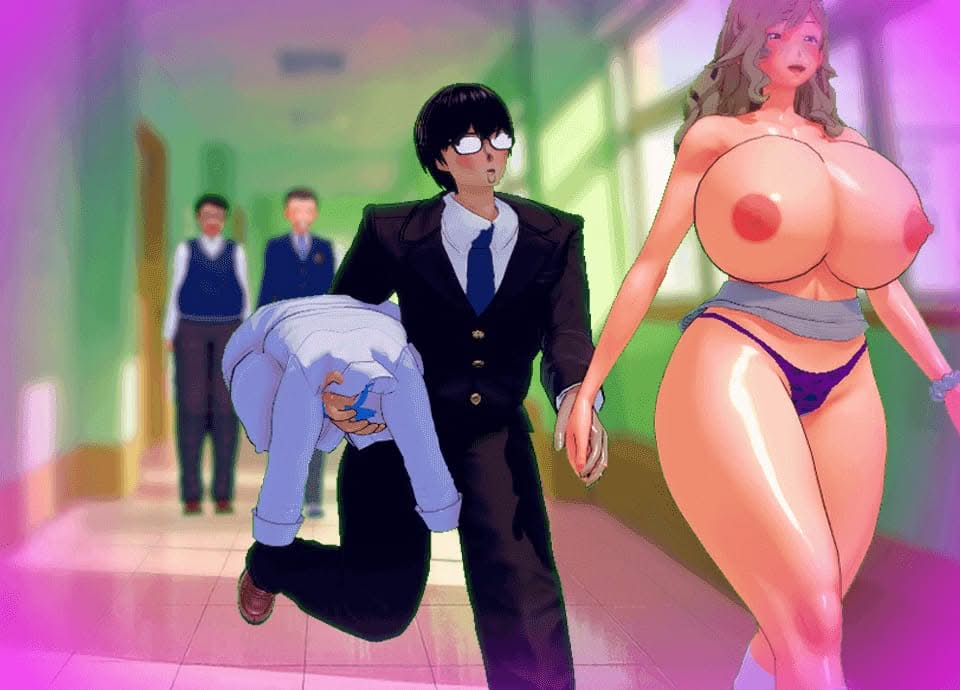
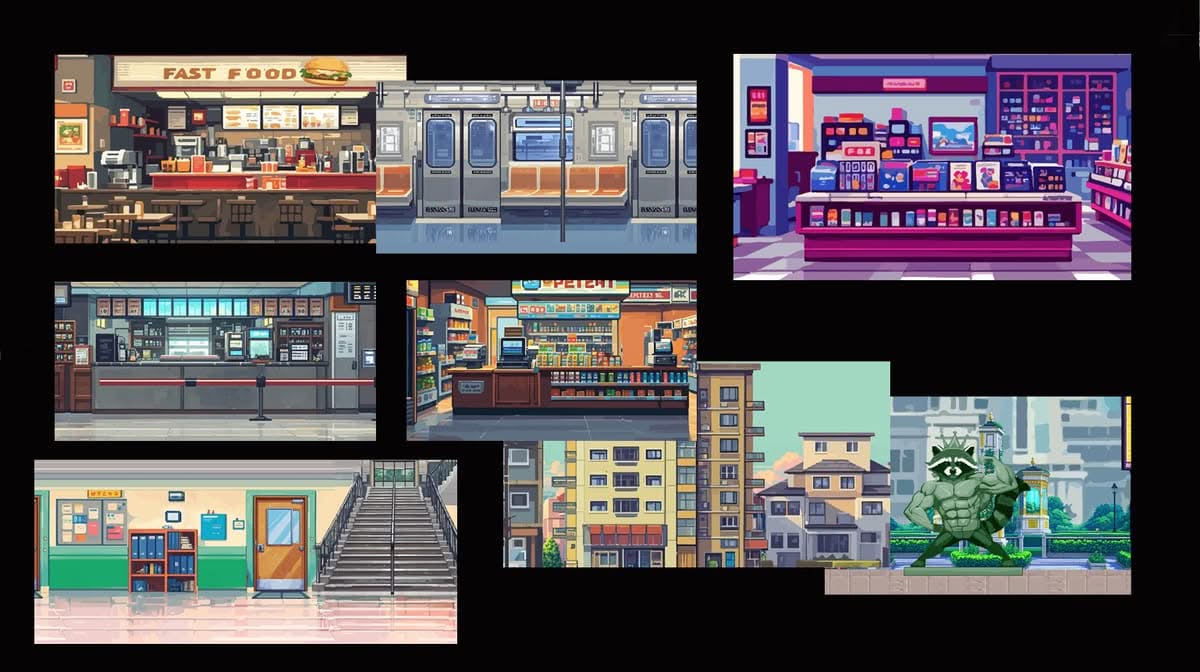
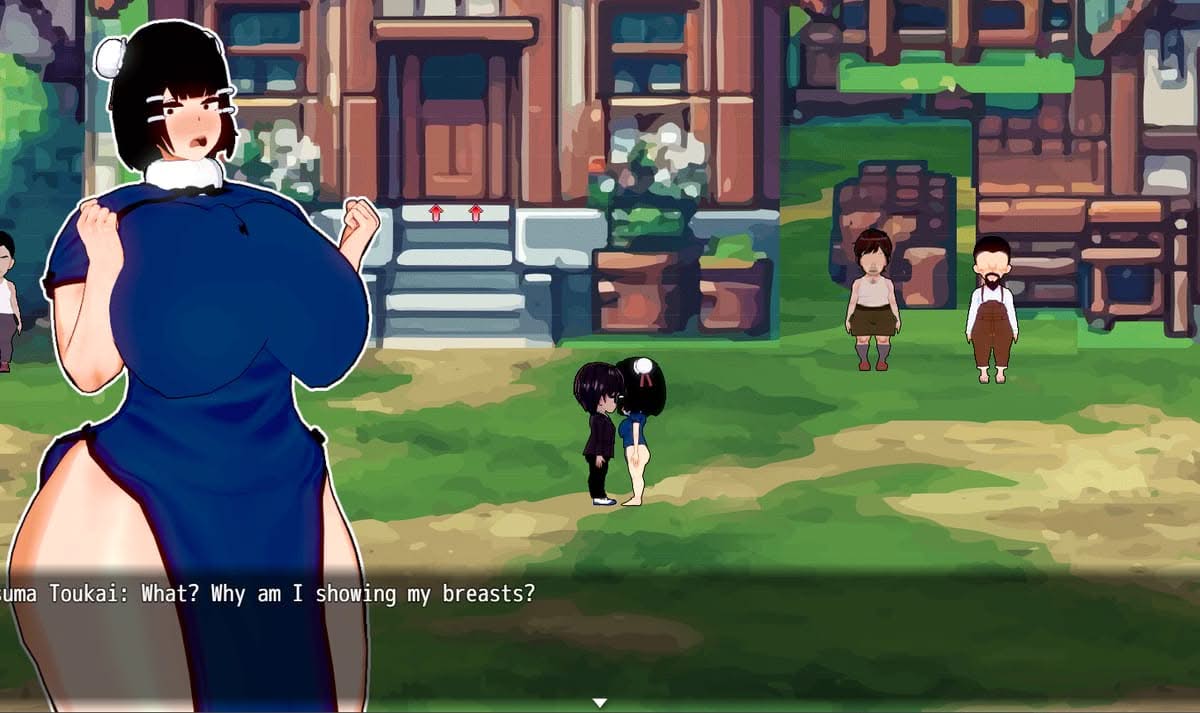
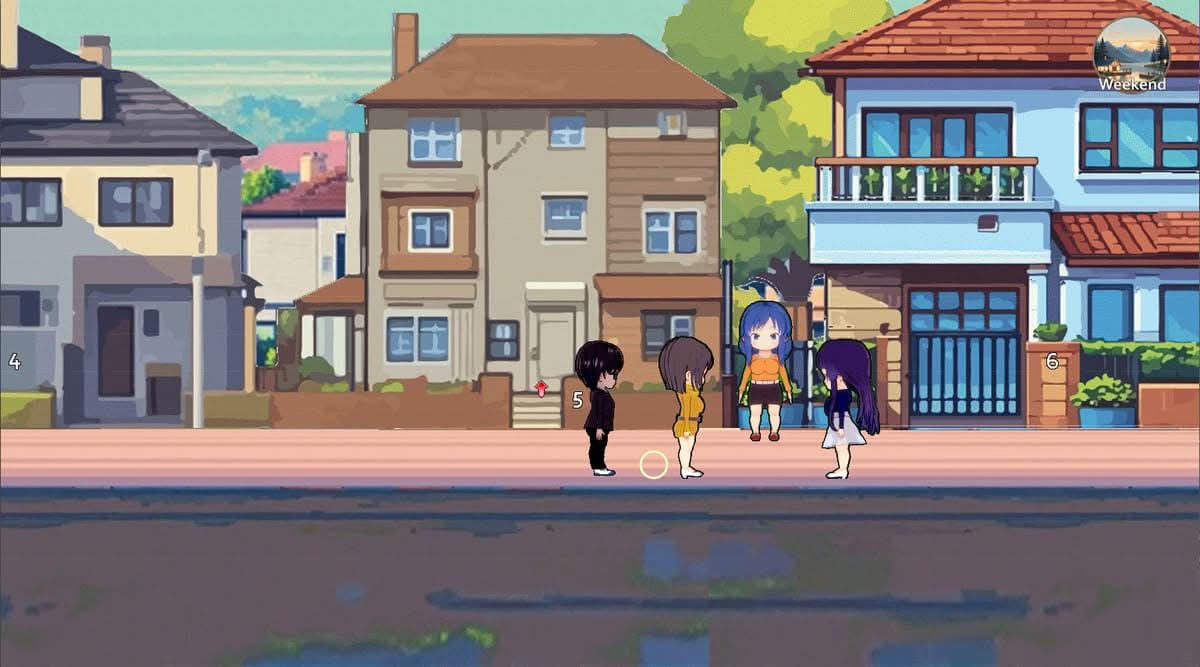
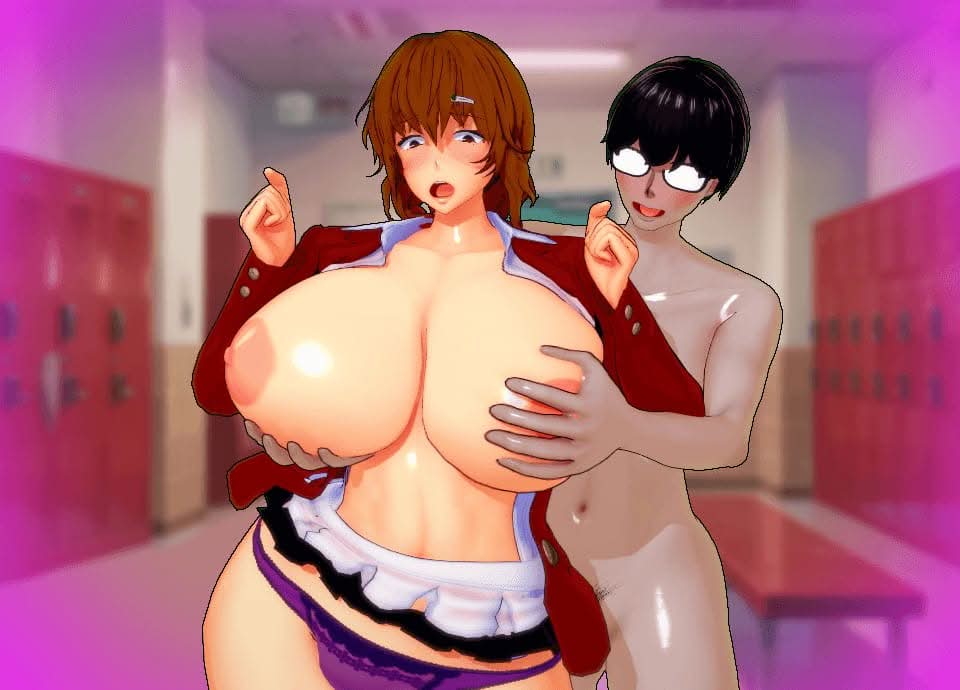
Movement and traversal matter here. The world is structured as an animated platformer, with diverse environments to navigate rather than static scenes to click through. Adult encounters, including vaginal sex and group activities, are presented through animated sequences scattered across the sandbox.


How do I install A Guy vs The World on Windows or Linux?

Most desktop builds of A Guy vs The World are portable: download the archive, extract it fully, then run the executable inside the folder.

Windows

  1. Grab the Windows (or Win/Linux) pack from the download section on this page.
  2. Extract with 7-Zip, WinRAR, or Windows Explorer until you see a real .exe (not still inside a nested zip).
  3. Launch that exe. If Windows SmartScreen appears, use More infoRun anyway only when you trust the mirror.

Linux

  1. Extract the archive, then mark the binary executable if needed (chmod +x on the game file).
  2. Run from a terminal if double-click does nothing; missing libraries are the usual culprit.

If the pack is split into Part 1 / Part 2 / … download every part into the same folder before extracting.

Split files, compressed packs, or patches for A Guy vs The World: what should I download?

Desktop sections for A Guy vs The World often use a few patterns:

Full build
One complete archive (sometimes labeled Compressed). Extract and play.

Split files (Part 1, Part 2…)
All parts are required. Same folder, same names, then extract from Part 1 with 7-Zip/WinRAR.

Patch / update only
Goes on top of an older install of A Guy vs The World. Read the section title (for example “Ep.10 → Ep.11”) so you apply it to the right base version.

When several hosts list the same section (Mega, Pixeldrain, Gofile), pick any working mirror; you do not need every host.

What does “modded” mean on a page like A Guy vs The World?

Stock build = the base game as packaged for download. Modded means someone changed that package: extra scenes, unlocked gallery, cheats, UI tweaks, uncensored assets, or helper tools.

On Erovale you may see separate download groups (for example a main Windows pack plus a “Gallery Mod”). Treat each group as its own package: wrong combo or wrong folder = black screen or missing assets.

Tip: finish a clean install of A Guy vs The World first, then add a mod only if you need it. If anything breaks, reinstall from the main section and skip the mod.

Walkthrough, cheat, unlock, multi-mod: which one do I want?

Names vary by uploader, but on pages for games like A Guy vs The World they usually mean:

Walkthrough / guide mod
Nudges choices or reveals paths so you reach more content without replaying for hours.

Cheat / unlock / gallery unlock
Skips grinds: money, flags, locked CGs, or scenes that would otherwise need specific routes.

Multi-mod / “all-in-one”
Several small patches zipped together. Read the section title carefully; install order sometimes matters.

None of these are required to play A Guy vs The World. Prefer the plain build if you want the intended experience.

Why do I leave Erovale when I click a download for A Guy vs The World?

Erovale hosts the catalog page. The actual files for A Guy vs The World sit on third-party mirrors (Mega, Pixeldrain, Gofile, Uploadhaven, and similar). After a short local redirect you land on their site.

Those hosts may show their own timers or ads. That is not Erovale and it is not automatically a broken link.

Report as broken when the mirror is gone, returns a hard error, or never starts a real download after the host page loads. Mention platform + host (example: “Windows Mega 404”) so we can fix A Guy vs The World faster.

Something wrong with A Guy vs The World on this page. Where do I write it?

Use the two report tabs next to this FAQ (same game: A Guy vs The World):

Broken Link
Dead or unusable mirrors. Please describe which platform and which host failed.

Update Request
You know a newer version exists and this page still lists an older one. Optional: paste the version number you saw.

We read reports in queue. Clear notes beat long essays. Thanks for helping keep A Guy vs The World accurate on Erovale.

Latest Changelog
### 0.1.2
- v0.1.2
- New character packs- A new pack expands the content of HSchool, following the quest of the sexy teachers:- Kyonyuu Hitozuma Onna Kyoushi Saimin- Kyouko Tsukishima- Miwa Shirakawa- Yui Kagurazaka- Naoko Daimon- New animations- We’ve added 48 new animations. 8 new H-scenes.
- Two new jobs- You can work as a fast-food delivery driver at the burger shop in HCapital.
- You can also work as a barista making drinks at the café in HCapital.
- Game changes- Scene remastering- : Animations have been replaced with smoother ones, designed in 2D to make them faster, better designed, and more efficient. These can be seen in any of the 34 current girls in the game (main/repeatable story scenes).
- New system to view scenes- : Alongside the remastering comes a system that replaces the old method of skipping through consecutive dialogues. Now it features 3 buttons that allow you to:- Change the girl’s outfit between clothed/nude versions.
- Increase the pleasure bar, making the animation start, and when it reaches maximum, climax occurs.
- Lock the pleasure bar so you don’t need to keep charging it to enjoy the scene.

### 0.1.1
- v0.1.1
- The Gallery now allows you to review unlocked scenes. (Like Memory Room)- Increased character speed.
- Reworked maps.
- Implemented 3 main quests (to expand the game's storyline).
- Drill Mama's Story.
- Cindy's Story (Kanojo no Kinpatsu Mama ga Sukebe Sugiru Ken).
- Megumi, Anna, and Mako's Story (Okusama Wa Moto Yariman).
- Dating all characters from the Big-Breasted Family Hypnosis quest chain.
- Dating Makoto and Makiko.
- NPCs to make the world more lively (some may be useful for unlocking characters).
- Bug fixes.

### 0.0.8
- v0.0.8
- -Fixed bugs from previous versions- -Add icons in minimap- Added Nightclub- — new interior area with fresh interactions and gameplay events. Sei Yariman Gakuen Enkou Nikki Pack -Miho -Rei -Erin -Mana- New dates available with: -Bitchko (Jk Bitch) -Bakako (Jk Bitch) -Yuriko (Jk Bitch) -Kuroko (Jk Bitch) -Yuruko (Jk Bitch) -Maki (Maki coital body contrat)- -43 new animations- -14 new H-scenes- -Minimap: Now displays building names.- -New fast Travel: Use the motorcycle from the gas station in HCapital Low Area for quick movement.

### 0.0.7.5
- v0.0.7.5
- - Remove hotel events-
- Added fast travel system (accessible via a phone app)- -Added motorcycles- -Added dating events- -Added gift systems- -Fix black screen bug!- -Fixed bugs from previous versions

### 0.0.5
- v0.0.5
- - Fixed minor bugs-
- Added fast travel system (accessible via a phone app)

Game Screenshots

Preview scenes and UI from A Guy vs The World before you download. Tap any image to open it full size.

Keep exploring Find your next game

Keep exploring male protagonist for more of that theme, and do not overlook Nympho Tamer when you want another game with a familiar appeal.

Community score

Do you like A Guy vs The World?

One tap. No account. No wall of text. Just pure player love (or honesty).

? / 5

No ratings yet — be first

Tap the hearts — no comment required

Player 0 notes

Share bugs, install tips, or whether you would recommend this game.

Write a note

No player notes yet. If you installed this game, your experience helps the next visitor.

Leave a player note

Want to rate the game? Use the hearts above — no need to write a note just to vote.