



Colorful Worlds game cover image
Ongoing v0.5.5

Colorful Worlds

Download 985 MB 12 mirrors
Available for Android Linux macOS Windows
Developer TheMerkut
Version v0.5.5
File Size 985 MB
Engine Ren'Py
Release Date July 25, 2026
Last Update July 30, 2026
Censorship Uncensored
Status Ongoing

Game Overview

Campus Ambition and Choice

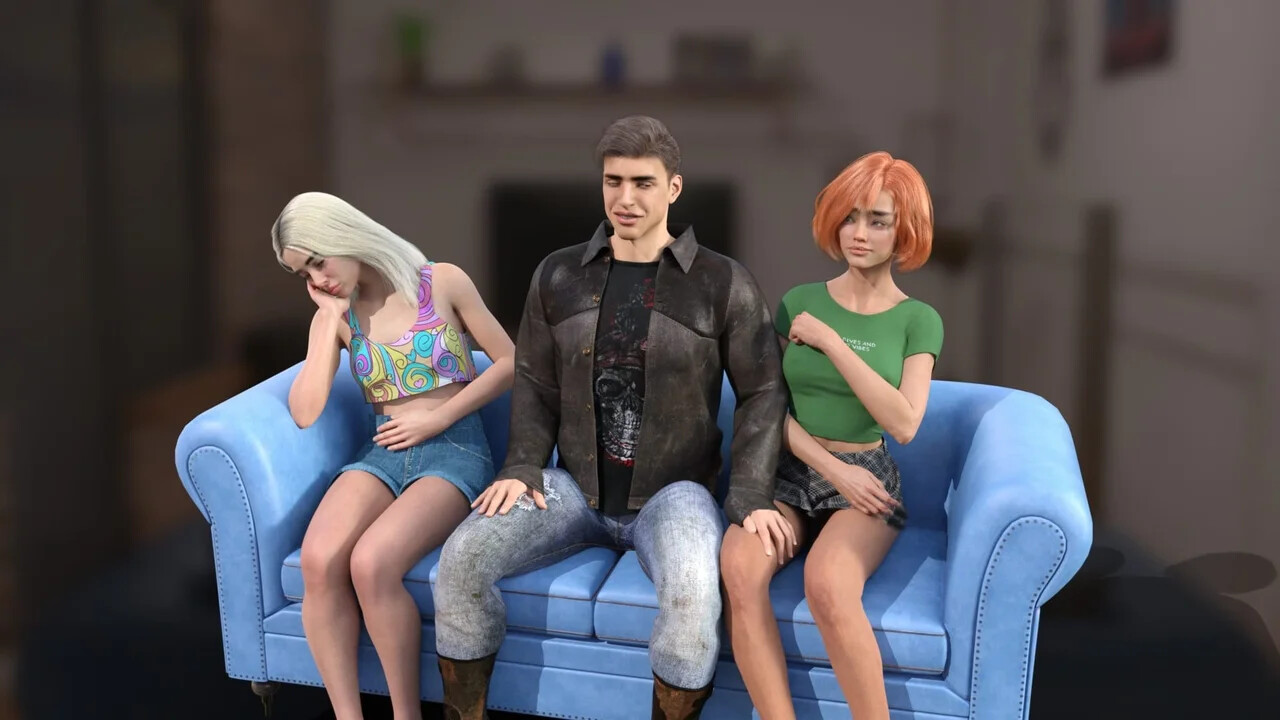
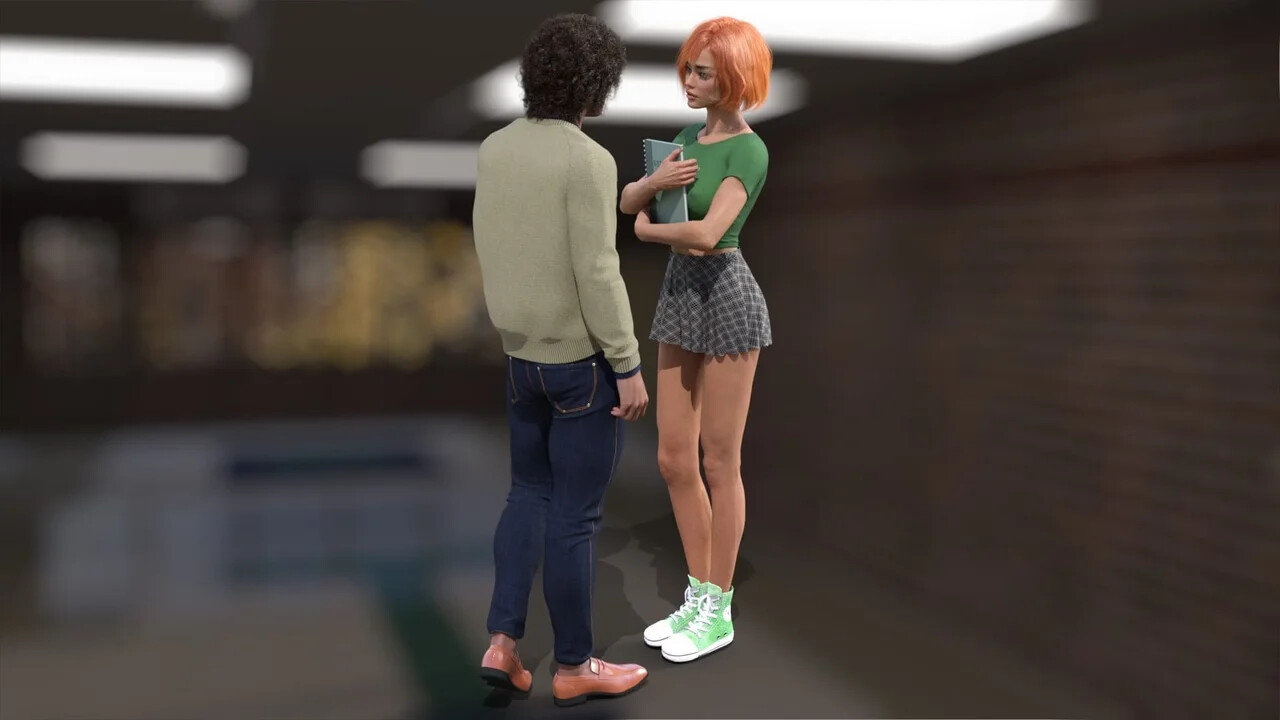
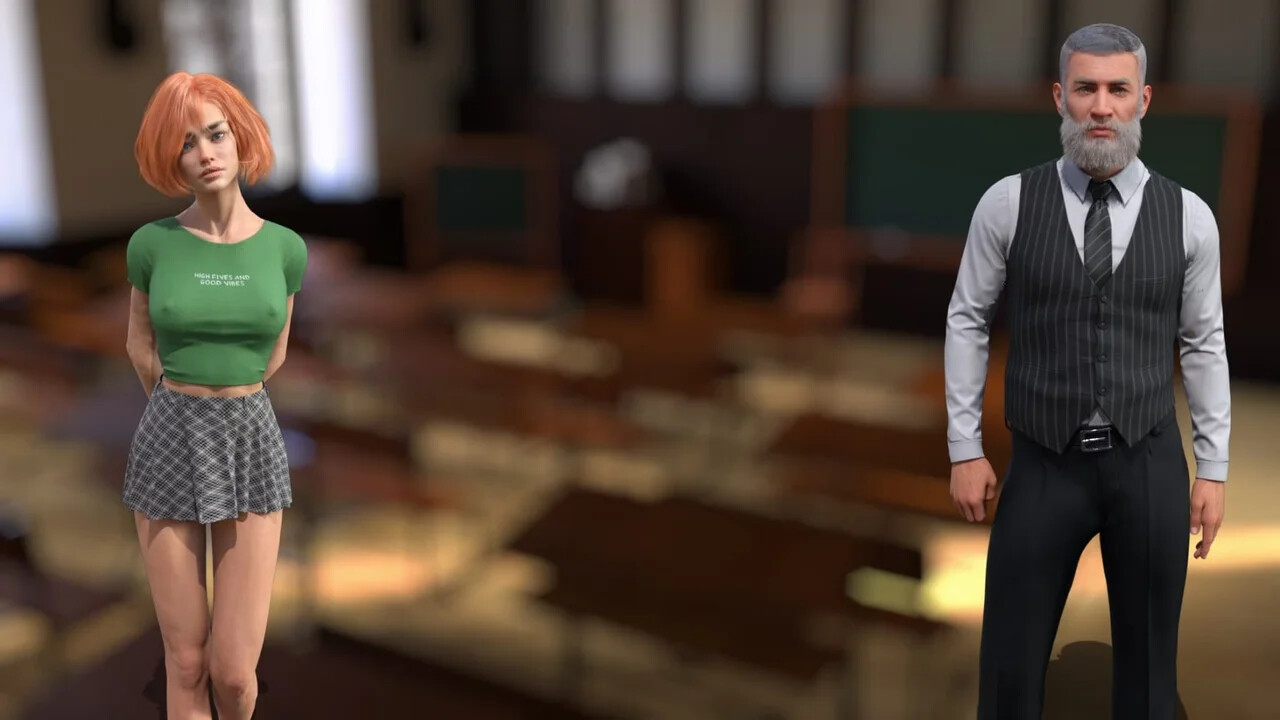
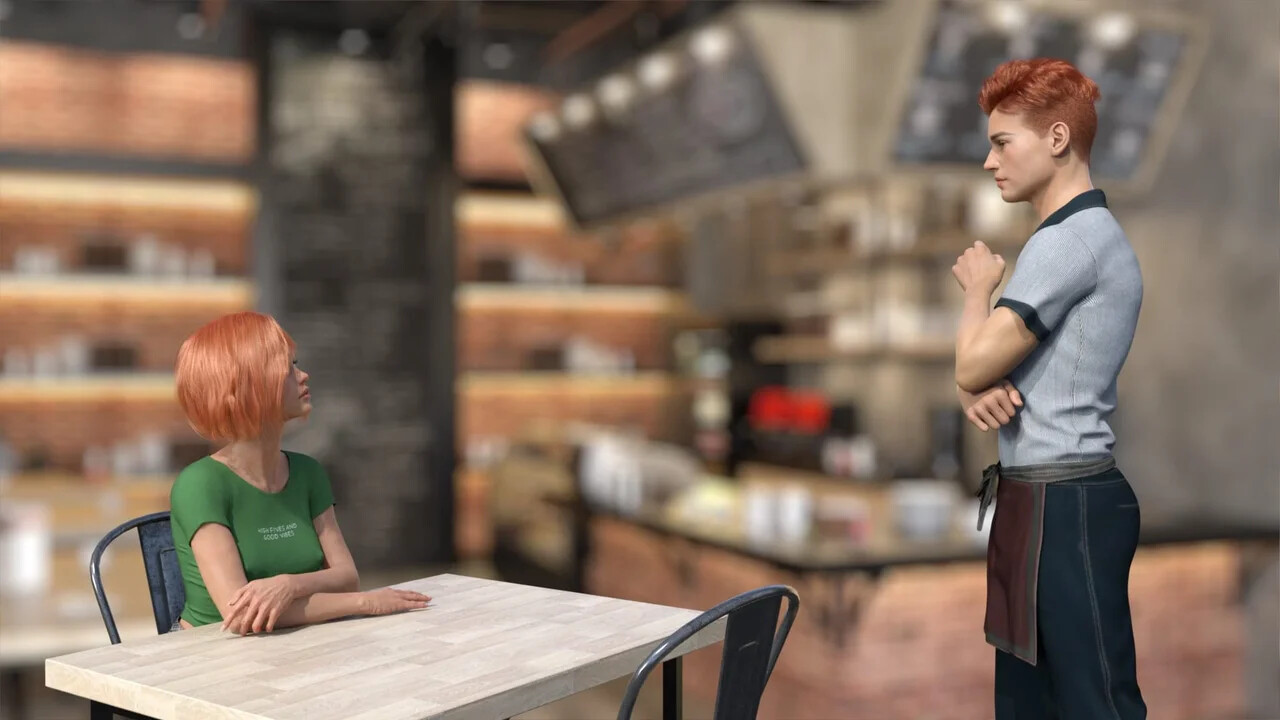
In Colorful Worlds, you follow Elisa as she navigates her freshman year with one primary goal: securing a coveted spot on the university cheerleading squad. Her journey is defined by the tension between her academic responsibilities and the allure of social status. You determine her trajectory, balancing the pressure to excel in her studies against the temptation of campus parties and popularity.

Shaping Elisa’s Path

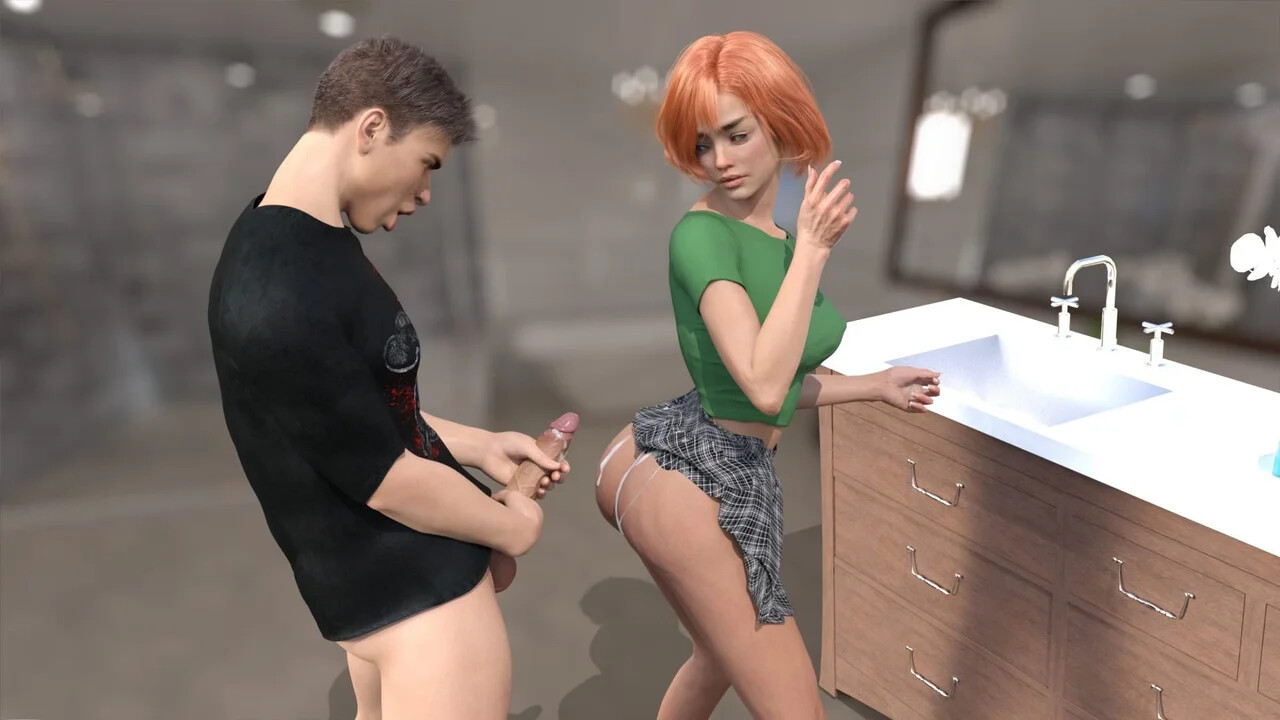
The experience is driven by your decisions regarding how Elisa spends her limited time and which individuals she chooses to cultivate relationships with. Every interaction with classmates and staff members branches based on your influence, allowing you to steer her toward a life of disciplined achievement, social prominence, or a complex middle ground. The narrative shifts between lighthearted campus social dynamics and darker, explicit adult drama, ensuring that the relationships she forms and the reputation she builds remain entirely under your control.


APK + RPA for Colorful Worlds: where do the files go?

On many mobile builds of Colorful Worlds, the package is split: one installer (.apk) and one or more data packs (.rpa). Skipping the data packs is the #1 reason the game looks empty or crashes.

Quick path

  1. Install the .apk first. Allow installs from your browser or file app if Android asks.
  2. Before opening Colorful Worlds, copy every .rpa into:
    Android/data/<package-or-game-folder>/files/game
    (create files/game if it does not exist yet).
  3. Only then launch Colorful Worlds so it can load images, audio and extra content from those packs.

Handy apps for this step (pick one you like): Files (built-in on many phones), File Manager +, File Manager Plus, or RAR when you also need to unpack a zip/7z from the mirror.

Common mistakes: unzipping .rpa files, launching the game before the copy finishes, or dropping packs in Download/ instead of the files/game folder.

Android blocked the install of Colorful Worlds. What now?

That screen is Android protecting you from Play Store sideloads. It is expected for catalog APKs, including Colorful Worlds.

Work through it in this order:

  1. Confirm the download finished (file size matches what the host shows; incomplete APKs fail install).
  2. Open the file from a file app and approve Install unknown apps for that app only (Chrome, Files, RAR, etc.).
  3. If Android still refuses: free space, uninstall an older copy of the same package, reboot, try again.

A warning alone is not a “broken link”. Use the Broken Link tab only when the host itself is dead (true 404 / page never loads).

What does “modded” mean on a page like Colorful Worlds?

Stock build = the base game as packaged for download. Modded means someone changed that package: extra scenes, unlocked gallery, cheats, UI tweaks, uncensored assets, or helper tools.

On Erovale you may see separate download groups (for example a main Windows pack plus a “Gallery Mod”). Treat each group as its own package: wrong combo or wrong folder = black screen or missing assets.

Tip: finish a clean install of Colorful Worlds first, then add a mod only if you need it. If anything breaks, reinstall from the main section and skip the mod.

Walkthrough, cheat, unlock, multi-mod: which one do I want?

Names vary by uploader, but on pages for games like Colorful Worlds they usually mean:

Walkthrough / guide mod
Nudges choices or reveals paths so you reach more content without replaying for hours.

Cheat / unlock / gallery unlock
Skips grinds: money, flags, locked CGs, or scenes that would otherwise need specific routes.

Multi-mod / “all-in-one”
Several small patches zipped together. Read the section title carefully; install order sometimes matters.

None of these are required to play Colorful Worlds. Prefer the plain build if you want the intended experience.

Why do I leave Erovale when I click a download for Colorful Worlds?

Erovale hosts the catalog page. The actual files for Colorful Worlds sit on third-party mirrors (Mega, Pixeldrain, Gofile, Uploadhaven, and similar). After a short local redirect you land on their site.

Those hosts may show their own timers or ads. That is not Erovale and it is not automatically a broken link.

Report as broken when the mirror is gone, returns a hard error, or never starts a real download after the host page loads. Mention platform + host (example: “Windows Mega 404”) so we can fix Colorful Worlds faster.

Something wrong with Colorful Worlds on this page. Where do I write it?

Use the two report tabs next to this FAQ (same game: Colorful Worlds):

Broken Link
Dead or unusable mirrors. Please describe which platform and which host failed.

Update Request
You know a newer version exists and this page still lists an older one. Optional: paste the version number you saw.

We read reports in queue. Clear notes beat long essays. Thanks for helping keep Colorful Worlds accurate on Erovale.

Latest Changelog
v0.5.5New dialogues and new photos and videos have been added.v0.5.0New dialogues and new photos and videos have been added.A visual update has been made to Holly in the game.

Game Screenshots

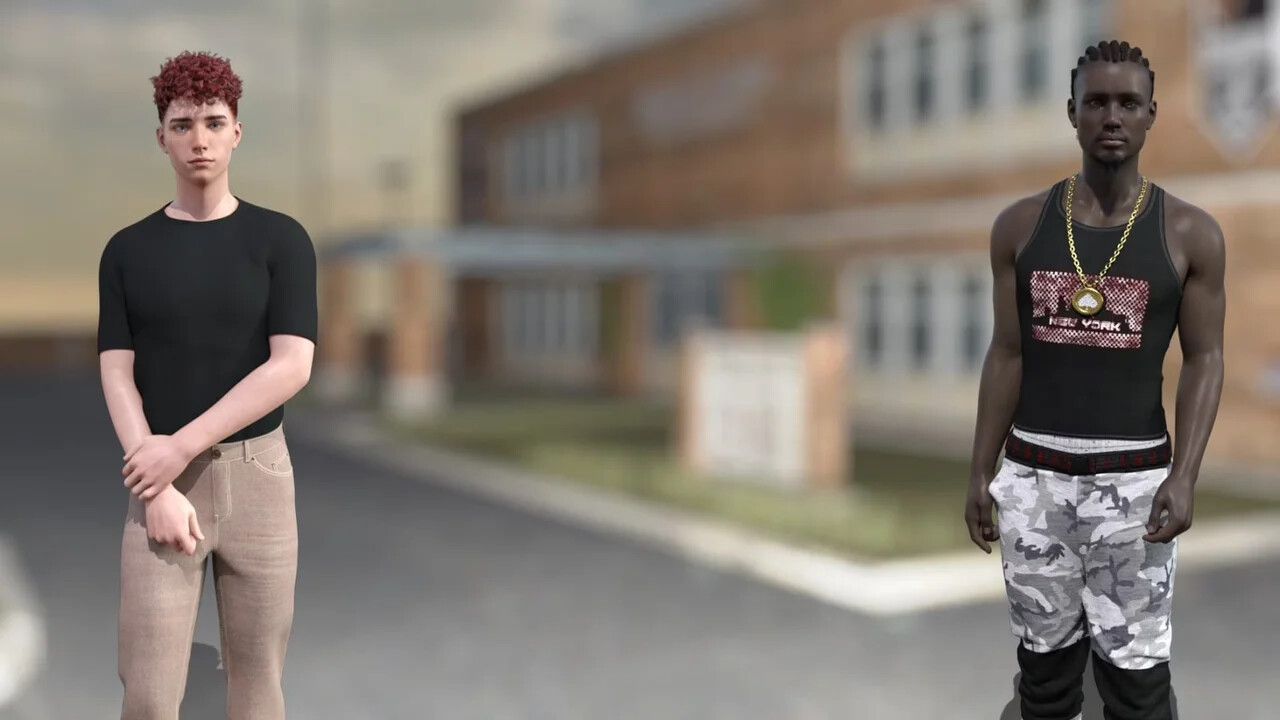
Preview scenes and UI from Colorful Worlds before you download. Tap any image to open it full size.

Keep exploring Find your next game

The experience does not have to end here. Hard to Love offers another title to consider, while School Setting brings together more games for the same kind of browsing mood.

Community score

Do you like Colorful Worlds?

One tap. No account. No wall of text. Just pure player love (or honesty).

? / 5

No ratings yet — be first

Tap the hearts — no comment required

Player 0 notes

Share bugs, install tips, or whether you would recommend this game.

Write a note

No player notes yet. If you installed this game, your experience helps the next visitor.

Leave a player note

Want to rate the game? Use the hearts above — no need to write a note just to vote.