


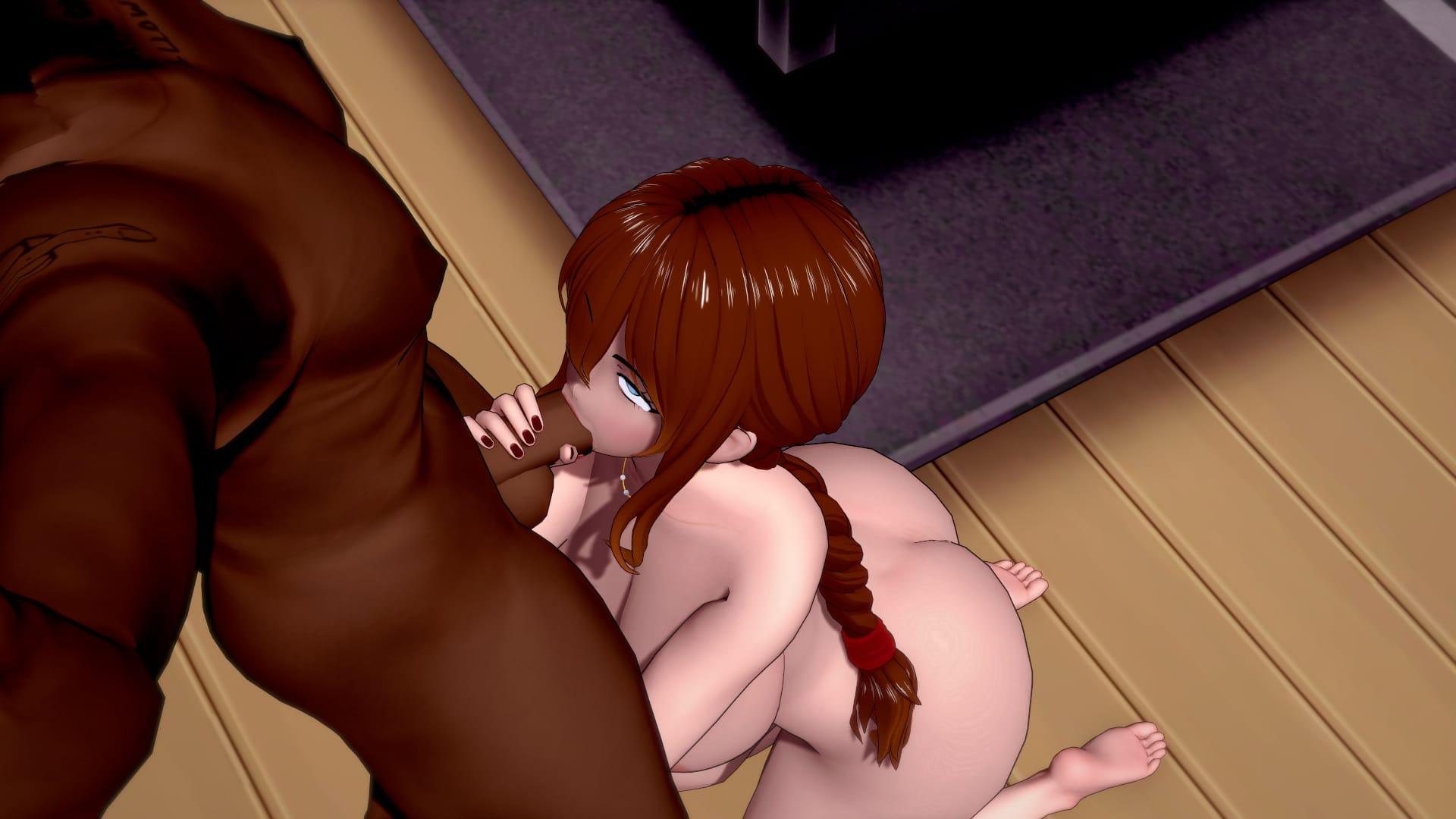
Discovering My NTS Fetish game cover image
Ongoing v0.6

Discovering My NTS Fetish

Download 3.2 GB 8 mirrors
Available for Android Linux macOS Windows
Developer RuDi Games
Version v0.6
File Size 3.2 GB
Engine Ren'Py
Release Date May 26, 2026
Last Update June 10, 2026
Censorship Uncensored
Status Ongoing

Game Overview

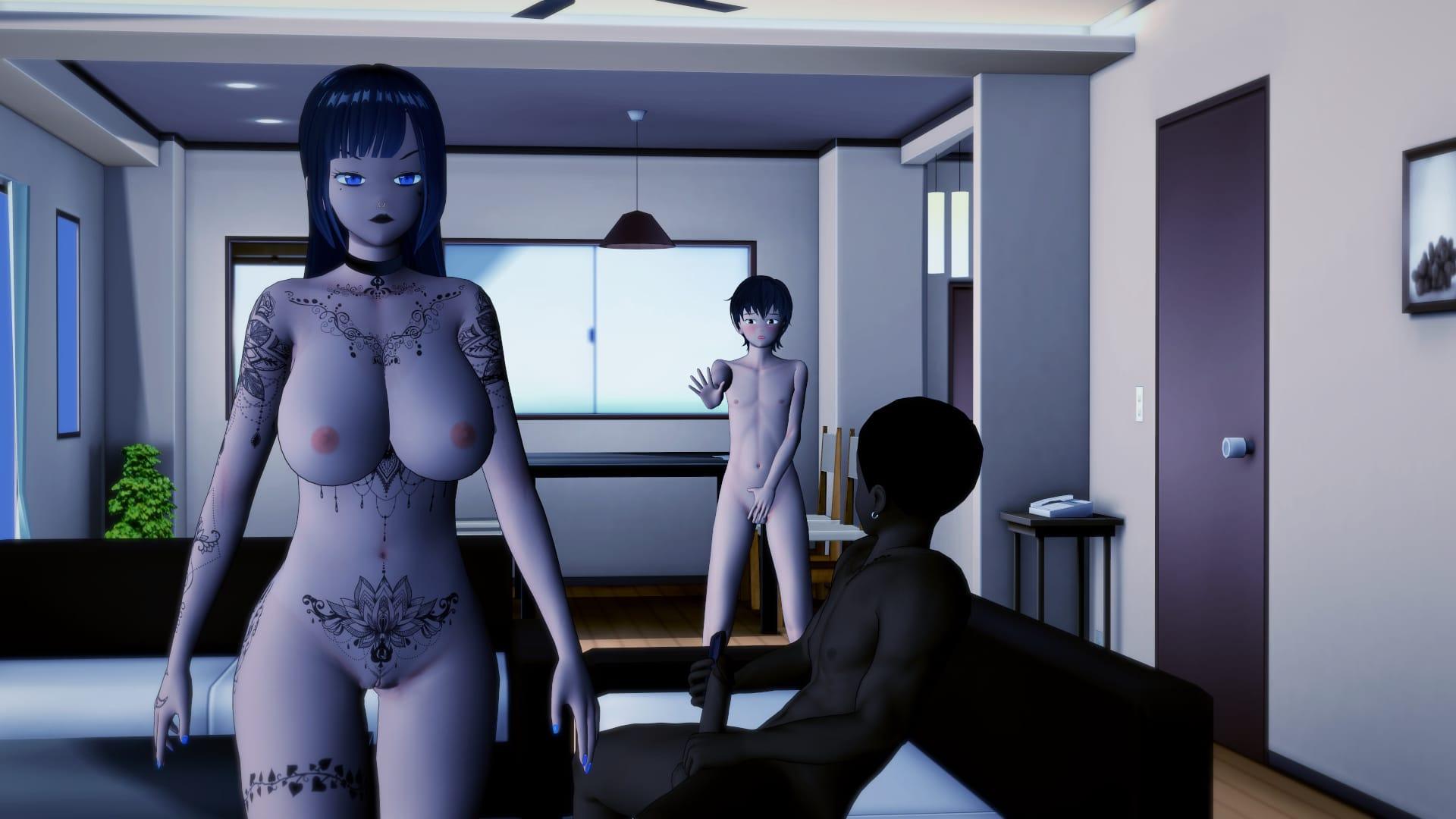
Discovering My NTS Fetish is an adult visual novel developed by RuDi Games that takes players into the emotionally charged world of Netorase, a Japanese concept centered on consensual sharing and the complicated feelings that come with it. The story unfolds through the eyes of Koji, a man whose quiet domestic life is turned upside down when his adopted daughter Rin introduces her new boyfriend to the household.

Story

What begins as a routine family introduction quickly spirals into something far more intense. Koji finds old, suppressed desires rising to the surface as he witnesses the relationship between Rin and her boyfriend develop. At the same time, his wife Minako becomes entangled in the shifting emotional and physical dynamics of the household. The narrative explores themes of corruption, voyeurism, open relationships, and the blurred lines between jealousy and arousal that define the Netorase experience.

Gameplay

Players make meaningful choices throughout the story that directly influence how relationships evolve and which scenes they encounter. The game features fully animated 3DCG visuals that bring its characters and situations to life. Multiple branching paths give the narrative replay value, rewarding players who explore different decisions with new outcomes and scenes.

Key Features

  • Branching story paths driven by player choices
  • Animated 3DCG scenes throughout the narrative
  • Complex relationship dynamics involving Koji, Rin, her boyfriend, and Minako
  • Themes of Netorase, cuckolding, humiliation, and interracial encounters
  • A wide range of intimate content including oral, vaginal, and manual acts
  • Available in English

Platform Availability

Discovering My NTS Fetish is available on Windows, macOS, Linux, and Android, making it accessible across both desktop and mobile devices. It is built on the Ren’Py engine, which ensures a smooth and reliable visual novel experience on all supported platforms.
APK + RPA for Discovering My NTS Fetish: where do the files go?

On many mobile builds of Discovering My NTS Fetish, the package is split: one installer (.apk) and one or more data packs (.rpa). Skipping the data packs is the #1 reason the game looks empty or crashes.

Quick path

  1. Install the .apk first. Allow installs from your browser or file app if Android asks.
  2. Before opening Discovering My NTS Fetish, copy every .rpa into:
    Android/data/<package-or-game-folder>/files/game
    (create files/game if it does not exist yet).
  3. Only then launch Discovering My NTS Fetish so it can load images, audio and extra content from those packs.

Handy apps for this step (pick one you like): Files (built-in on many phones), File Manager +, File Manager Plus, or RAR when you also need to unpack a zip/7z from the mirror.

Common mistakes: unzipping .rpa files, launching the game before the copy finishes, or dropping packs in Download/ instead of the files/game folder.

Android blocked the install of Discovering My NTS Fetish. What now?

That screen is Android protecting you from Play Store sideloads. It is expected for catalog APKs, including Discovering My NTS Fetish.

Work through it in this order:

  1. Confirm the download finished (file size matches what the host shows; incomplete APKs fail install).
  2. Open the file from a file app and approve Install unknown apps for that app only (Chrome, Files, RAR, etc.).
  3. If Android still refuses: free space, uninstall an older copy of the same package, reboot, try again.

A warning alone is not a “broken link”. Use the Broken Link tab only when the host itself is dead (true 404 / page never loads).

What does “modded” mean on a page like Discovering My NTS Fetish?

Stock build = the base game as packaged for download. Modded means someone changed that package: extra scenes, unlocked gallery, cheats, UI tweaks, uncensored assets, or helper tools.

On Erovale you may see separate download groups (for example a main Windows pack plus a “Gallery Mod”). Treat each group as its own package: wrong combo or wrong folder = black screen or missing assets.

Tip: finish a clean install of Discovering My NTS Fetish first, then add a mod only if you need it. If anything breaks, reinstall from the main section and skip the mod.

Walkthrough, cheat, unlock, multi-mod: which one do I want?

Names vary by uploader, but on pages for games like Discovering My NTS Fetish they usually mean:

Walkthrough / guide mod
Nudges choices or reveals paths so you reach more content without replaying for hours.

Cheat / unlock / gallery unlock
Skips grinds: money, flags, locked CGs, or scenes that would otherwise need specific routes.

Multi-mod / “all-in-one”
Several small patches zipped together. Read the section title carefully; install order sometimes matters.

None of these are required to play Discovering My NTS Fetish. Prefer the plain build if you want the intended experience.

Why do I leave Erovale when I click a download for Discovering My NTS Fetish?

Erovale hosts the catalog page. The actual files for Discovering My NTS Fetish sit on third-party mirrors (Mega, Pixeldrain, Gofile, Uploadhaven, and similar). After a short local redirect you land on their site.

Those hosts may show their own timers or ads. That is not Erovale and it is not automatically a broken link.

Report as broken when the mirror is gone, returns a hard error, or never starts a real download after the host page loads. Mention platform + host (example: “Windows Mega 404”) so we can fix Discovering My NTS Fetish faster.

Something wrong with Discovering My NTS Fetish on this page. Where do I write it?

Use the two report tabs next to this FAQ (same game: Discovering My NTS Fetish):

Broken Link
Dead or unusable mirrors. Please describe which platform and which host failed.

Update Request
You know a newer version exists and this page still lists an older one. Optional: paste the version number you saw.

We read reports in queue. Clear notes beat long essays. Thanks for helping keep Discovering My NTS Fetish accurate on Erovale.

Latest Changelog
## v0.6
- Story progression- Added new animations- Added new sound effects

## v0.5
- Expanded texting scenes- Continued main character storyline- Added new long-distance story content involving Minako

## v0.4
- Continued Raiden storyline- Added new sound effects- Added new animations- Added 300+ renders

## v0.3
- Added storyline focused on the protagonist's past- Introduced a major past-life storyline- Expanded Minako's involvement in the story

## v0.2
- Continued current timeline storyline- Added new character development for the protagonist

## v0.1
- Initial Release

Game Screenshots

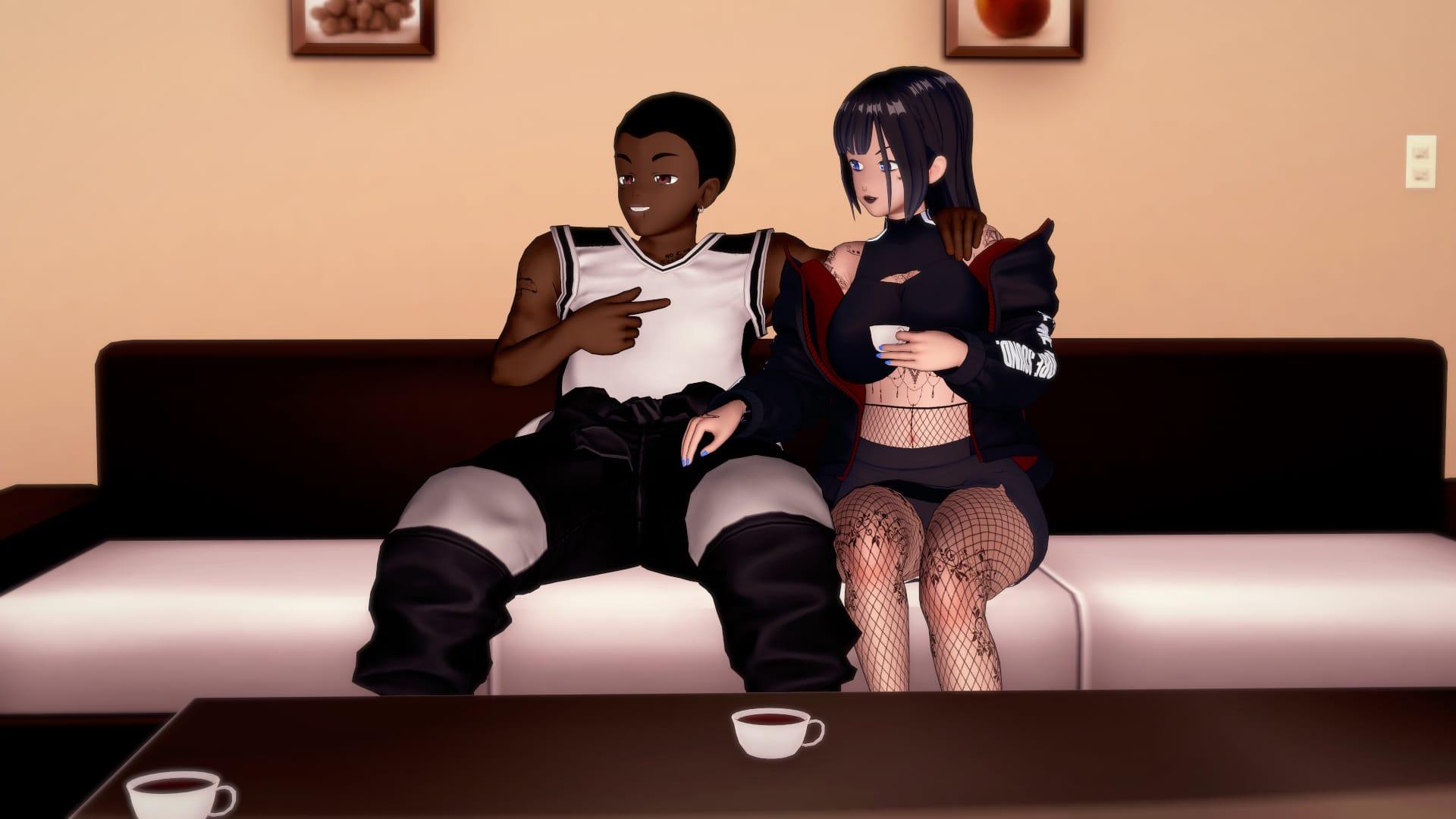
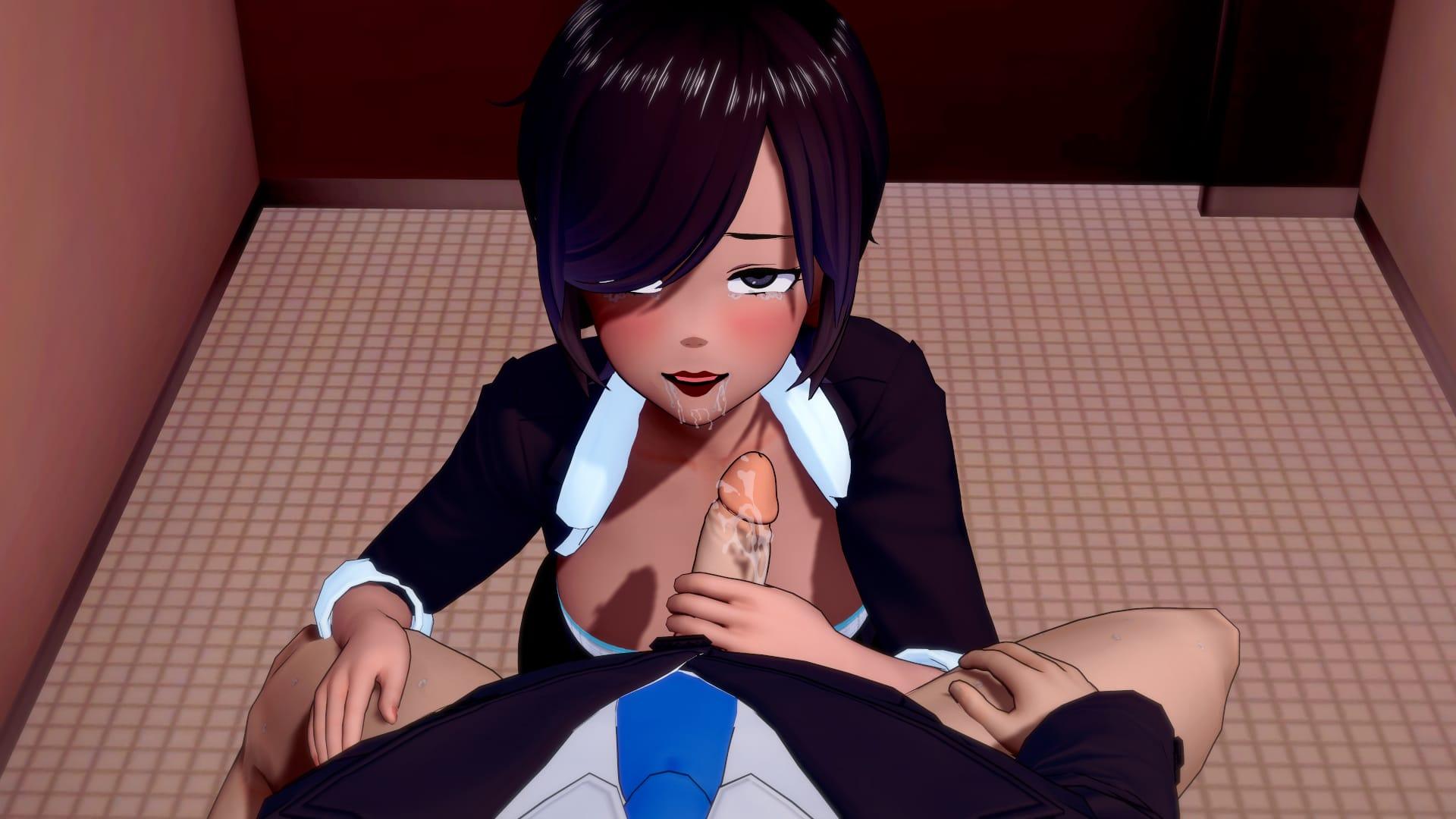
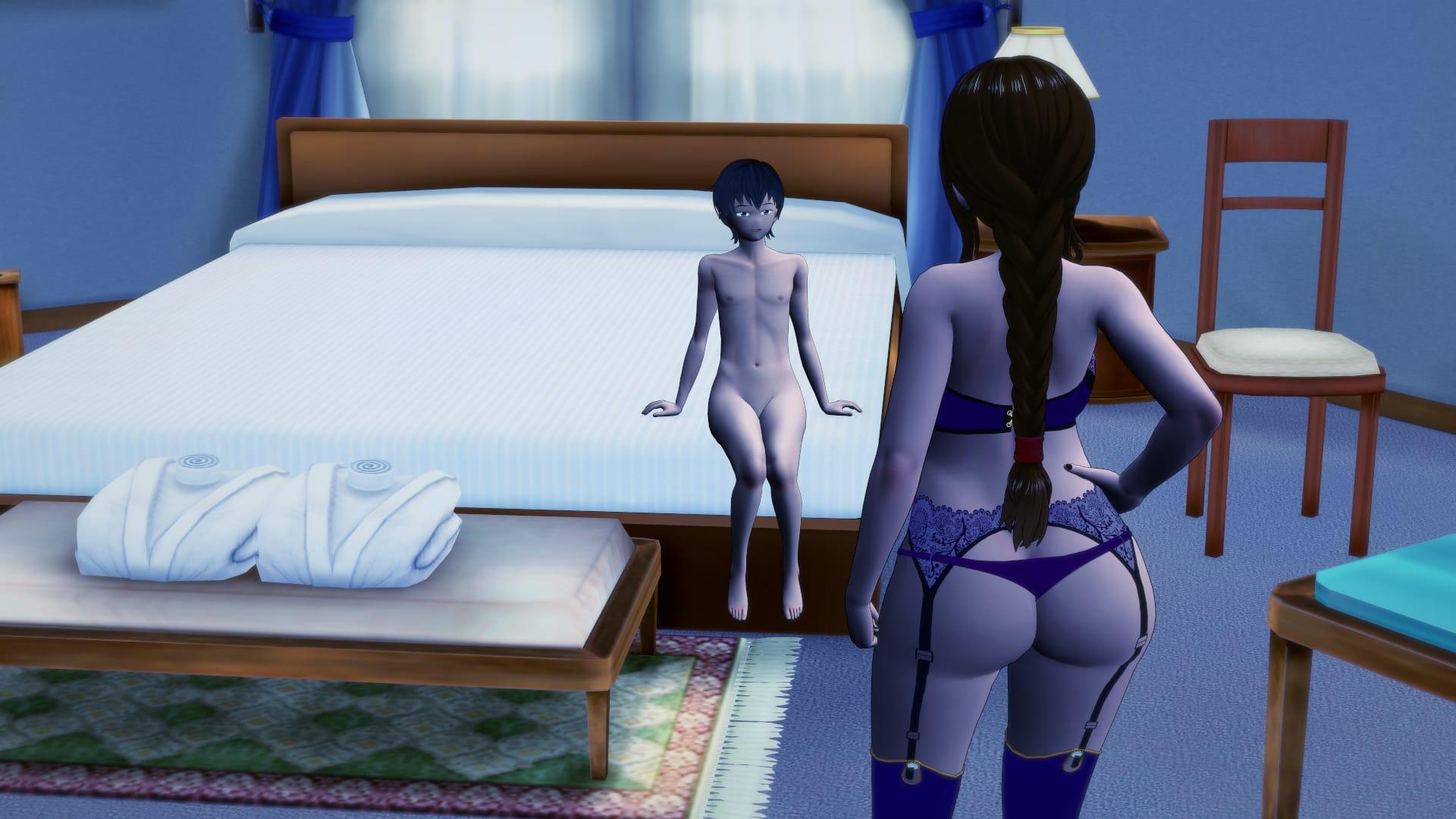
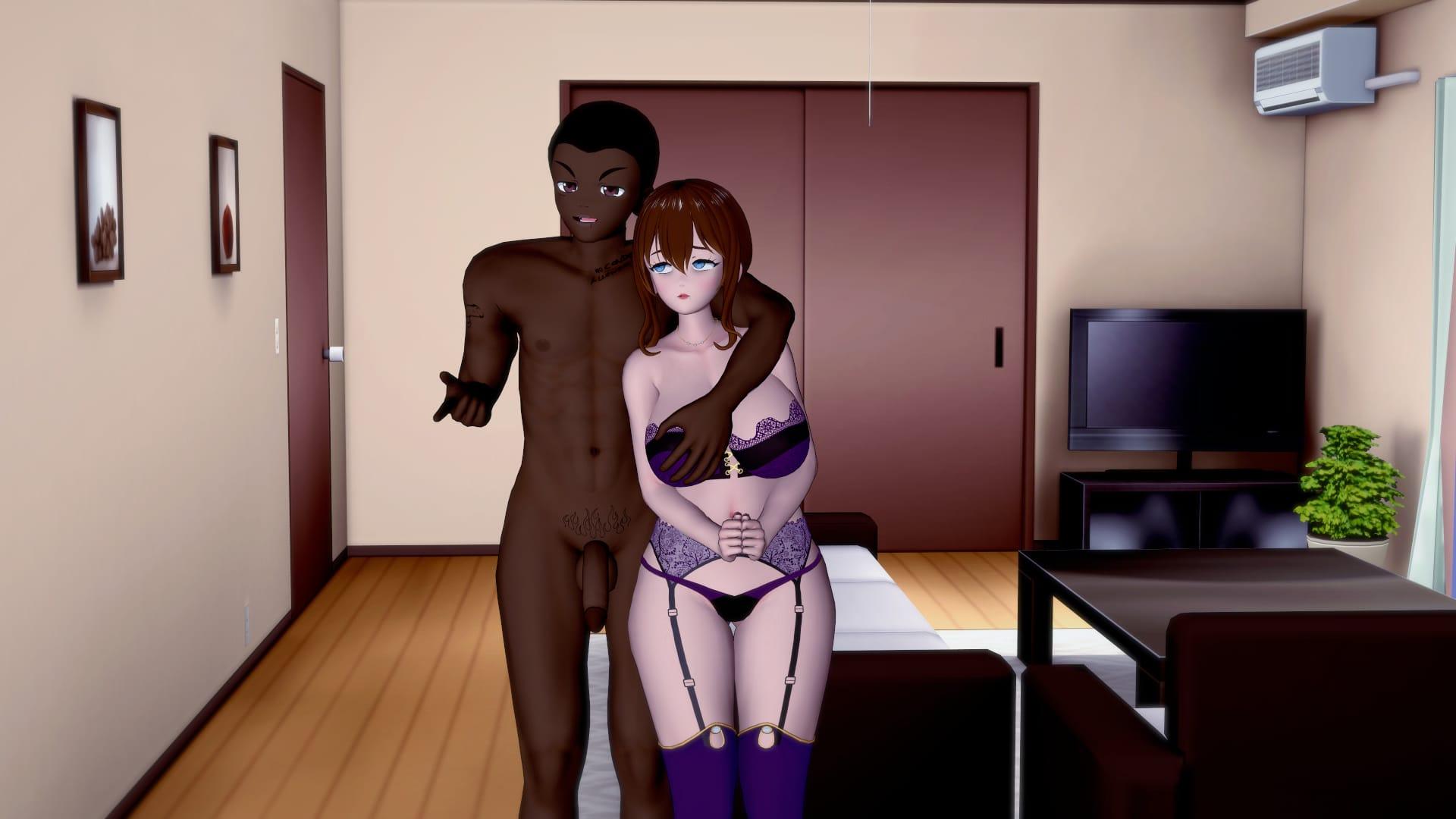
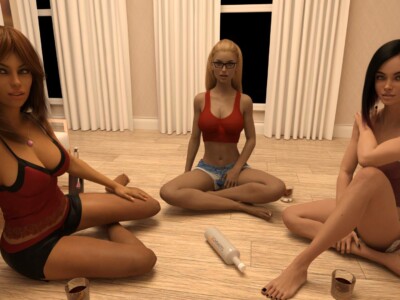
Preview scenes and UI from Discovering My NTS Fetish before you download. Tap any image to open it full size.

Keep exploring Find your next game

There is plenty more to explore around corruption. Come Home [Final] is also worth a look when you are ready to move on to another title.

Community score

Do you like Discovering My NTS Fetish?

One tap. No account. No wall of text. Just pure player love (or honesty).

? / 5

No ratings yet — be first

Tap the hearts — no comment required

Player 0 notes

Share bugs, install tips, or whether you would recommend this game.

Write a note

No player notes yet. If you installed this game, your experience helps the next visitor.

Leave a player note

Want to rate the game? Use the hearts above — no need to write a note just to vote.