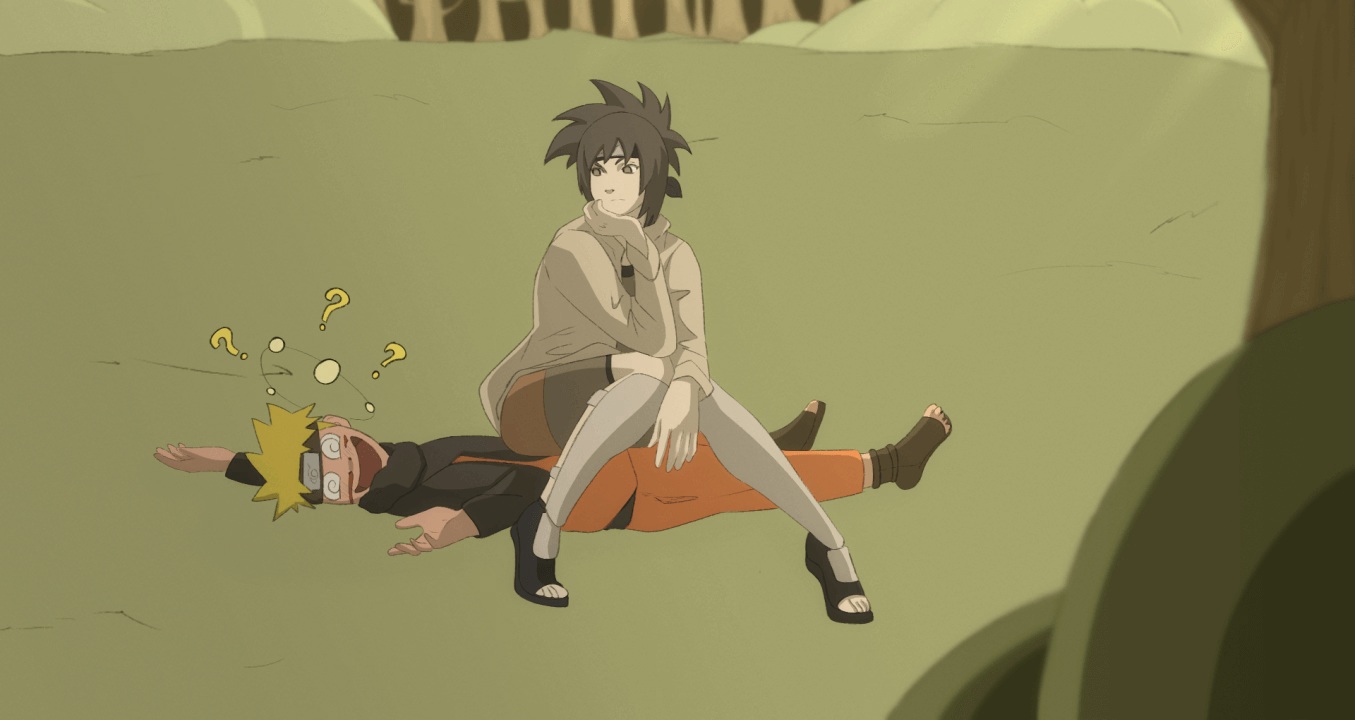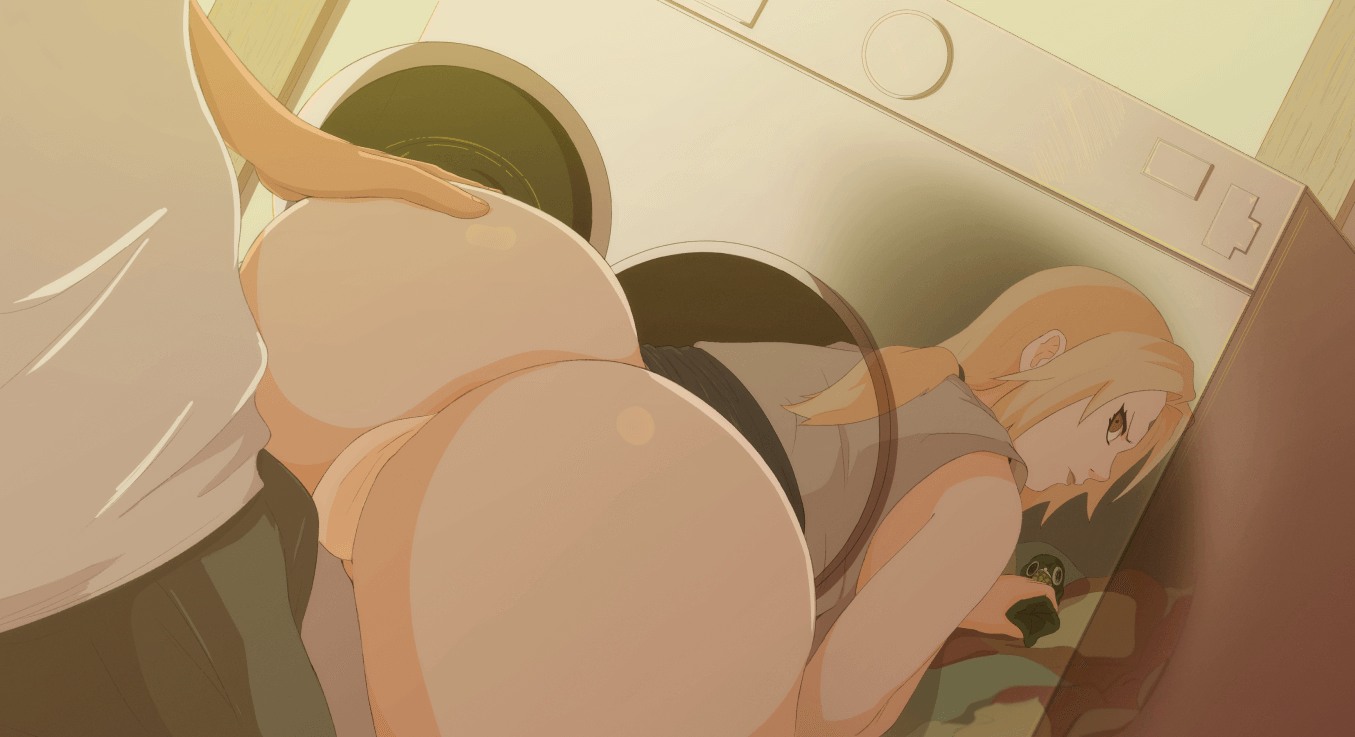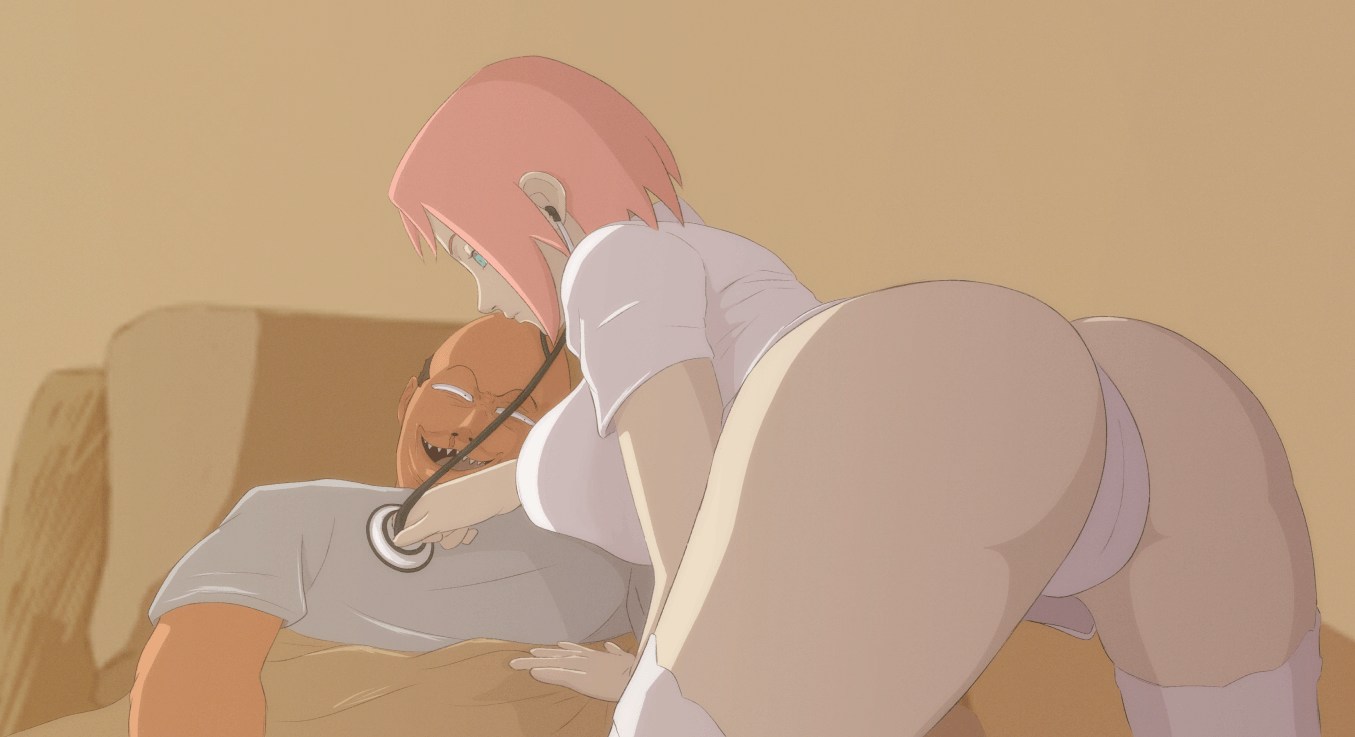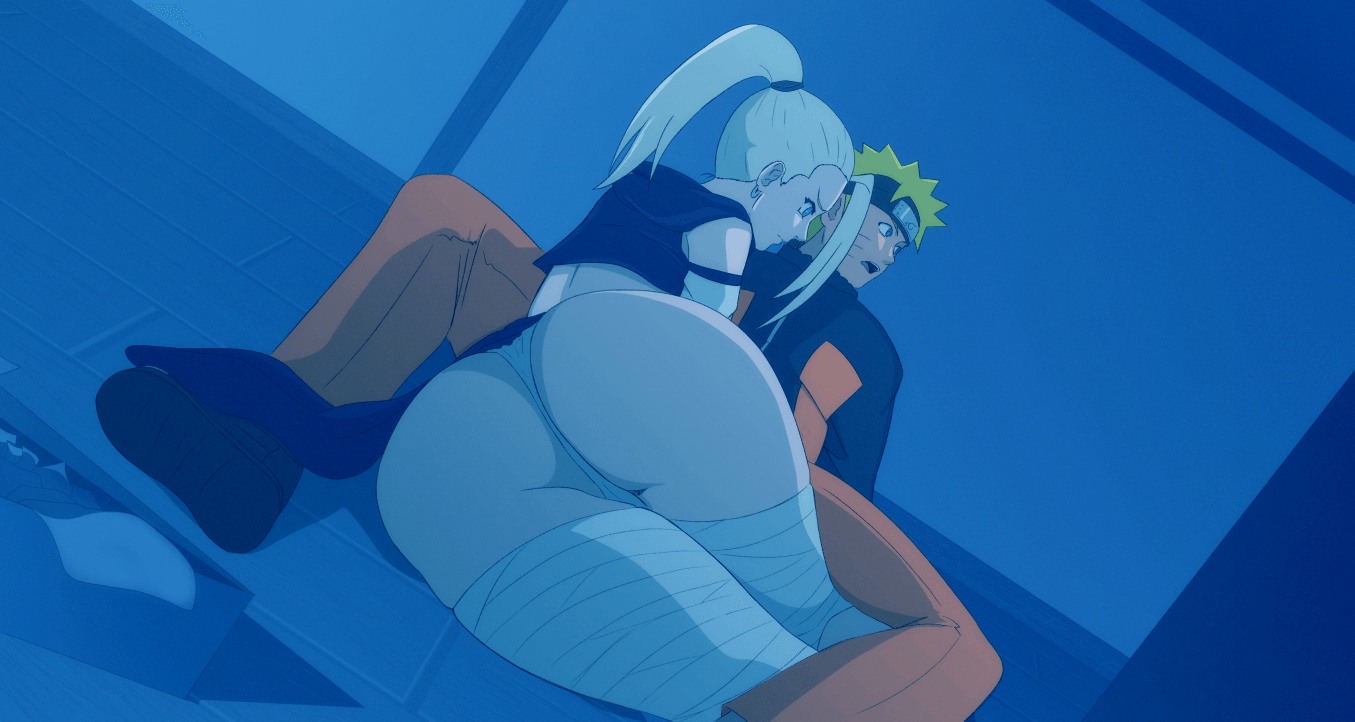



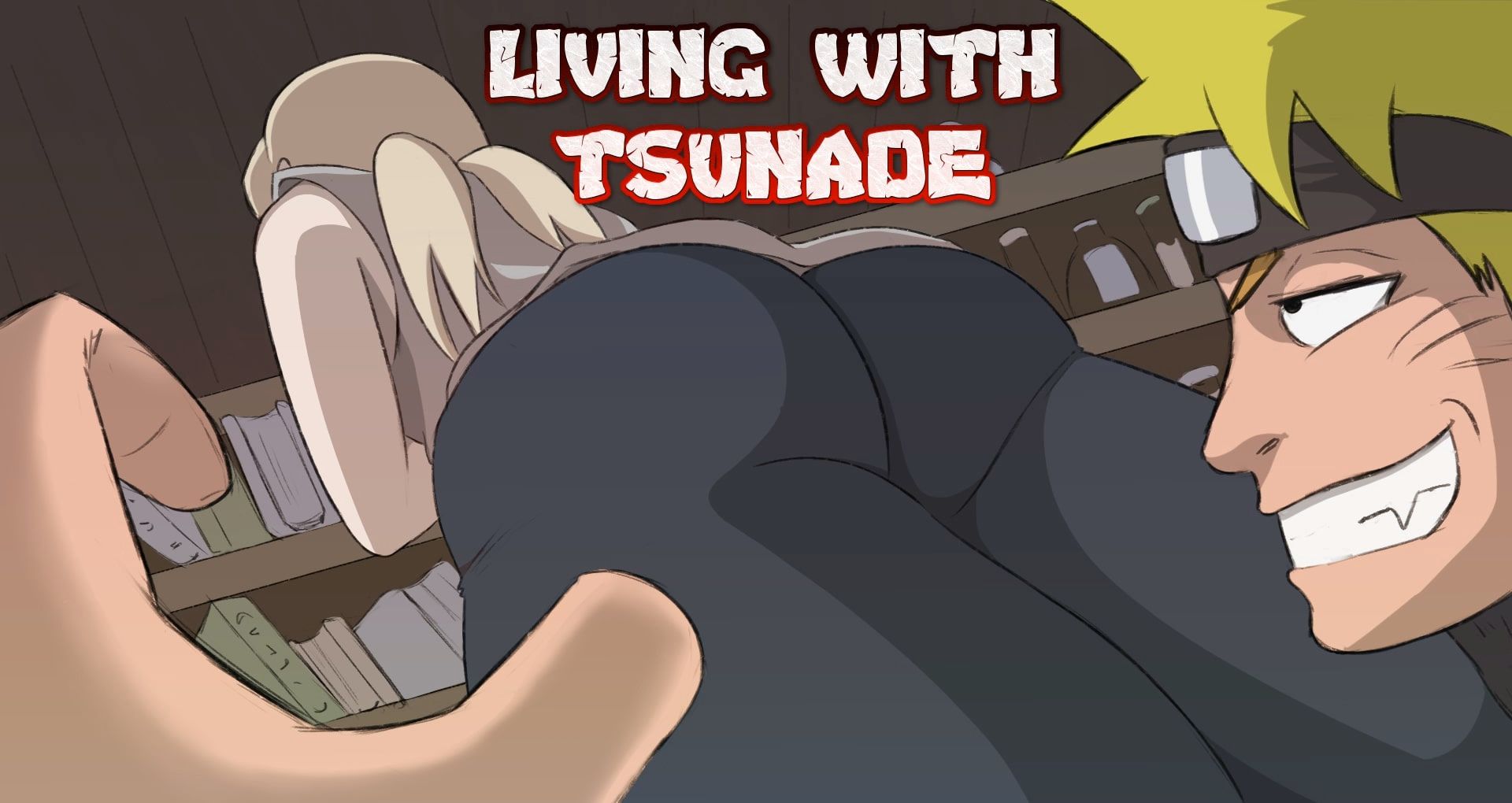

Living with Tsunade game cover image
Ongoing v0.45

Living with Tsunade

Download 1.42 GB 9 mirrors
Available for Windows Android Linux macOS
Developer Bitawastaken
Version v0.45
File Size 1.42 GB
Engine Ren'Py
Last Update July 11, 2026
Censorship Uncensored
Status Ongoing

Game Overview

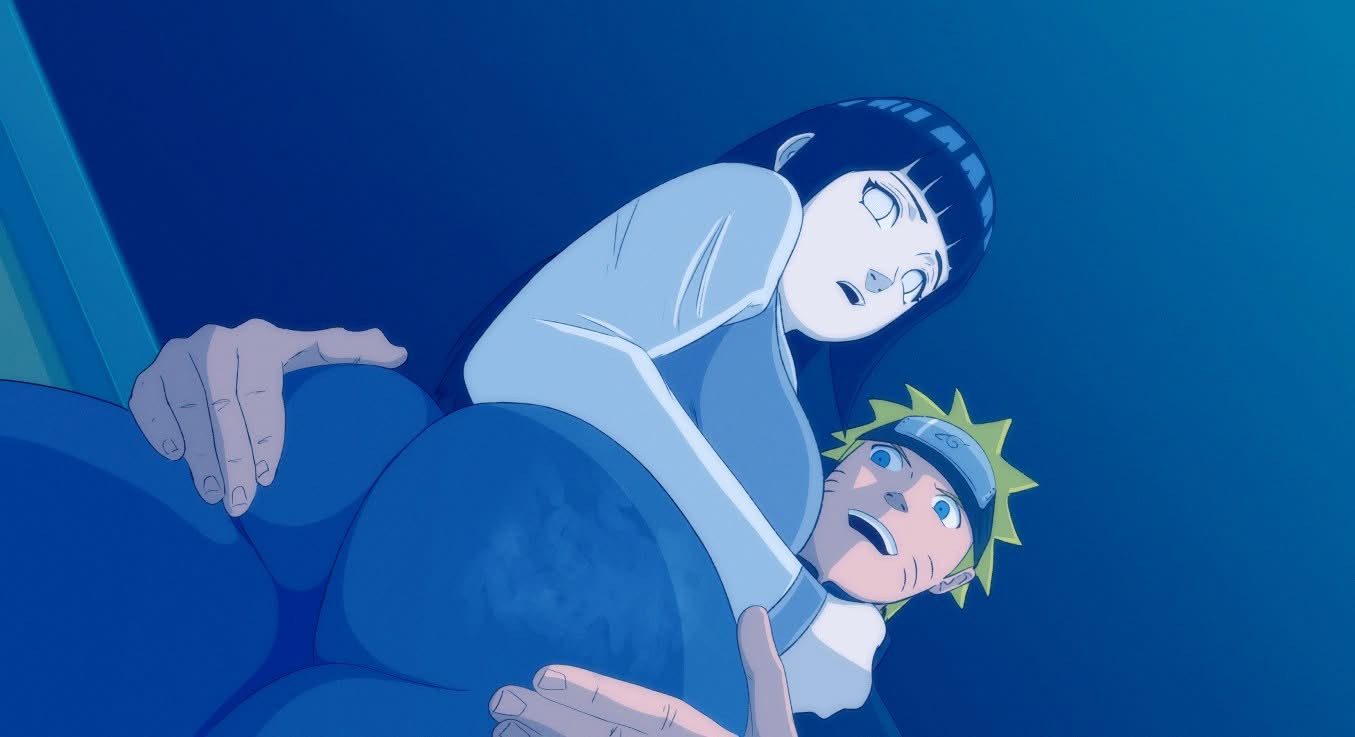
Living with Tsunade throws you straight into a messy domestic setup where a broke ninja and his busty, gambling-addicted mentor end up sharing more than just a roof. Naruto Uzumaki gets kicked out of his apartment for unpaid rent and turns to Tsunade for a bailout, only to learn she has blown her cash at the casino. With no other options, the two are forced to cohabit, and the close quarters quickly turn into an excuse for escalating physical tension.

What Really Happens Under That Roof

This is an adult parody built on teasing, groping, and increasingly bold encounters. The story uses a thin comedy premise to push Naruto and Tsunade into private moments where boundaries blur. You take control of Naruto as he navigates a sandbox-style daily life, finding opportunities to touch, watch, and escalate. The game focuses on male domination, voyeurism, and direct sexual progression, including handjobs, oral, titfucking, and full vaginal scenes. Animated sequences bring the big tits and big ass character designs to life with a playful, explicit energy.

A Sandbox With One Clear Goal

The school setting and RPG elements frame a loose routine, but the real loop is about finding when and where Tsunade is vulnerable to your advances. There is no deep combat or complex story branching, just a series of escalating erotic events wrapped in a ninja-world parody. The animated 2D art keeps the focus squarely on Tsunade’s body and the increasingly intimate acts you unlock.

APK + RPA for Living with Tsunade: where do the files go?

On many mobile builds of Living with Tsunade, the package is split: one installer (.apk) and one or more data packs (.rpa). Skipping the data packs is the #1 reason the game looks empty or crashes.

Quick path

  1. Install the .apk first. Allow installs from your browser or file app if Android asks.
  2. Before opening Living with Tsunade, copy every .rpa into:
    Android/data/<package-or-game-folder>/files/game
    (create files/game if it does not exist yet).
  3. Only then launch Living with Tsunade so it can load images, audio and extra content from those packs.

Handy apps for this step (pick one you like): Files (built-in on many phones), File Manager +, File Manager Plus, or RAR when you also need to unpack a zip/7z from the mirror.

Common mistakes: unzipping .rpa files, launching the game before the copy finishes, or dropping packs in Download/ instead of the files/game folder.

Android blocked the install of Living with Tsunade. What now?

That screen is Android protecting you from Play Store sideloads. It is expected for catalog APKs, including Living with Tsunade.

Work through it in this order:

  1. Confirm the download finished (file size matches what the host shows; incomplete APKs fail install).
  2. Open the file from a file app and approve Install unknown apps for that app only (Chrome, Files, RAR, etc.).
  3. If Android still refuses: free space, uninstall an older copy of the same package, reboot, try again.

A warning alone is not a “broken link”. Use the Broken Link tab only when the host itself is dead (true 404 / page never loads).

What does “modded” mean on a page like Living with Tsunade?

Stock build = the base game as packaged for download. Modded means someone changed that package: extra scenes, unlocked gallery, cheats, UI tweaks, uncensored assets, or helper tools.

On Erovale you may see separate download groups (for example a main Windows pack plus a “Gallery Mod”). Treat each group as its own package: wrong combo or wrong folder = black screen or missing assets.

Tip: finish a clean install of Living with Tsunade first, then add a mod only if you need it. If anything breaks, reinstall from the main section and skip the mod.

Walkthrough, cheat, unlock, multi-mod: which one do I want?

Names vary by uploader, but on pages for games like Living with Tsunade they usually mean:

Walkthrough / guide mod
Nudges choices or reveals paths so you reach more content without replaying for hours.

Cheat / unlock / gallery unlock
Skips grinds: money, flags, locked CGs, or scenes that would otherwise need specific routes.

Multi-mod / “all-in-one”
Several small patches zipped together. Read the section title carefully; install order sometimes matters.

None of these are required to play Living with Tsunade. Prefer the plain build if you want the intended experience.

Why do I leave Erovale when I click a download for Living with Tsunade?

Erovale hosts the catalog page. The actual files for Living with Tsunade sit on third-party mirrors (Mega, Pixeldrain, Gofile, Uploadhaven, and similar). After a short local redirect you land on their site.

Those hosts may show their own timers or ads. That is not Erovale and it is not automatically a broken link.

Report as broken when the mirror is gone, returns a hard error, or never starts a real download after the host page loads. Mention platform + host (example: “Windows Mega 404”) so we can fix Living with Tsunade faster.

Something wrong with Living with Tsunade on this page. Where do I write it?

Use the two report tabs next to this FAQ (same game: Living with Tsunade):

Broken Link
Dead or unusable mirrors. Please describe which platform and which host failed.

Update Request
You know a newer version exists and this page still lists an older one. Optional: paste the version number you saw.

We read reports in queue. Clear notes beat long essays. Thanks for helping keep Living with Tsunade accurate on Erovale.

Latest Changelog
v0.45
Spoiler
“Damsel in Debt” (Tsunade), significantly progresses the main story of the game, necessarily including Naruto’s relation with Tsunade.
This quest is unlocked upon completing the previous main storyline quest, “Emergency Call”.
Introduces 2 new minigames and several new maps.
“Ino the Medic” (Ino, Sakura), progresses Naruto’s relations with Ino and Sakura.
This quest is unlocked upon completing the most recent Ino quest, “A Close Call”.
Introduces 1 new minigame and several new maps.
For this update, I wanted to try something different with the scenes. I experimented with several new animation techniques and presentation styles, and I’m very happy with the results. I hope you enjoy them as much as I enjoyed creating them.
Some of the less important illustrations included in this update are still unfinished. We will continue updating and polishing them over time, as it would have been impossible to complete everything and release the update on schedule otherwise.
This update includes a total of:
84 new illustrations for the new events
6 new animations (15 frames, 7 frames, 5 frames, 5 frames, 12 frames and 10 frames, a total of 54 draws for all the animations)
4 new maps
1 new enemy
3 new mini-games
From version 0.44 to 0.45, there are a TON of new changes to improve player experience, including, but not limited to:
Introduction of the Computer Mode, a central hub for cheats, gallery, tutorial, and more. This can be accessed inside of Naruto’s room.
Introduction of the Visual Novel dialogue system, beginning with Naruto and Tsunade’s dialogue. Pending player feedback, we may fully transition to this style of dialogue for the whole game and create character sprites for everyone.
Every animation in the game has been updated to play smoother, and most of them also now have sound!
Text size in the game has been increased, especially for android players. We haven’t come across a perfect, universal solution yet, but we are constantly evolving the game UI.
Other various improvements to the UI, including android touch-based buttons for hiding images and opening/closing the menu.
A new savefile migration system, which should enable players to safely re-use previous version save files in future deployments. Manually managing event unlocks has been tricky to program, but we are confident in this solution going forward.
A message to android players regarding poor performance
We understand that the game tends to run in low FPS on certain android devices, particularly those with lower-end GPUs (e.g. Xiaomi/Redmi devices, especially older ones). For many of you affected, it can be frustrating to play the game in certain areas, especially in battles, where the graphics processing dramatically increases.
In the game’s previous iterations with RPG Maker MV (before version 0.43/0.44), this was less of an issue due to engine architectural compatibility with the aforementioned android devices. Unfortunately, in addition to our current RPG Maker MZ engine being less android-friendly, the current APK build process involves the introduction of at least one additional game wrapper that further complicates the problem.
We have been rigorously investigating this issue since the beginning of the year, and continue to test various solutions with limited success. In the meantime, we have introduced a few temporary workarounds for affected players, such as the ability to skip battles (can be toggled in options). Thank you for your patience while we work on this.

Game Screenshots

Preview scenes and UI from Living with Tsunade before you download. Tap any image to open it full size.

Keep exploring Find your next game

There is plenty more to explore around groping. Zero to Harem Hero: A Hentai Isekai Adventure is also worth a look when you are ready to move on to another title.

Community score

Do you like Living with Tsunade?

One tap. No account. No wall of text. Just pure player love (or honesty).

? / 5

No ratings yet — be first

Tap the hearts — no comment required

Player 0 notes

Share bugs, install tips, or whether you would recommend this game.

Write a note

No player notes yet. If you installed this game, your experience helps the next visitor.

Leave a player note

Want to rate the game? Use the hearts above — no need to write a note just to vote.