



Ongoing v0.1.6b

My NTR Romantic Comedy

New Be the first to rate
Download 191.9MB 10 mirrors
Available for
Game Information
Developer Pengu Games
File Size 191.9MB
Engine Unity
Release Date May 19, 2026
Last Update June 20, 2026
Censorship Uncensored

Game Overview

Chris and the Messages That Matter

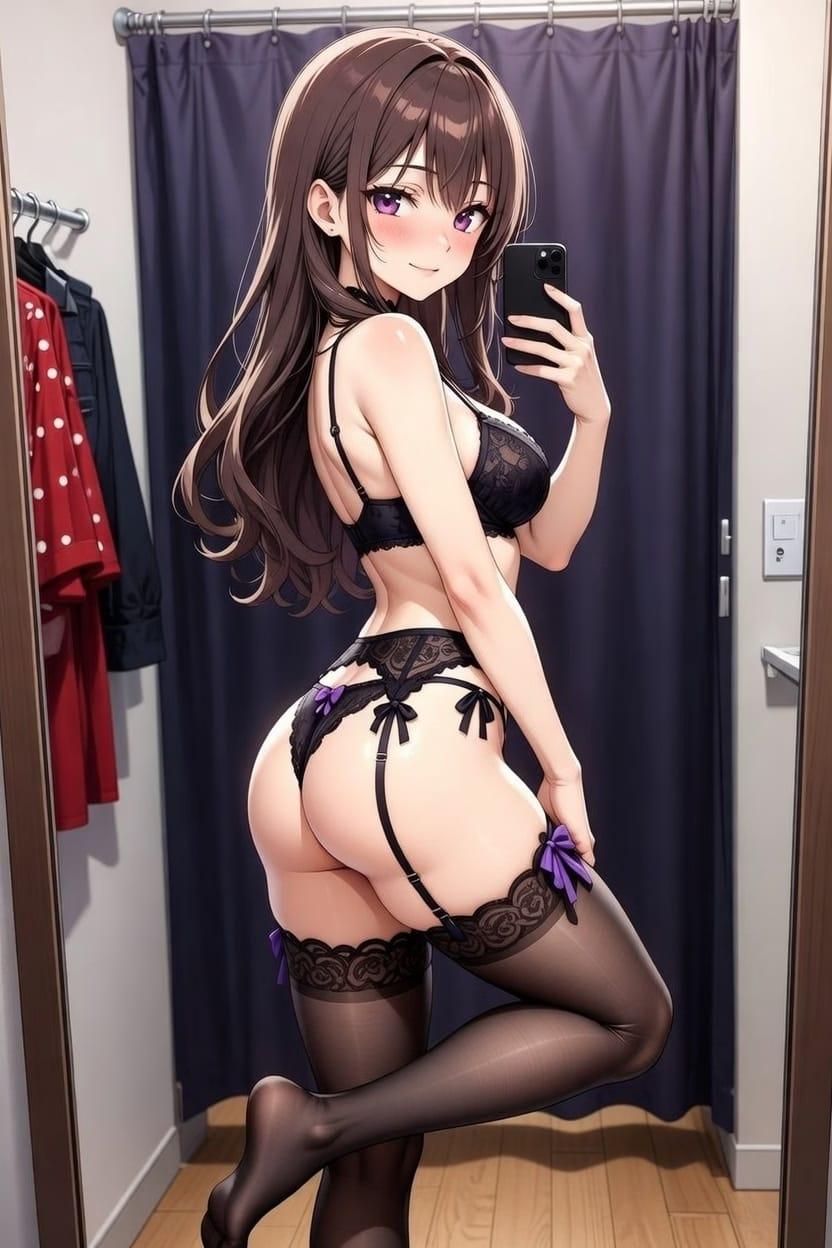
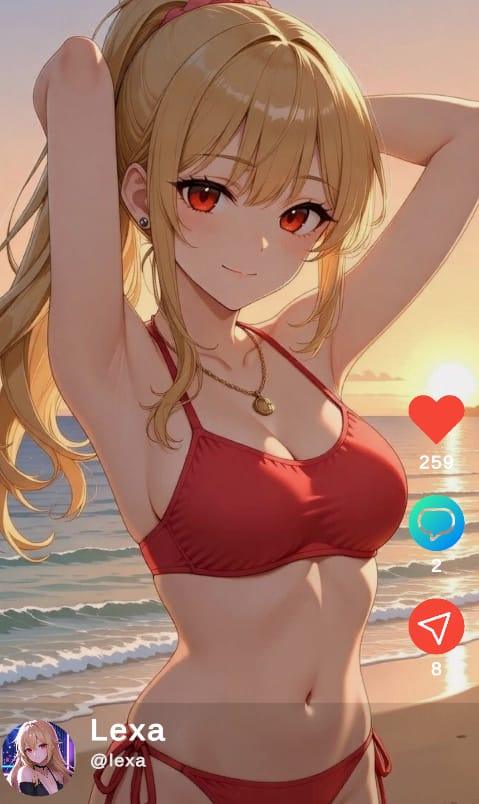
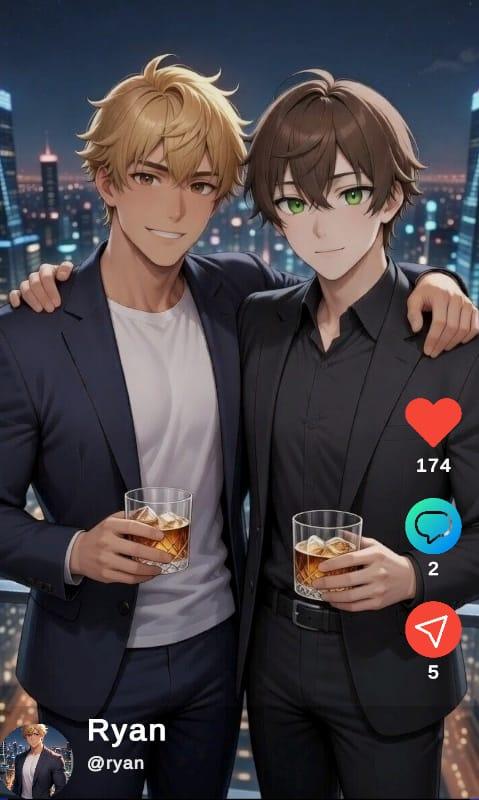
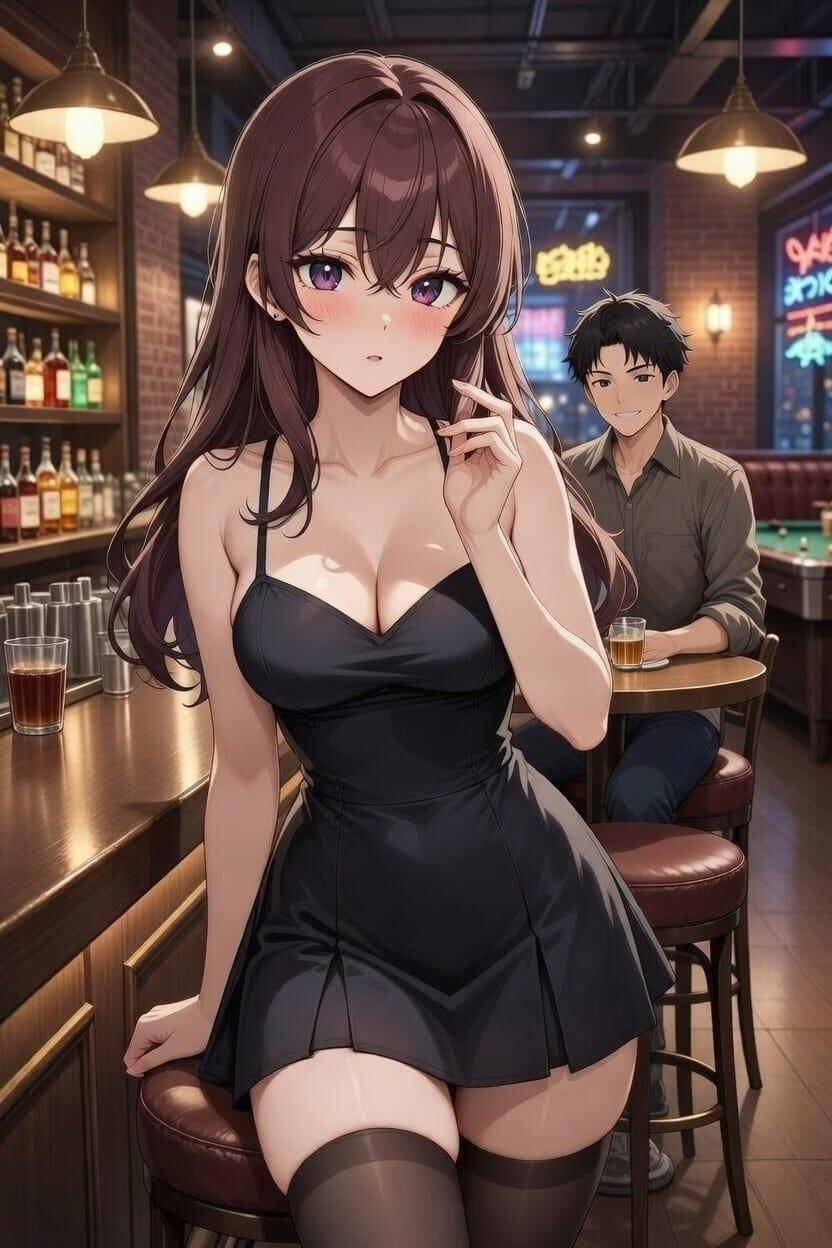
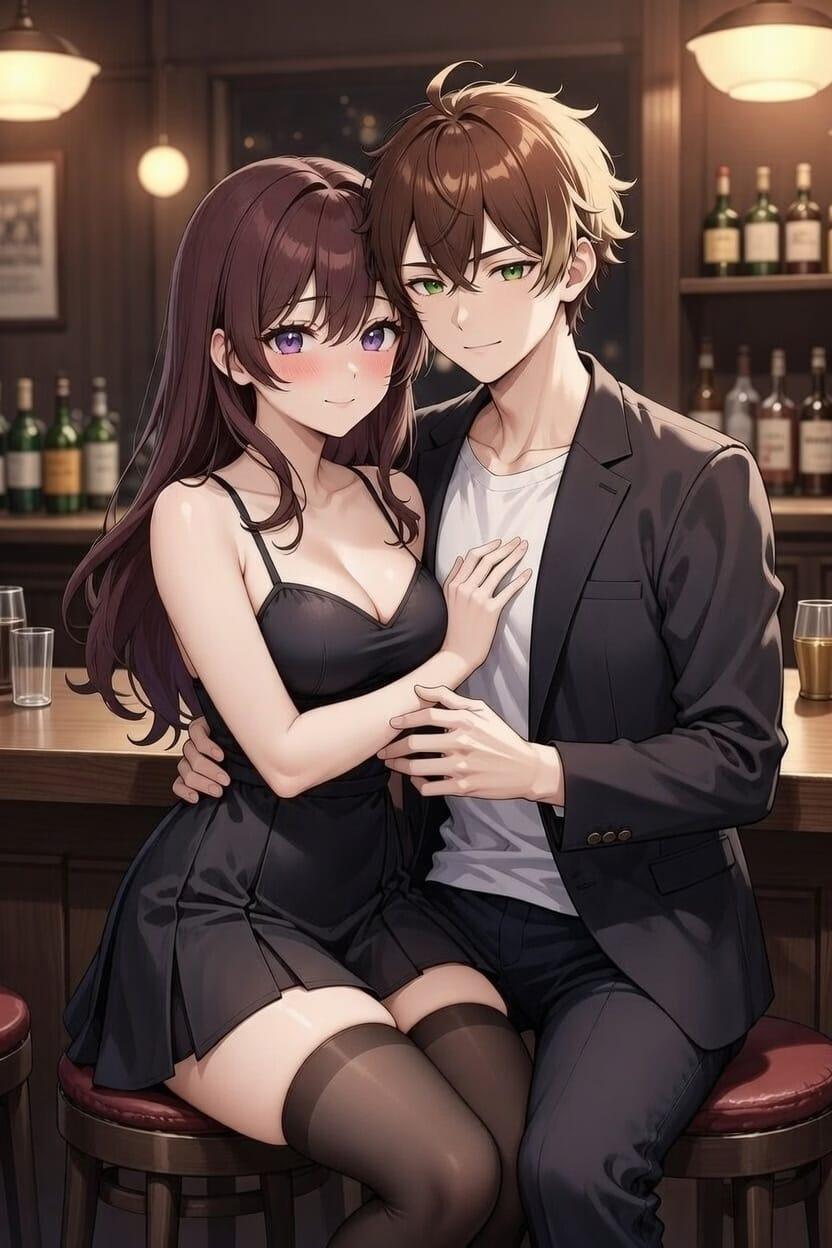
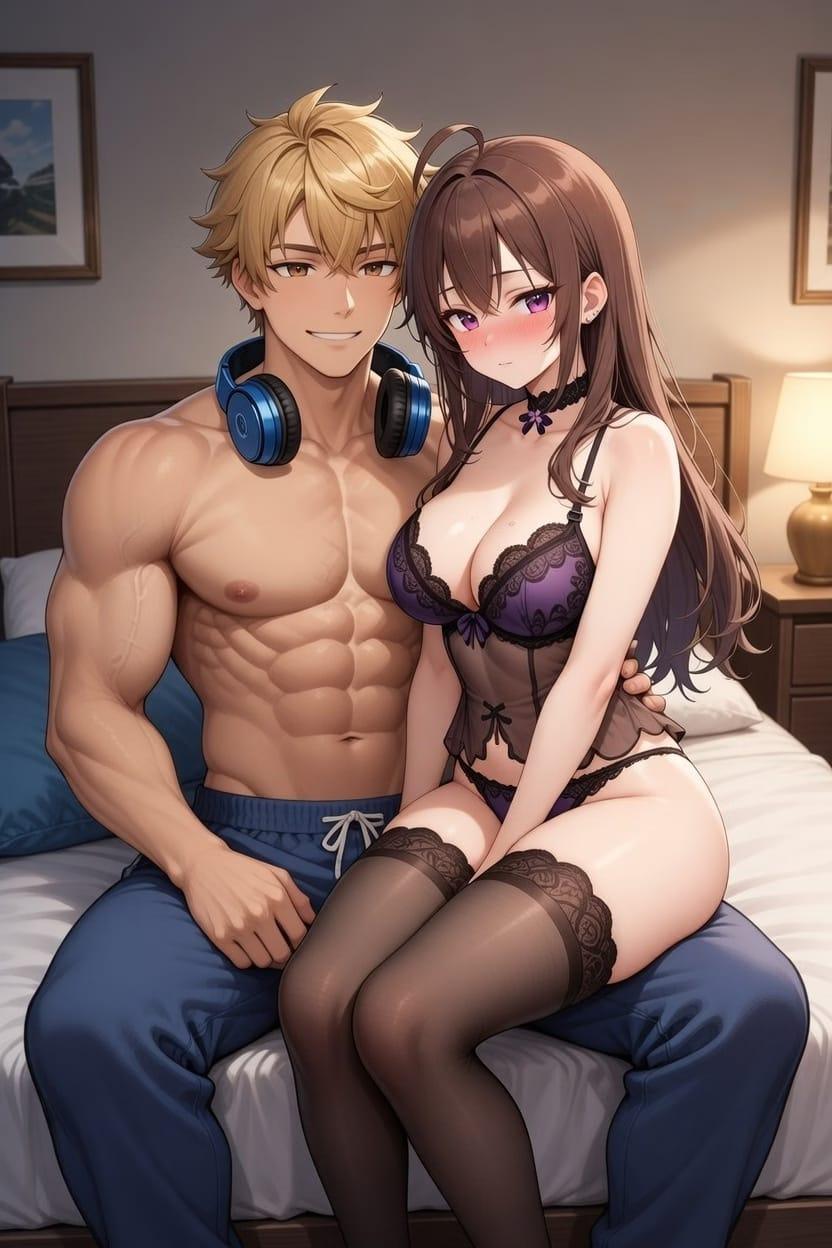
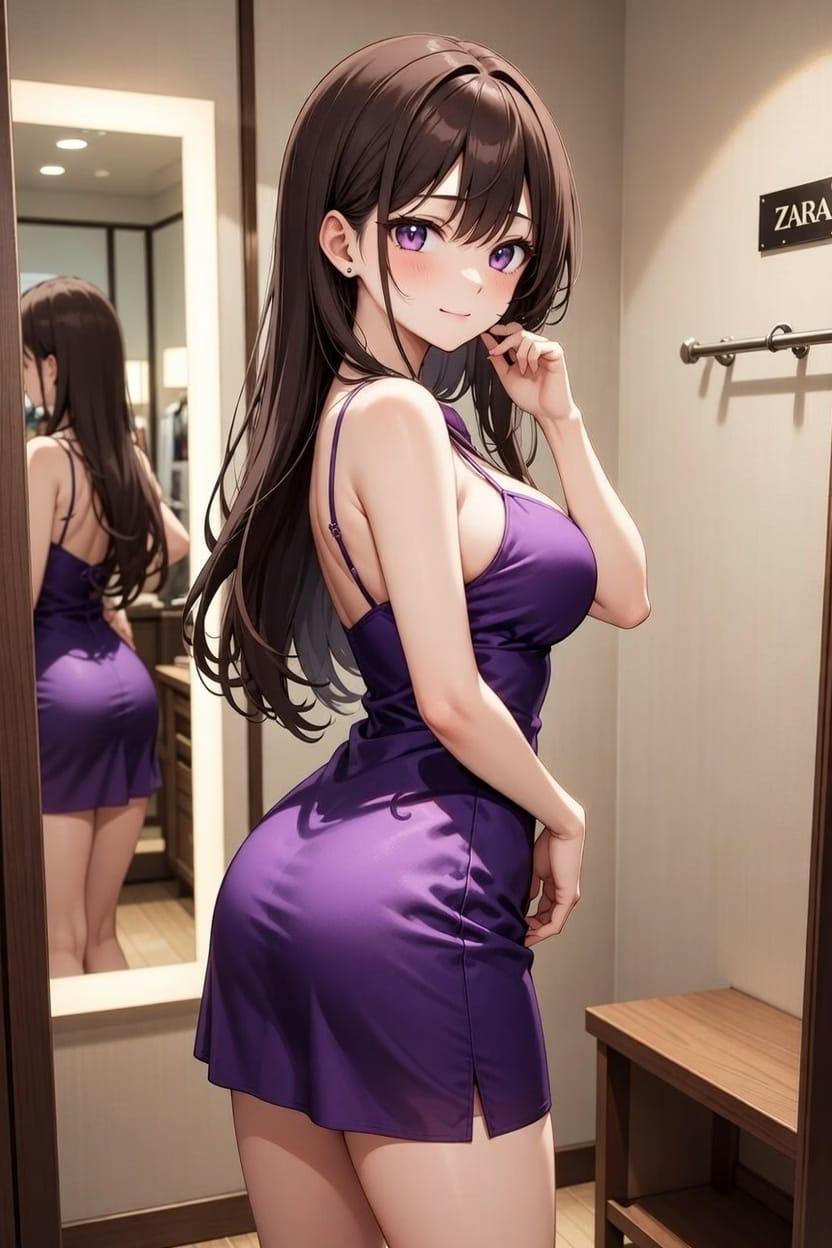
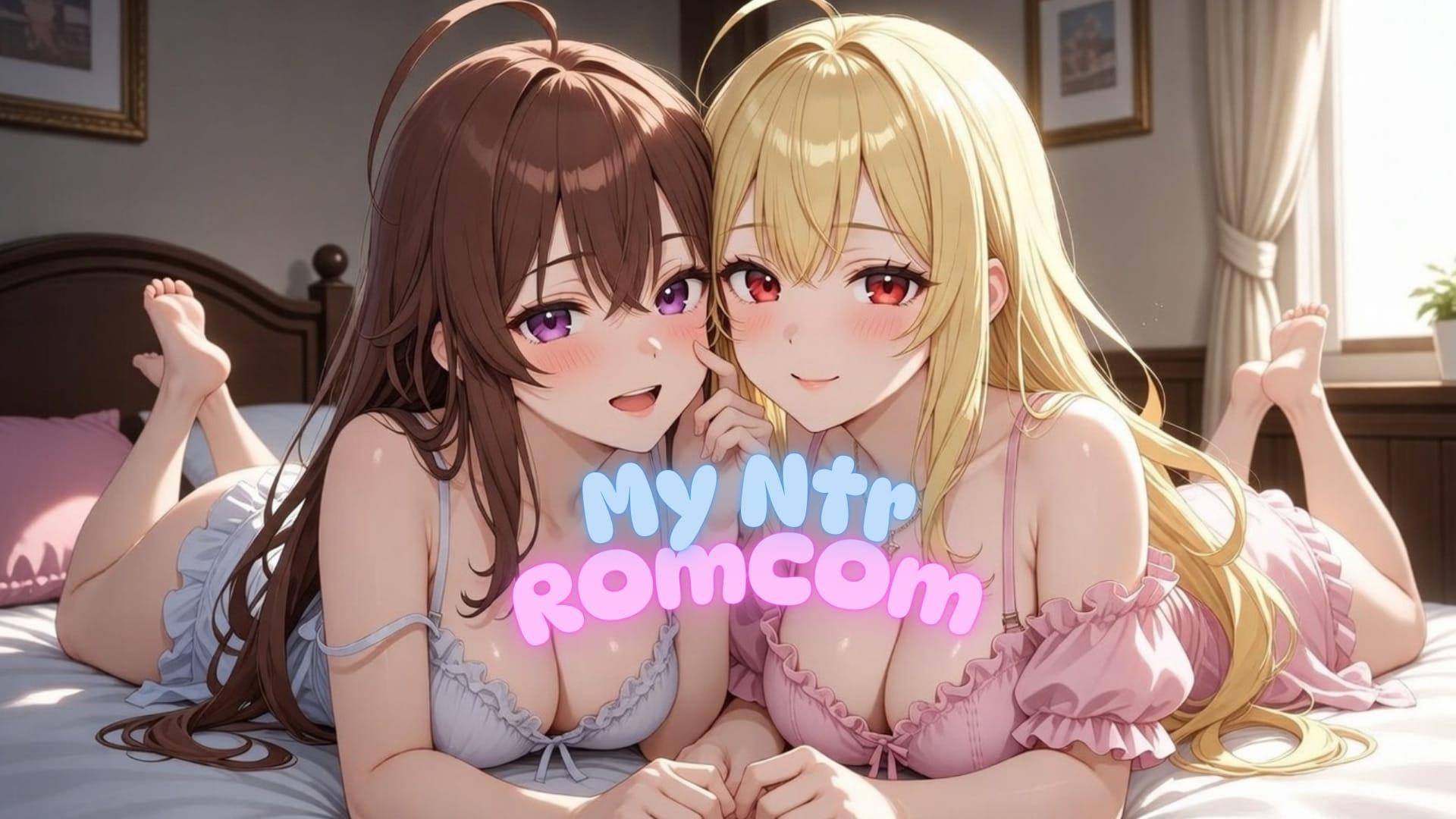
In My NTR Romantic Comedy the player assumes the role of Chris, a software engineer whose ordinary routine becomes entangled with ongoing text conversations. The three central characters—Lilly, Ryan, and Lexa—bring separate personalities and expectations into the exchanges, creating situations that blend flirtation, social tension, and choices that carry consequences.

Routes Formed by Replies

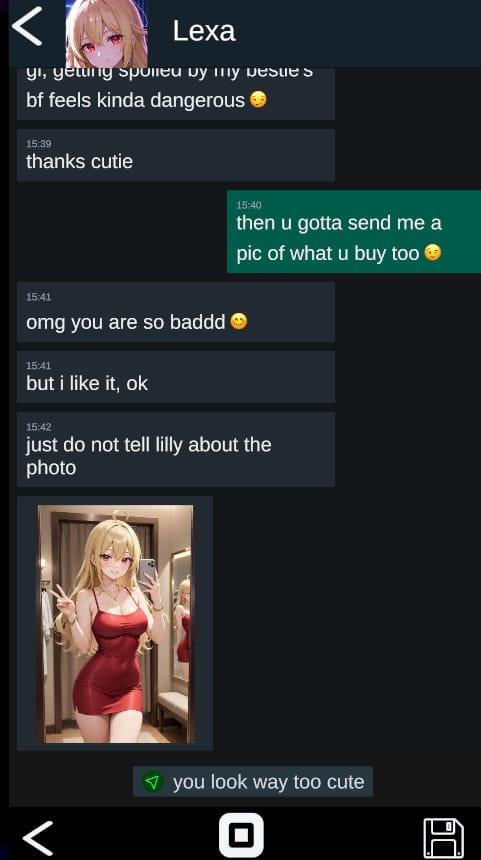
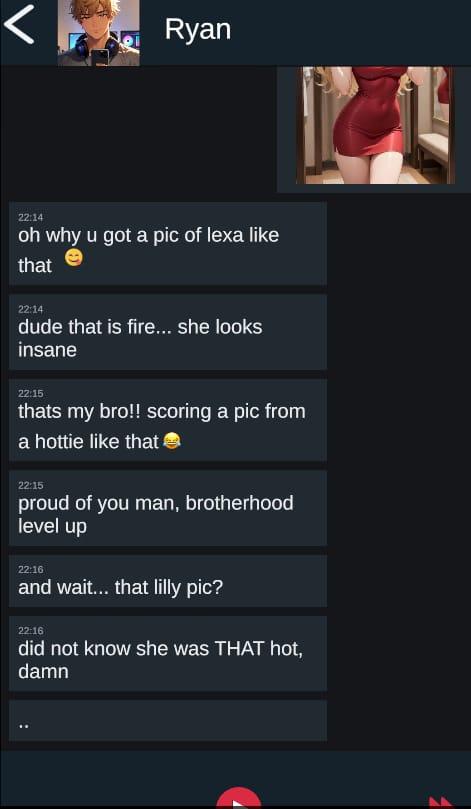
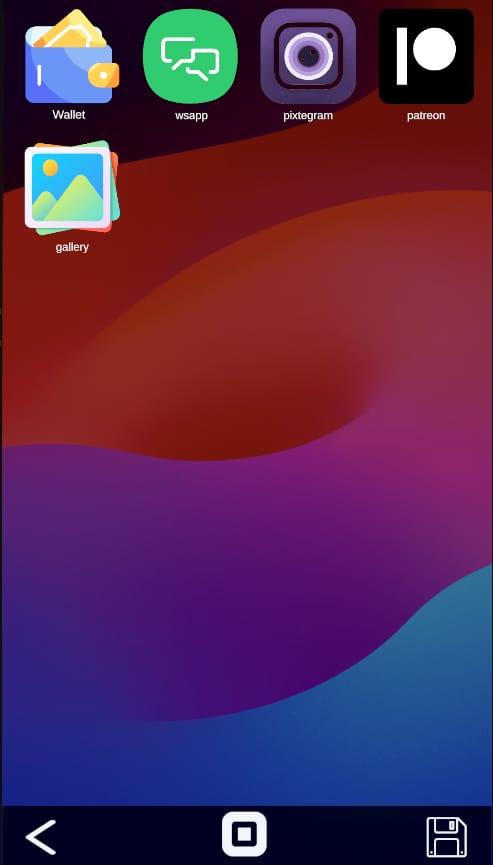
Every response selected during the chats directly affects the developing relationships. These decisions open or close narrative routes and lead to distinct endings. The phone-style interface presents the story as a sequence of real-time messages, social feed posts, shared media, and gallery entries that update according to prior selections.

The Daily Loop of Digital Interaction

Progression occurs through regular engagement with the messaging system. Players read incoming texts, choose replies, check the social feed for context, review exchanged media in the gallery, and observe how each character reacts over time. The process repeats across multiple days and scenarios, with the accumulated choices shaping future availability of routes involving Lilly, Ryan, or Lexa.

Modern Romance and Drama Through Text

The narrative unfolds in a contemporary setting where casual conversation can shift into moments of social drama or heightened stakes. Because each character responds differently, the same situation can develop in several directions depending on how the player guides the dialogue. This structure produces a branching story that records the results of earlier decisions and presents new paths on subsequent playthroughs.

The title is presented as a 2DCG visual novel with a male protagonist and is available on EroVale.


APK + RPA for My NTR Romantic Comedy: where do the files go?

On many mobile builds of My NTR Romantic Comedy, the package is split: one installer (.apk) and one or more data packs (.rpa). Skipping the data packs is the #1 reason the game looks empty or crashes.

Quick path

  1. Install the .apk first. Allow installs from your browser or file app if Android asks.
  2. Before opening My NTR Romantic Comedy, copy every .rpa into:
    Android/data/<package-or-game-folder>/files/game
    (create files/game if it does not exist yet).
  3. Only then launch My NTR Romantic Comedy so it can load images, audio and extra content from those packs.

Handy apps for this step (pick one you like): Files (built-in on many phones), File Manager +, File Manager Plus, or RAR when you also need to unpack a zip/7z from the mirror.

Common mistakes: unzipping .rpa files, launching the game before the copy finishes, or dropping packs in Download/ instead of the files/game folder.

Android blocked the install of My NTR Romantic Comedy. What now?

That screen is Android protecting you from Play Store sideloads. It is expected for catalog APKs, including My NTR Romantic Comedy.

Work through it in this order:

  1. Confirm the download finished (file size matches what the host shows; incomplete APKs fail install).
  2. Open the file from a file app and approve Install unknown apps for that app only (Chrome, Files, RAR, etc.).
  3. If Android still refuses: free space, uninstall an older copy of the same package, reboot, try again.

A warning alone is not a “broken link”. Use the Broken Link tab only when the host itself is dead (true 404 / page never loads).

What does “modded” mean on a page like My NTR Romantic Comedy?

Stock build = the base game as packaged for download. Modded means someone changed that package: extra scenes, unlocked gallery, cheats, UI tweaks, uncensored assets, or helper tools.

On Erovale you may see separate download groups (for example a main Windows pack plus a “Gallery Mod”). Treat each group as its own package: wrong combo or wrong folder = black screen or missing assets.

Tip: finish a clean install of My NTR Romantic Comedy first, then add a mod only if you need it. If anything breaks, reinstall from the main section and skip the mod.

Walkthrough, cheat, unlock, multi-mod: which one do I want?

Names vary by uploader, but on pages for games like My NTR Romantic Comedy they usually mean:

Walkthrough / guide mod
Nudges choices or reveals paths so you reach more content without replaying for hours.

Cheat / unlock / gallery unlock
Skips grinds: money, flags, locked CGs, or scenes that would otherwise need specific routes.

Multi-mod / “all-in-one”
Several small patches zipped together. Read the section title carefully; install order sometimes matters.

None of these are required to play My NTR Romantic Comedy. Prefer the plain build if you want the intended experience.

Why do I leave Erovale when I click a download for My NTR Romantic Comedy?

Erovale hosts the catalog page. The actual files for My NTR Romantic Comedy sit on third-party mirrors (Mega, Pixeldrain, Gofile, Uploadhaven, and similar). After a short local redirect you land on their site.

Those hosts may show their own timers or ads. That is not Erovale and it is not automatically a broken link.

Report as broken when the mirror is gone, returns a hard error, or never starts a real download after the host page loads. Mention platform + host (example: “Windows Mega 404”) so we can fix My NTR Romantic Comedy faster.

Something wrong with My NTR Romantic Comedy on this page. Where do I write it?

Use the two report tabs next to this FAQ (same game: My NTR Romantic Comedy):

Broken Link
Dead or unusable mirrors. Please describe which platform and which host failed.

Update Request
You know a newer version exists and this page still lists an older one. Optional: paste the version number you saw.

We read reports in queue. Clear notes beat long essays. Thanks for helping keep My NTR Romantic Comedy accurate on Erovale.

Changelog

### 0.1.3a
- v0.1.3a
- 1) Visual Novel Scenes:- We now have a "mini-Ren'Py" running inside Unity, and we are finally stepping completely outside the in-game phone! I might have gone a little overboard with the scenes in this version, but I promise future updates will make these scenes faster and even more polished (with proper Skip, Save functions, etc.).
- 2) Soundtracks:- I have finally added some music to the game! You can now change the background music and adjust the SFX volume directly from the in-game Settings App.
- 3) The "Fast" Button:- If you toggle the Auto mode one more time, you will switch to Fast Mode.
- Normal Mode:- You manually send all the messages.
- Auto Mode:- The text speed is fixed, but messages that don't require a choice will progress automatically.
- Fast Mode:- Auto Mode + 4x Text Speed!
- (Pro tip: set text speed to 4x in the settings app for max speed!)- 4) Contacts App:- You can now check out the Contacts App to see some of Chris's traits/stats that will be very important for us later on. In the future, I plan to introduce Patreon codes that you can redeem here for in-game money and extra features!
- 5) The Story Direction:- I know this update leans a bit heavily into an anime-style "Vanilla" romance. But I truly believe this initial "love dynamic" is necessary to build a solid foundation. Once you really get to know the characters and care about them, the future NTR and NTS routes will hit much harder and feel so much more meaningful.

### 0.1.2
- beta- v0.1.2-beta-
- UI/UX Overhaul: Generally better Phone UI, cleaner ChatApp, and responsive design for both Desktop and Mobile.-
- Dialogue Rework: Day 1 & 2 messages rewritten to feel much more natural and flirty!-
- Chat Auto Button: Automatically plays through regular texts, pausing only when it's time to make a Choice-
- Scale Fixes & Bug Squashing.-
- No story update!

### 0.1.1
- beta- v0.1.1-beta-
- Camera background fix, ratio/layout fixes

### 0.1.0
- beta- v0.1.0-beta-
- First public beta release-
- Day-based branching chat flow-
- In-chat photos/videos-
- Save/Load slots-
- In-game apps (chat, social feed, gallery, money app)
? / 5

No ratings yet

Your take

Be the first to rate this game

One tap is enough. No account needed.

Tap a star to vote

Recent player notes See all discussion
  • No written notes yet. Your take can be the first one other players read.

Keep exploring

Find your next game

The swinging theme opens the door to plenty of other releases. Among them, Seducing the Devil could be a good place to continue your search.

Player discussion

0 notes

Share bugs, install tips, or whether you would recommend this game.

Write a note

No player notes yet. If you installed this game, your experience helps the next visitor.

Leave a player note

Optional — skip if you only want to comment