


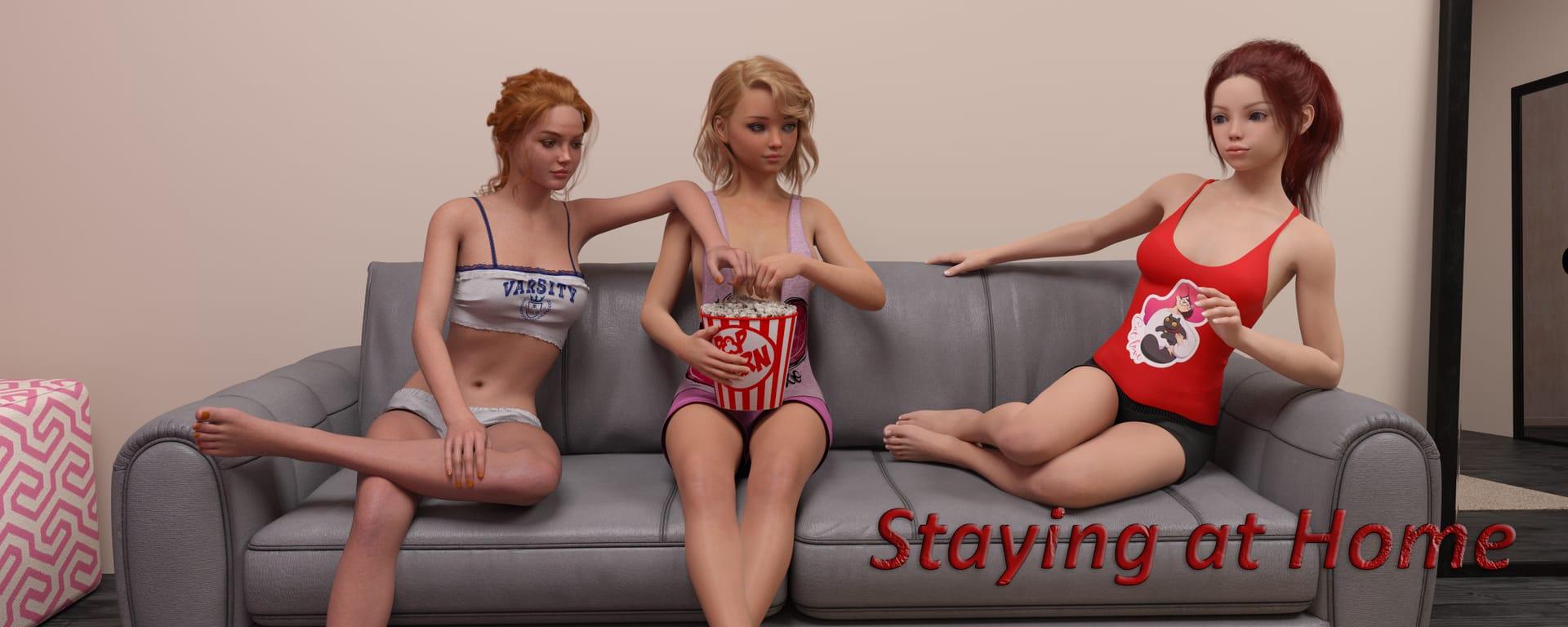

Staying at Home game cover image
Ongoing v0.2.2

Staying at Home

Download 1.13 GB 16 mirrors
Available for Windows
Developer Sven Vlad
Version v0.2.2
File Size 1.13 GB
Engine Ren'Py
Release Date May 31, 2026
Last Update June 7, 2026
Censorship Uncensored
Status Ongoing

Game Overview

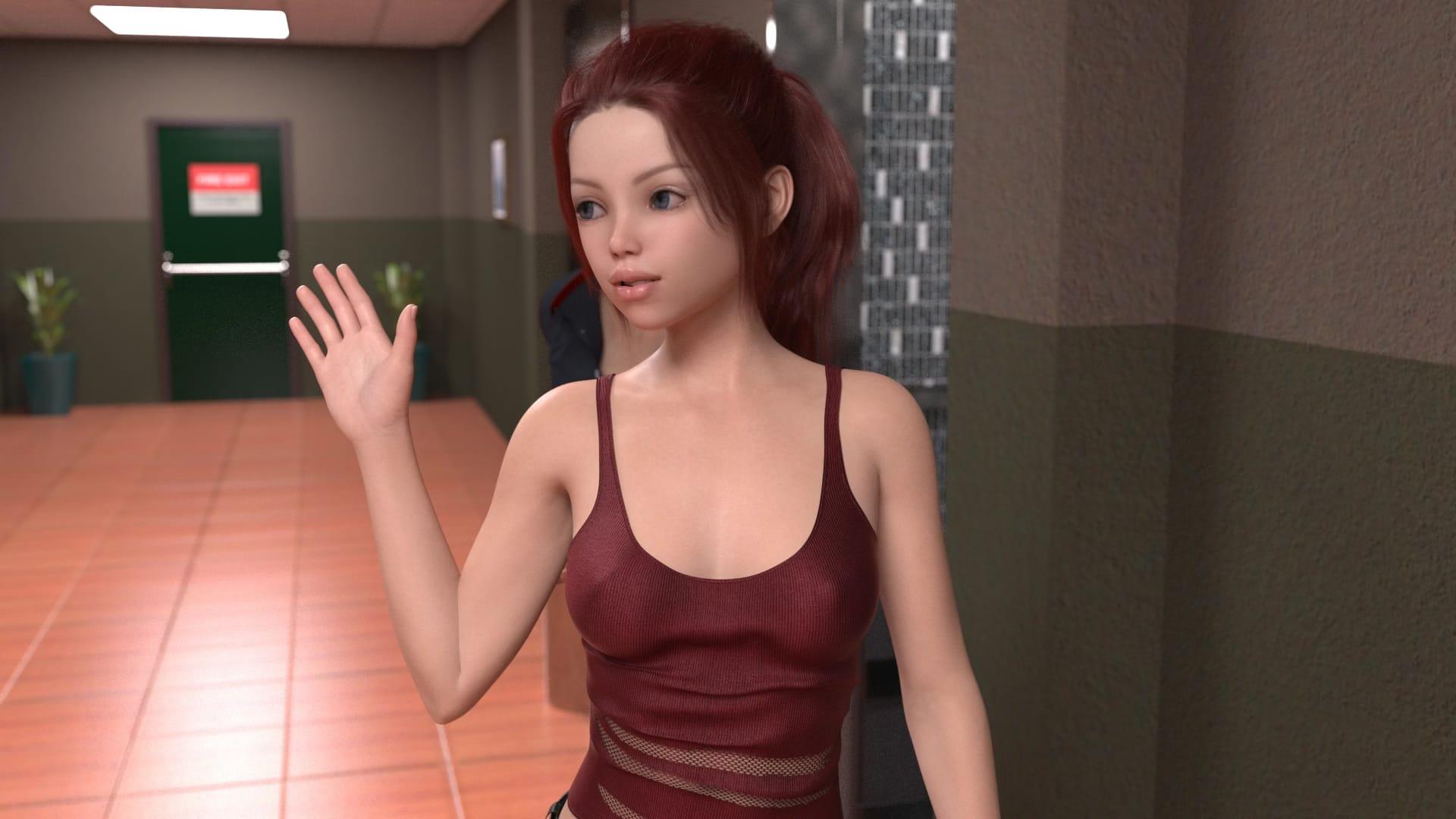
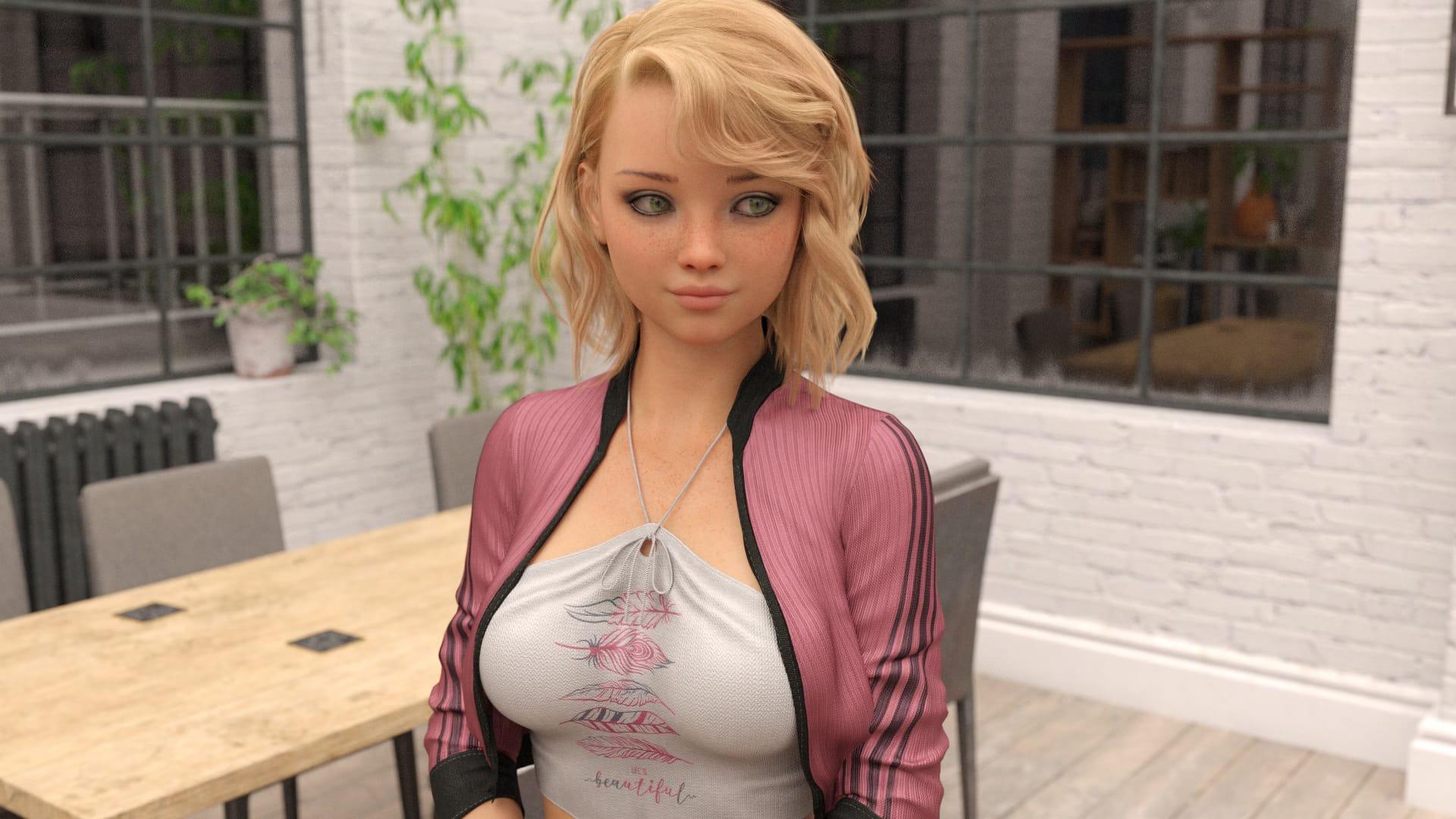
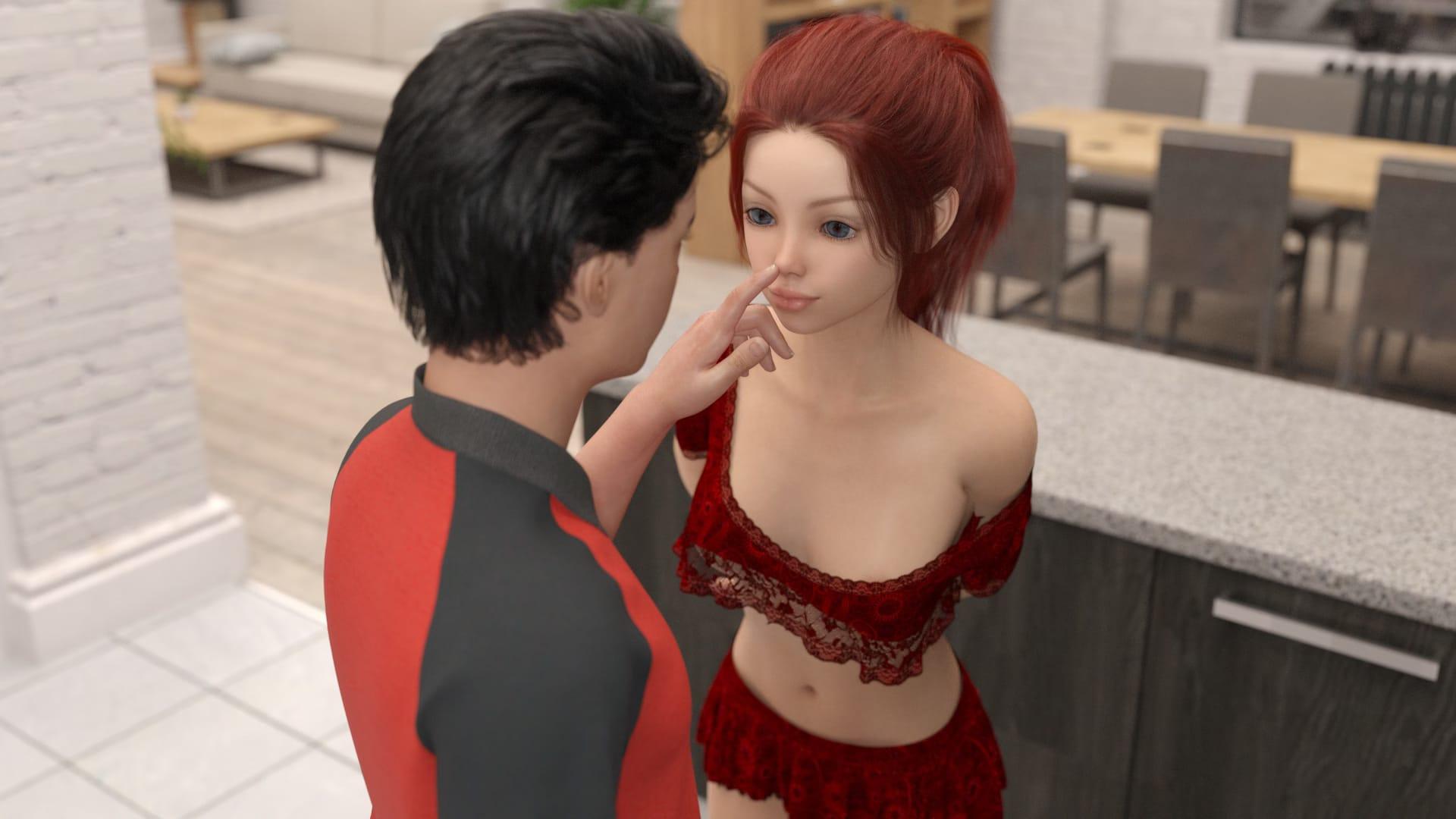
Grief and proximity form an unexpected pairing in Staying at Home, a visual novel dating sim built around Michael, a college student who returns home to care for his stepsister Alice following a devastating family loss. Living together under the weight of shared mourning, the two begin to grow closer — and as they do, buried family secrets start to surface, threatening whatever stability they have managed to build.

Shifting Ground

Dialogue choices drive the relationship forward, with each decision shaping how Alice feels toward Michael and nudging the story in different directions. The branching structure gives these choices real weight, allowing different playthroughs to arrive at meaningfully different emotional outcomes.

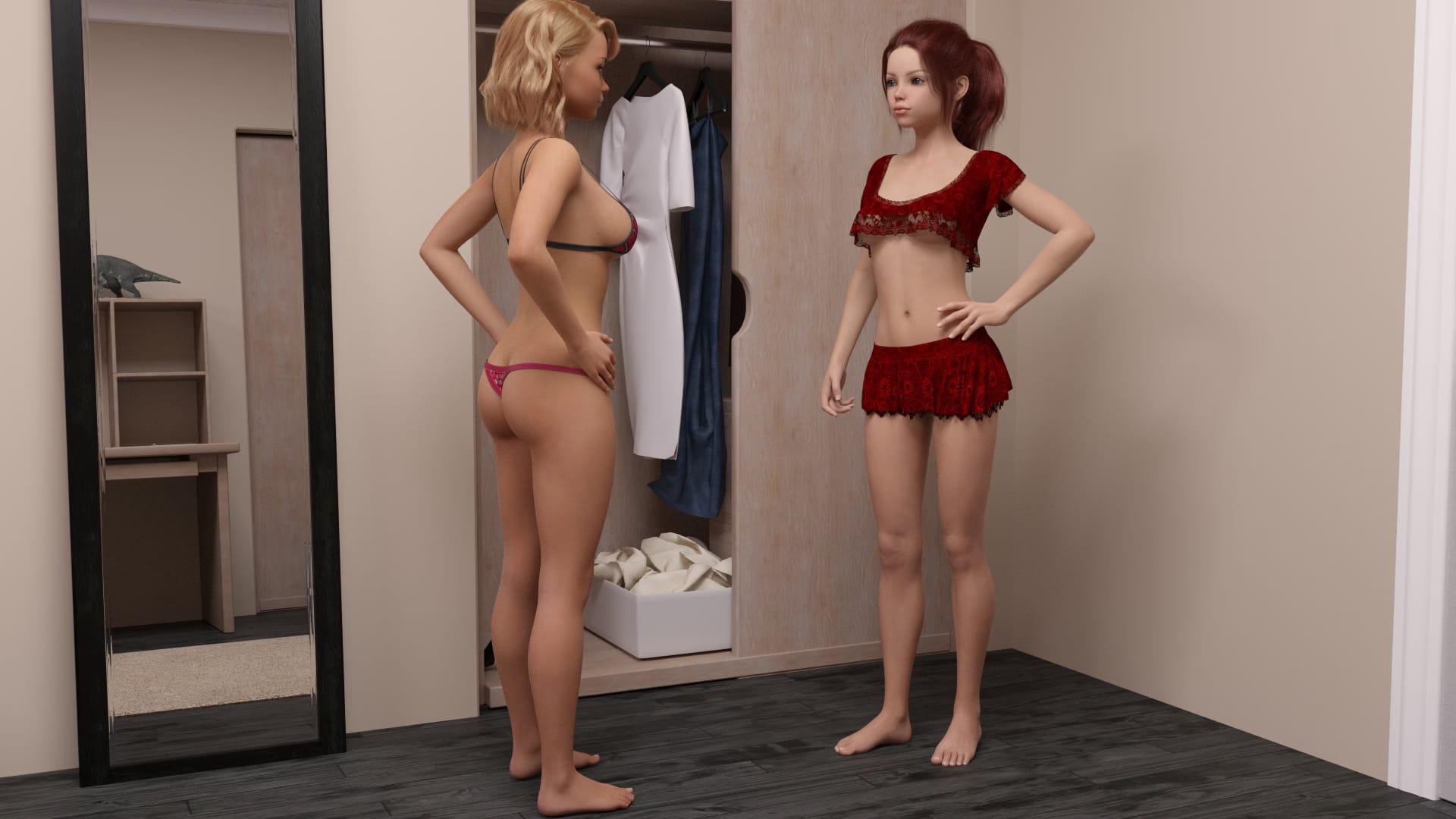
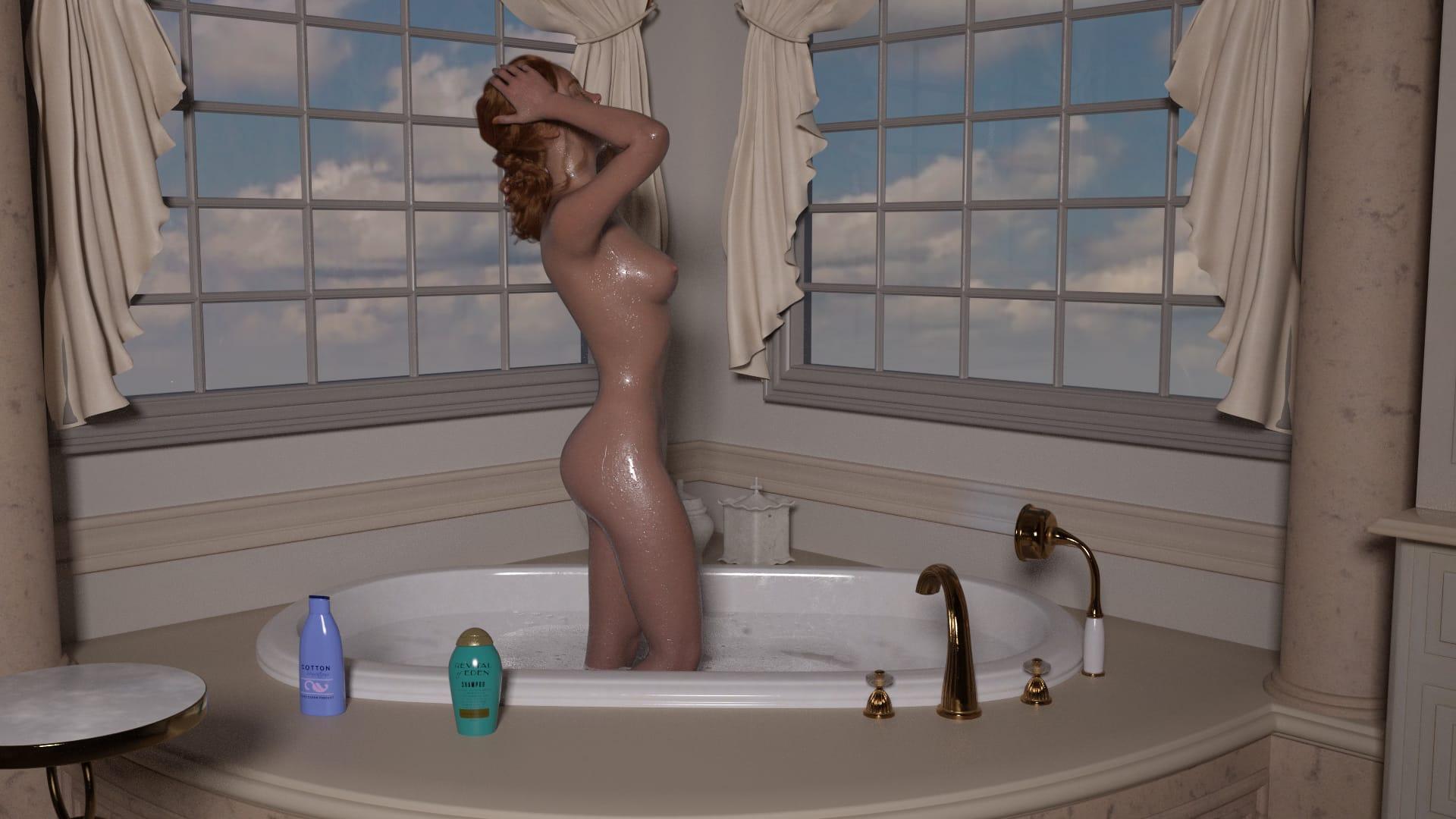
Sexual content is explicit and rendered through animated 3DCG scenes and illustrations. The encounters between Michael and Alice are presented within the context of their developing bond, with the taboo dimension of their stepsibbling relationship woven throughout. Voyeurism and exhibitionism also feature alongside the game’s more romantic threads. The title supports mobile play.


How do I install Staying at Home on Windows or Linux?

Most desktop builds of Staying at Home are portable: download the archive, extract it fully, then run the executable inside the folder.

Windows

  1. Grab the Windows (or Win/Linux) pack from the download section on this page.
  2. Extract with 7-Zip, WinRAR, or Windows Explorer until you see a real .exe (not still inside a nested zip).
  3. Launch that exe. If Windows SmartScreen appears, use More infoRun anyway only when you trust the mirror.

Linux

  1. Extract the archive, then mark the binary executable if needed (chmod +x on the game file).
  2. Run from a terminal if double-click does nothing; missing libraries are the usual culprit.

If the pack is split into Part 1 / Part 2 / … download every part into the same folder before extracting.

Split files, compressed packs, or patches for Staying at Home: what should I download?

Desktop sections for Staying at Home often use a few patterns:

Full build
One complete archive (sometimes labeled Compressed). Extract and play.

Split files (Part 1, Part 2…)
All parts are required. Same folder, same names, then extract from Part 1 with 7-Zip/WinRAR.

Patch / update only
Goes on top of an older install of Staying at Home. Read the section title (for example “Ep.10 → Ep.11”) so you apply it to the right base version.

When several hosts list the same section (Mega, Pixeldrain, Gofile), pick any working mirror; you do not need every host.

What does “modded” mean on a page like Staying at Home?

Stock build = the base game as packaged for download. Modded means someone changed that package: extra scenes, unlocked gallery, cheats, UI tweaks, uncensored assets, or helper tools.

On Erovale you may see separate download groups (for example a main Windows pack plus a “Gallery Mod”). Treat each group as its own package: wrong combo or wrong folder = black screen or missing assets.

Tip: finish a clean install of Staying at Home first, then add a mod only if you need it. If anything breaks, reinstall from the main section and skip the mod.

Walkthrough, cheat, unlock, multi-mod: which one do I want?

Names vary by uploader, but on pages for games like Staying at Home they usually mean:

Walkthrough / guide mod
Nudges choices or reveals paths so you reach more content without replaying for hours.

Cheat / unlock / gallery unlock
Skips grinds: money, flags, locked CGs, or scenes that would otherwise need specific routes.

Multi-mod / “all-in-one”
Several small patches zipped together. Read the section title carefully; install order sometimes matters.

None of these are required to play Staying at Home. Prefer the plain build if you want the intended experience.

Why do I leave Erovale when I click a download for Staying at Home?

Erovale hosts the catalog page. The actual files for Staying at Home sit on third-party mirrors (Mega, Pixeldrain, Gofile, Uploadhaven, and similar). After a short local redirect you land on their site.

Those hosts may show their own timers or ads. That is not Erovale and it is not automatically a broken link.

Report as broken when the mirror is gone, returns a hard error, or never starts a real download after the host page loads. Mention platform + host (example: “Windows Mega 404”) so we can fix Staying at Home faster.

Something wrong with Staying at Home on this page. Where do I write it?

Use the two report tabs next to this FAQ (same game: Staying at Home):

Broken Link
Dead or unusable mirrors. Please describe which platform and which host failed.

Update Request
You know a newer version exists and this page still lists an older one. Optional: paste the version number you saw.

We read reports in queue. Clear notes beat long essays. Thanks for helping keep Staying at Home accurate on Erovale.

Latest Changelog
### 0.2.2
- v0.2.2
- Added 138 new renders- 3 unique animations- There's a very important choice near the end if you're in the NTR Path. If you want MC to do new stuff with FMC before Nick, keep increasing her jealousy while keeping the NTR points low.
- There are now a total of:- 931 new renders- Plus 113 that were re-rendered- 7 unique animations

### 0.2
- v0.2
- 112 renders re-rendered from the first version. The beginning of the game was slightly changed, but your old saves should still work.
- 795 new renders- 4 new animations- 9 new special renders for the gallery- Total: 1010 renders (I'm including the renders from the animations here)- New Menu added
- Accessibility Options- Brazilian Portuguese translation added- New Sounds and Musics- Tons of grammar and bugs fixed

### 0.1fix
- v0.1fix
- Fix for an error with audio and an image.

### 0.1
- v0.1
- initial zone release

Game Screenshots

Preview scenes and UI from Staying at Home before you download. Tap any image to open it full size.

Keep exploring Find your next game

Follow footjob to find more games built around that interest, or continue with Come Home [Final] for a recommendation that stays close to this release.

Community score

Do you like Staying at Home?

One tap. No account. No wall of text. Just pure player love (or honesty).

? / 5

No ratings yet — be first

Tap the hearts — no comment required

Player 0 notes

Share bugs, install tips, or whether you would recommend this game.

Write a note

No player notes yet. If you installed this game, your experience helps the next visitor.

Leave a player note

Want to rate the game? Use the hearts above — no need to write a note just to vote.