


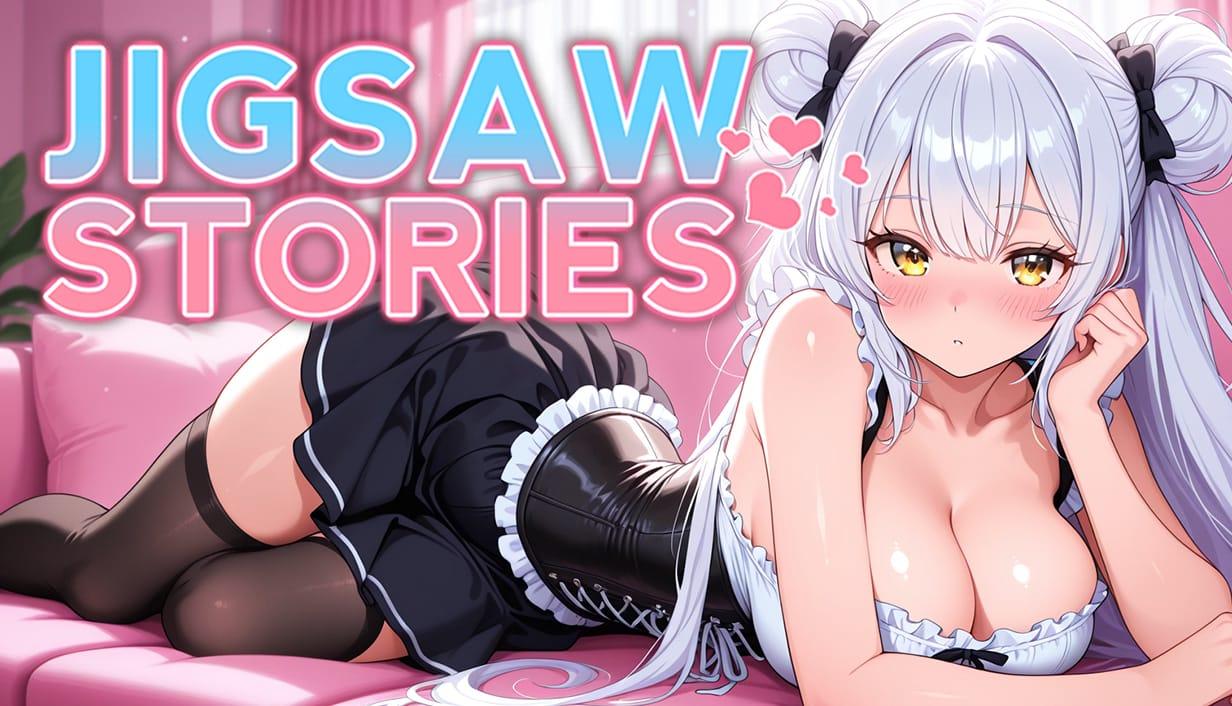

Jigsaw Stories game cover image
Ongoing vDemo

Jigsaw Stories

Download 487.77MB 5 mirrors
Available for Windows
Developer Neo Passion
Version vDemo
File Size 487.77MB
Engine Unity
Release Date April 17, 2026
Last Update May 31, 2026
Censorship Uncensored
Status Ongoing

Game Overview

Unlocking School Tales Through Puzzles

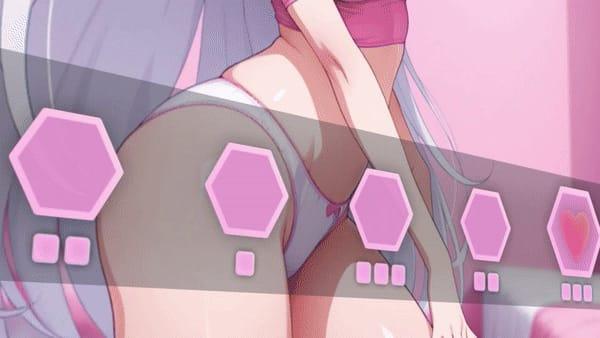
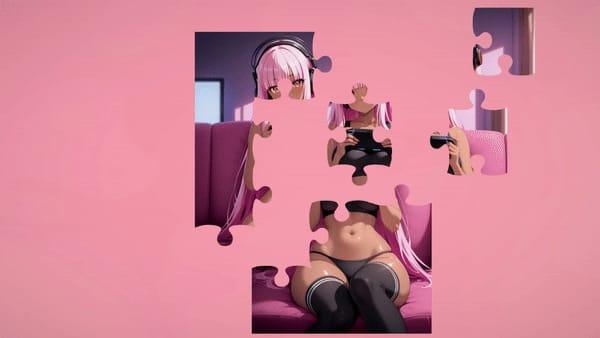
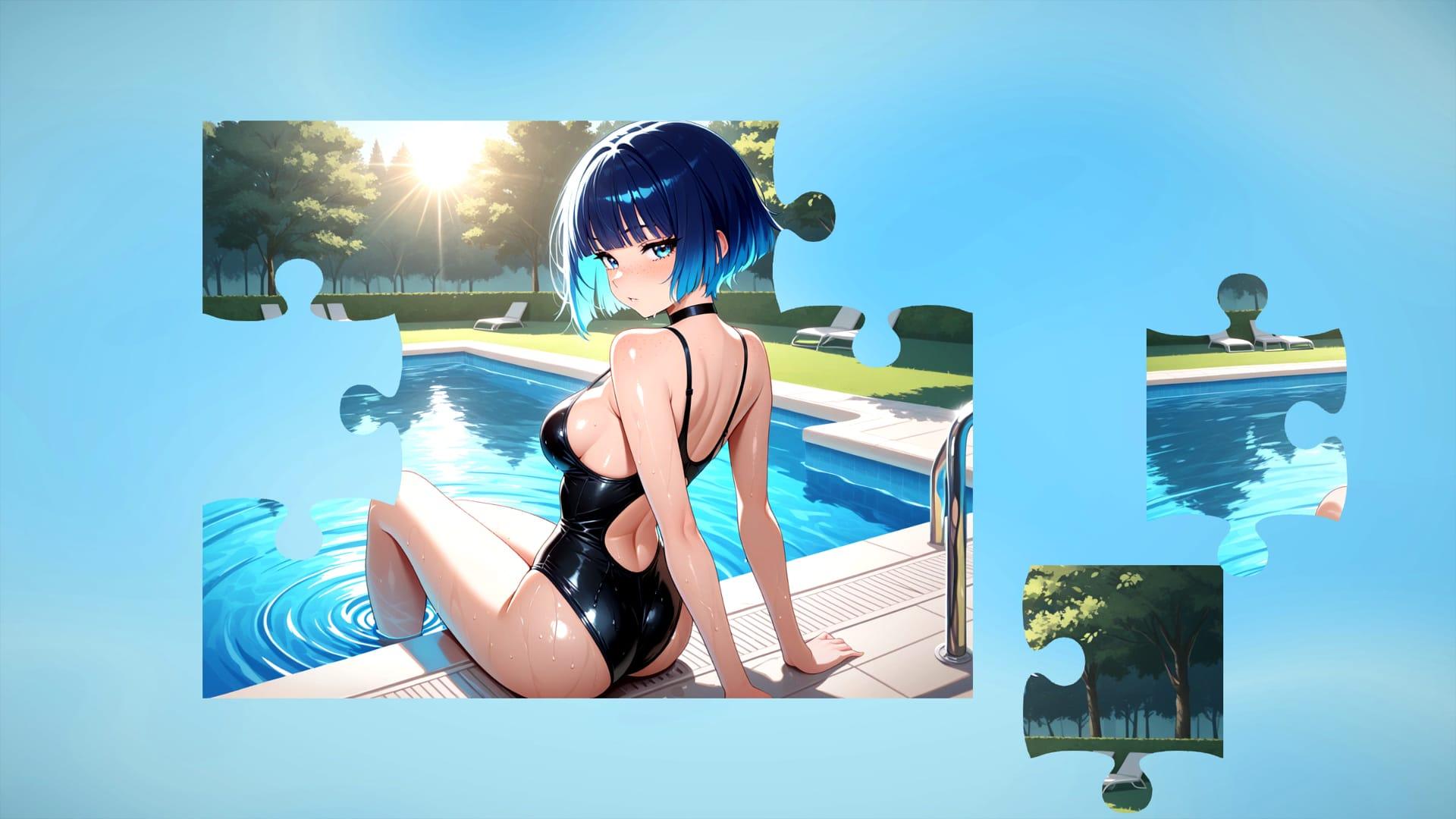
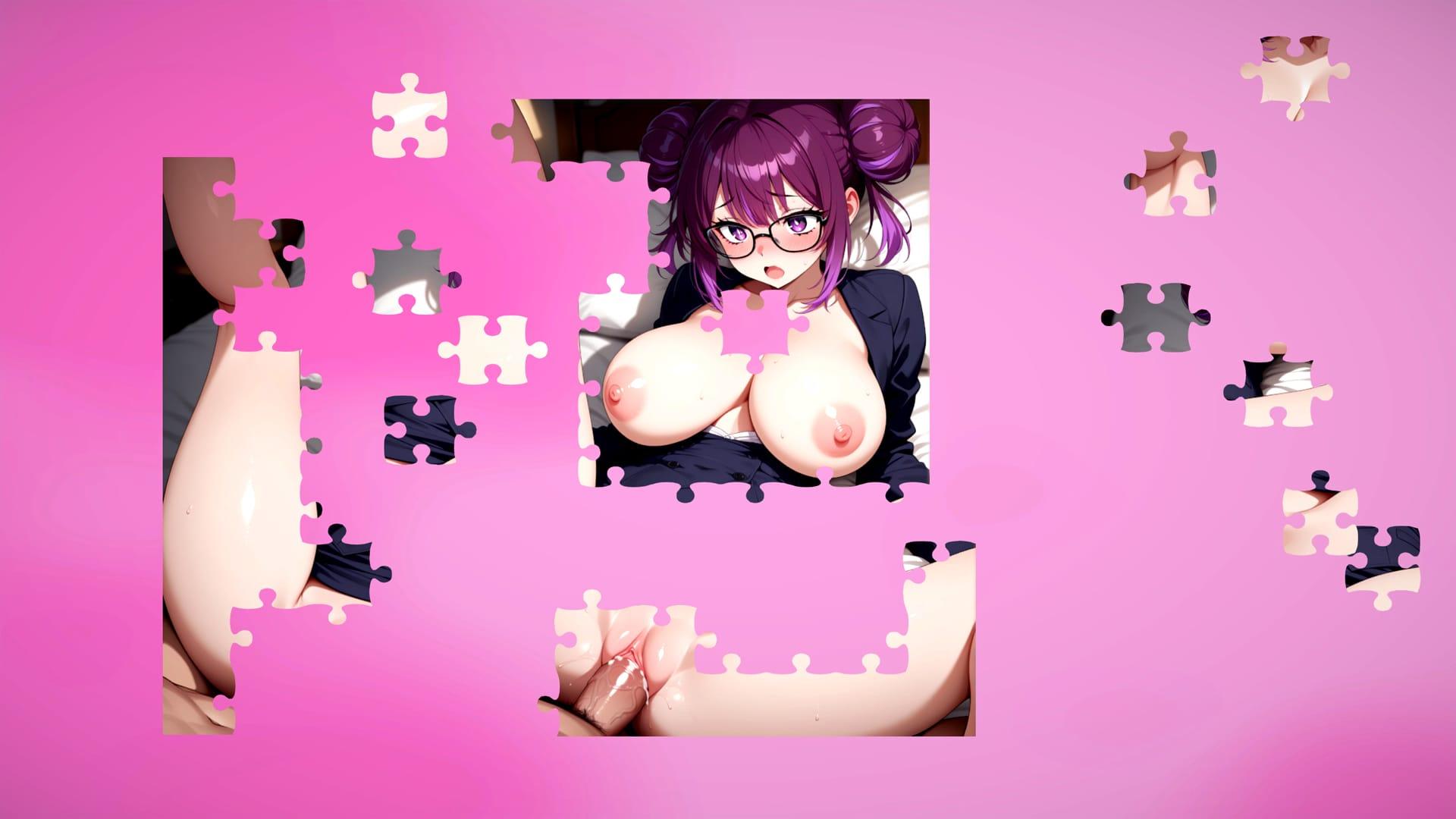
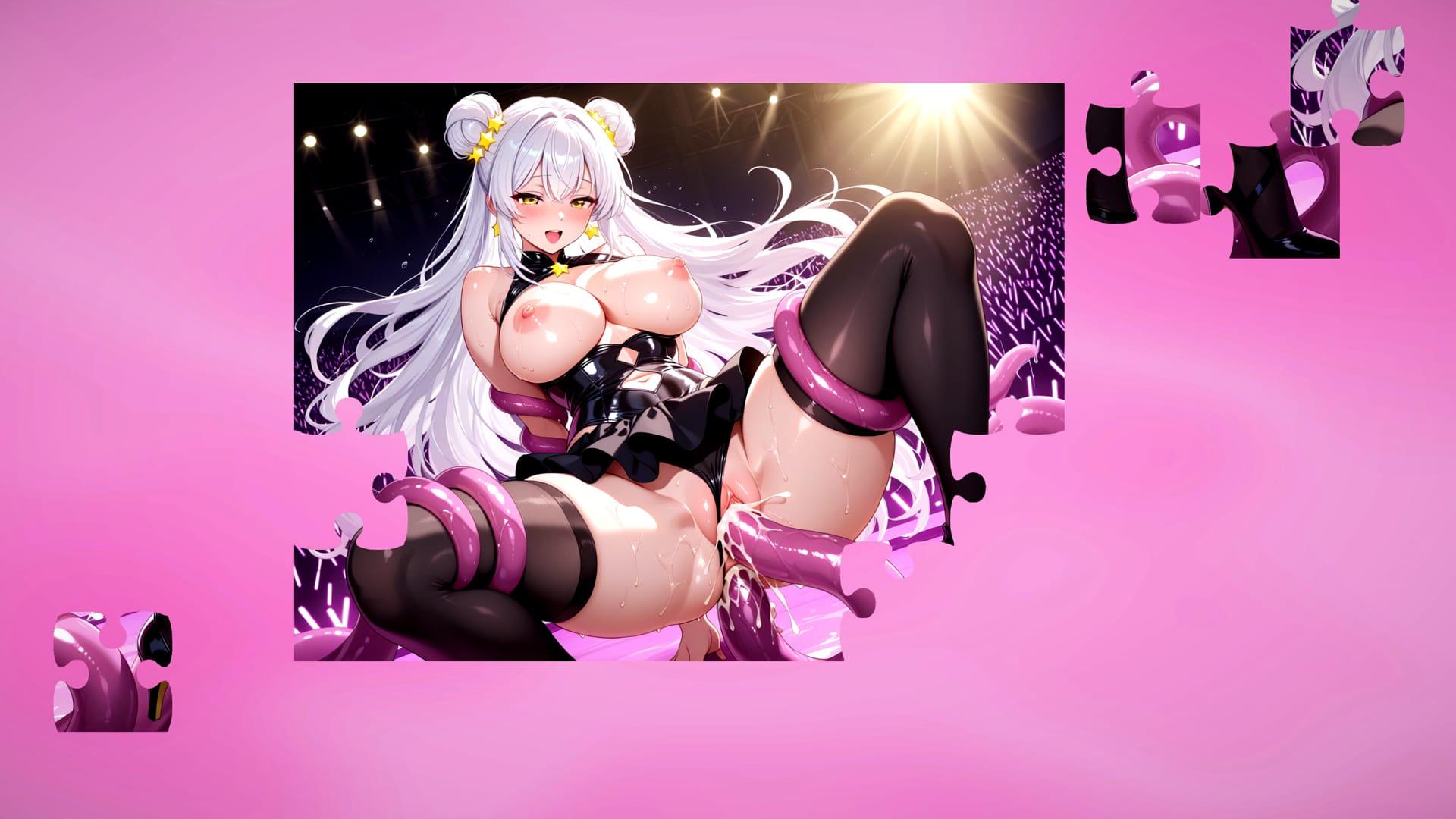
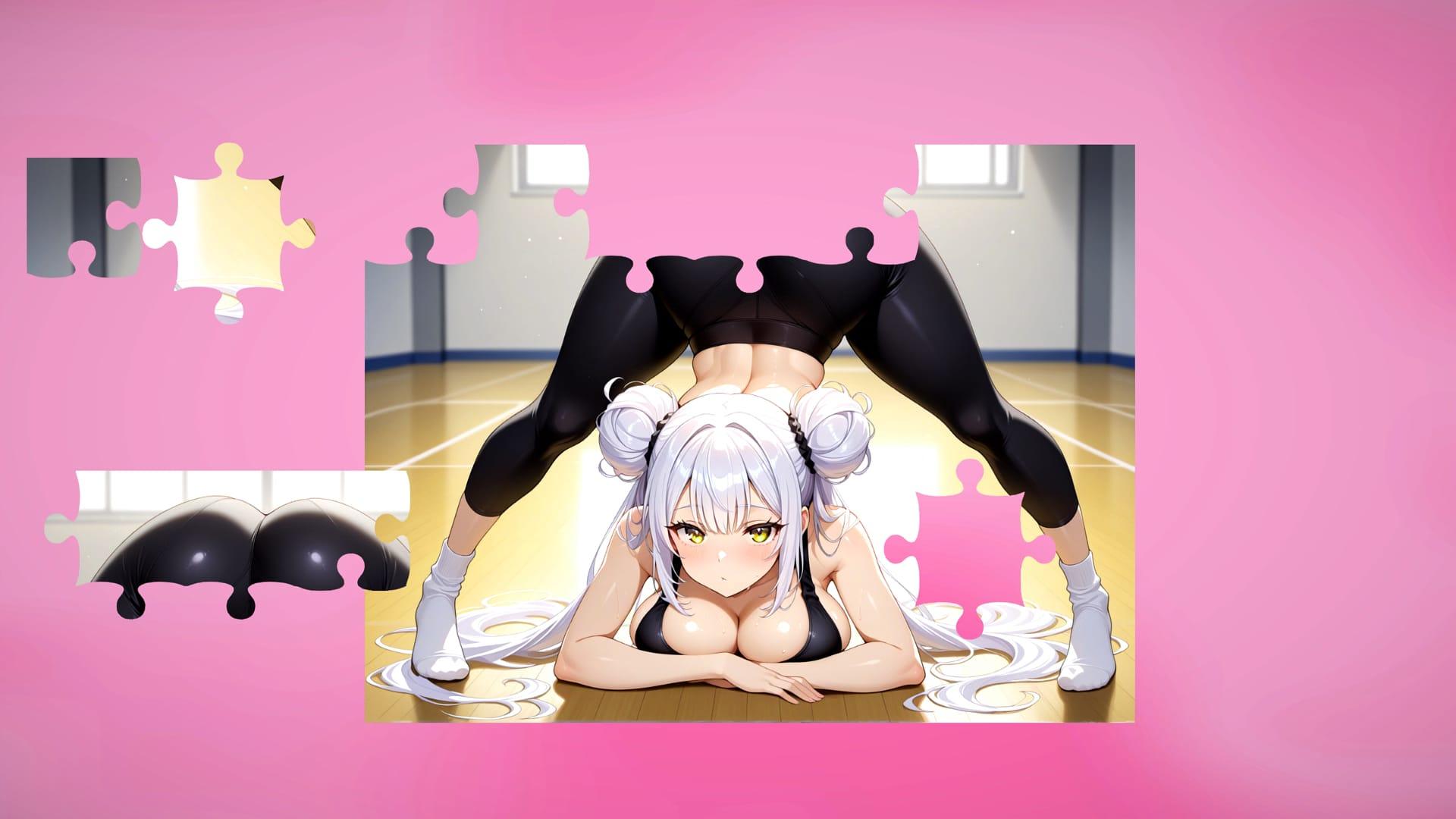
Within a school setting, six unique characters keep their personal stories concealed until individual jigsaw pieces are assembled in the correct order. The player functions as the catalyst who sets these episodic narratives in motion, gradually exposing layers of drama, desire, and sudden shifts that shape each character’s path.

Solving the seductive jigsaw puzzles directly advances the tale and opens access to the next intimate scene. These scenes increase in provocation as progress continues, blending puzzle mechanics with dating sim elements that emphasize choice and timing.

Messages, Diaries, and Distinct Arcs

Interaction occurs through diary entries and message exchanges that disclose the characters’ private thoughts and motivations. Each of the six characters follows a separate story arc built around passion, intrigue, and surprise, ensuring the episodic structure delivers fresh developments rather than repetition.

Jigsaw Stories centers on this cycle of puzzle completion, narrative unfolding, and deepening character contact set entirely in the school environment, where everyday routines give way to moments of seduction and revelation.

How do I install Jigsaw Stories on Windows or Linux?

Most desktop builds of Jigsaw Stories are portable: download the archive, extract it fully, then run the executable inside the folder.

Windows

  1. Grab the Windows (or Win/Linux) pack from the download section on this page.
  2. Extract with 7-Zip, WinRAR, or Windows Explorer until you see a real .exe (not still inside a nested zip).
  3. Launch that exe. If Windows SmartScreen appears, use More infoRun anyway only when you trust the mirror.

Linux

  1. Extract the archive, then mark the binary executable if needed (chmod +x on the game file).
  2. Run from a terminal if double-click does nothing; missing libraries are the usual culprit.

If the pack is split into Part 1 / Part 2 / … download every part into the same folder before extracting.

Split files, compressed packs, or patches for Jigsaw Stories: what should I download?

Desktop sections for Jigsaw Stories often use a few patterns:

Full build
One complete archive (sometimes labeled Compressed). Extract and play.

Split files (Part 1, Part 2…)
All parts are required. Same folder, same names, then extract from Part 1 with 7-Zip/WinRAR.

Patch / update only
Goes on top of an older install of Jigsaw Stories. Read the section title (for example “Ep.10 → Ep.11”) so you apply it to the right base version.

When several hosts list the same section (Mega, Pixeldrain, Gofile), pick any working mirror; you do not need every host.

What does “modded” mean on a page like Jigsaw Stories?

Stock build = the base game as packaged for download. Modded means someone changed that package: extra scenes, unlocked gallery, cheats, UI tweaks, uncensored assets, or helper tools.

On Erovale you may see separate download groups (for example a main Windows pack plus a “Gallery Mod”). Treat each group as its own package: wrong combo or wrong folder = black screen or missing assets.

Tip: finish a clean install of Jigsaw Stories first, then add a mod only if you need it. If anything breaks, reinstall from the main section and skip the mod.

Walkthrough, cheat, unlock, multi-mod: which one do I want?

Names vary by uploader, but on pages for games like Jigsaw Stories they usually mean:

Walkthrough / guide mod
Nudges choices or reveals paths so you reach more content without replaying for hours.

Cheat / unlock / gallery unlock
Skips grinds: money, flags, locked CGs, or scenes that would otherwise need specific routes.

Multi-mod / “all-in-one”
Several small patches zipped together. Read the section title carefully; install order sometimes matters.

None of these are required to play Jigsaw Stories. Prefer the plain build if you want the intended experience.

Why do I leave Erovale when I click a download for Jigsaw Stories?

Erovale hosts the catalog page. The actual files for Jigsaw Stories sit on third-party mirrors (Mega, Pixeldrain, Gofile, Uploadhaven, and similar). After a short local redirect you land on their site.

Those hosts may show their own timers or ads. That is not Erovale and it is not automatically a broken link.

Report as broken when the mirror is gone, returns a hard error, or never starts a real download after the host page loads. Mention platform + host (example: “Windows Mega 404”) so we can fix Jigsaw Stories faster.

Something wrong with Jigsaw Stories on this page. Where do I write it?

Use the two report tabs next to this FAQ (same game: Jigsaw Stories):

Broken Link
Dead or unusable mirrors. Please describe which platform and which host failed.

Update Request
You know a newer version exists and this page still lists an older one. Optional: paste the version number you saw.

We read reports in queue. Clear notes beat long essays. Thanks for helping keep Jigsaw Stories accurate on Erovale.

Game Screenshots

Preview scenes and UI from Jigsaw Stories before you download. Tap any image to open it full size.

Keep exploring Find your next game

Follow masturbation to find more games built around that interest, or continue with Dice Dik Saga for a recommendation that stays close to this release.

Community score

Do you like Jigsaw Stories?

One tap. No account. No wall of text. Just pure player love (or honesty).

? / 5

No ratings yet — be first

Tap the hearts — no comment required

Player 0 notes

Share bugs, install tips, or whether you would recommend this game.

Write a note

No player notes yet. If you installed this game, your experience helps the next visitor.

Leave a player note

Want to rate the game? Use the hearts above — no need to write a note just to vote.