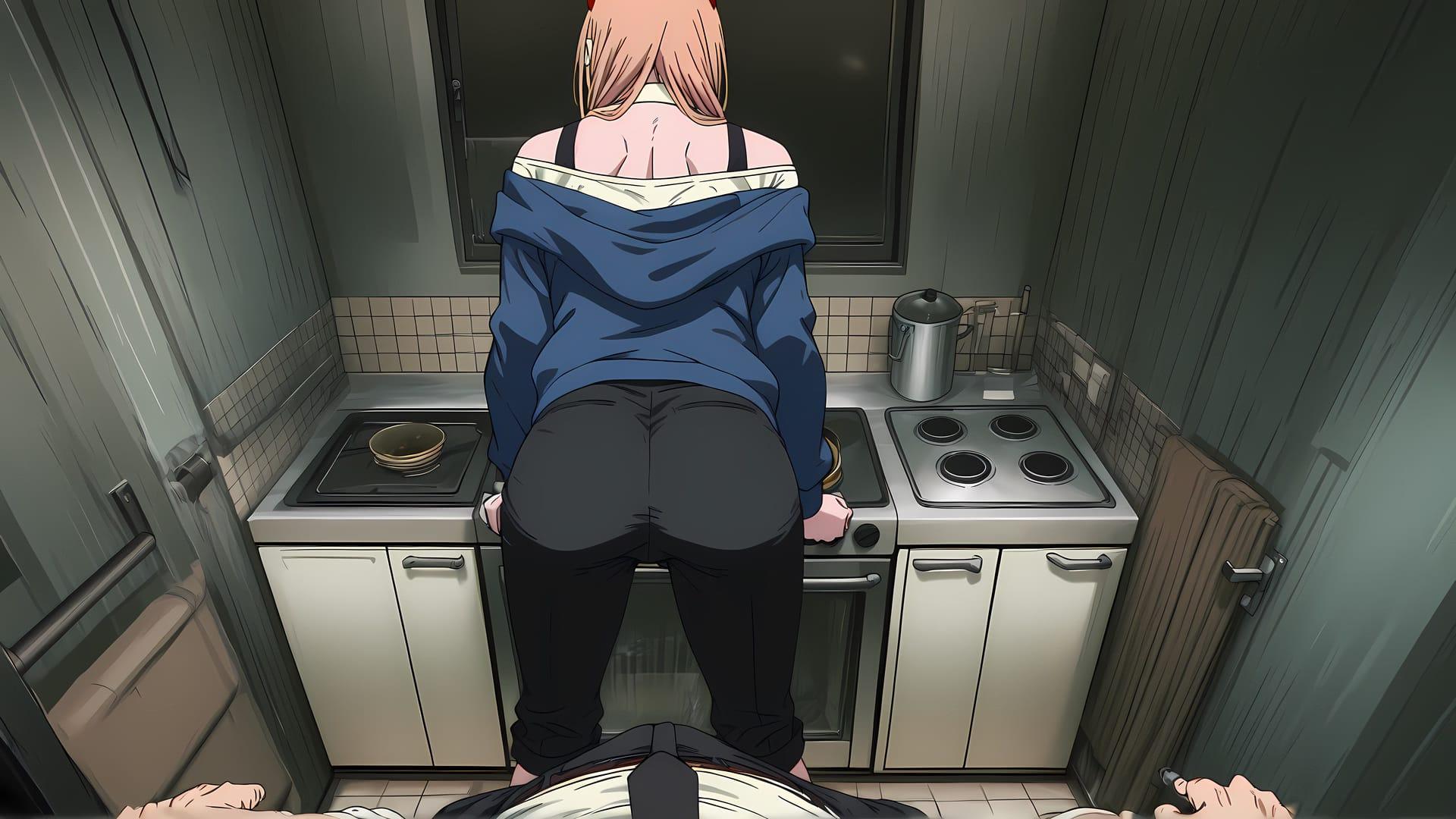





Living with Chainsaw game cover image
Ongoing v0.70

Living with Chainsaw

Download 392 MB 8 mirrors
Available for Android Linux macOS Windows
Developer Dr.ergenecon
Version v0.70
File Size 392 MB
Engine Ren'Py
Release Date June 8, 2026
Last Update July 24, 2026
Censorship Uncensored
Status Ongoing

Game Overview

Living with Chainsaw is an adult visual novel developed by Dr.ergenecon using the Ren’Py engine. Built around a playful parody setting, the game puts players in the shoes of Denji as he shares a living space with Power following the events that leave them as unlikely roommates. What unfolds is a blend of comedy, romance, and increasingly intimate scenarios driven entirely by player choices.

Gameplay and Daily Life

Each day brings a new set of interactions to manage. Players guide Denji through his domestic routine alongside Power, balancing lighthearted teasing moments with deeper relationship-building opportunities. As the story progresses, Reze and Makima also enter the picture, adding layers of tension and intrigue that keep things unpredictable. The game rewards careful choices with unlockable scenes and fresh story beats that expand the overall narrative.

Key Features

  • Animated Scenes: A rich collection of hand-crafted animated sequences that bring character interactions to life.
  • Choice-Driven Story: Decisions made throughout the game shape how relationships develop with Power, Reze, Makima, and the world around Denji.
  • Superpower Mechanics: Denji’s abilities play a role in navigating certain situations, opening up unique outcomes unavailable through normal dialogue paths.
  • Multi-Platform Support: Fully playable on Windows, Linux, macOS, and Android devices.
  • English Language: The full game experience is available in English.

Who Is This Game For

Fans of anime parody content and dating sim mechanics will feel right at home here. The game strikes a tone that mixes humor with mature content, making it a solid pick for players who enjoy story-driven adult visual novels with recognizable character archetypes. Download Living with Chainsaw today on EroVale and start building your life alongside Power.


APK + RPA for Living with Chainsaw: where do the files go?

On many mobile builds of Living with Chainsaw, the package is split: one installer (.apk) and one or more data packs (.rpa). Skipping the data packs is the #1 reason the game looks empty or crashes.

Quick path

  1. Install the .apk first. Allow installs from your browser or file app if Android asks.
  2. Before opening Living with Chainsaw, copy every .rpa into:
    Android/data/<package-or-game-folder>/files/game
    (create files/game if it does not exist yet).
  3. Only then launch Living with Chainsaw so it can load images, audio and extra content from those packs.

Handy apps for this step (pick one you like): Files (built-in on many phones), File Manager +, File Manager Plus, or RAR when you also need to unpack a zip/7z from the mirror.

Common mistakes: unzipping .rpa files, launching the game before the copy finishes, or dropping packs in Download/ instead of the files/game folder.

Android blocked the install of Living with Chainsaw. What now?

That screen is Android protecting you from Play Store sideloads. It is expected for catalog APKs, including Living with Chainsaw.

Work through it in this order:

  1. Confirm the download finished (file size matches what the host shows; incomplete APKs fail install).
  2. Open the file from a file app and approve Install unknown apps for that app only (Chrome, Files, RAR, etc.).
  3. If Android still refuses: free space, uninstall an older copy of the same package, reboot, try again.

A warning alone is not a “broken link”. Use the Broken Link tab only when the host itself is dead (true 404 / page never loads).

What does “modded” mean on a page like Living with Chainsaw?

Stock build = the base game as packaged for download. Modded means someone changed that package: extra scenes, unlocked gallery, cheats, UI tweaks, uncensored assets, or helper tools.

On Erovale you may see separate download groups (for example a main Windows pack plus a “Gallery Mod”). Treat each group as its own package: wrong combo or wrong folder = black screen or missing assets.

Tip: finish a clean install of Living with Chainsaw first, then add a mod only if you need it. If anything breaks, reinstall from the main section and skip the mod.

Walkthrough, cheat, unlock, multi-mod: which one do I want?

Names vary by uploader, but on pages for games like Living with Chainsaw they usually mean:

Walkthrough / guide mod
Nudges choices or reveals paths so you reach more content without replaying for hours.

Cheat / unlock / gallery unlock
Skips grinds: money, flags, locked CGs, or scenes that would otherwise need specific routes.

Multi-mod / “all-in-one”
Several small patches zipped together. Read the section title carefully; install order sometimes matters.

None of these are required to play Living with Chainsaw. Prefer the plain build if you want the intended experience.

Why do I leave Erovale when I click a download for Living with Chainsaw?

Erovale hosts the catalog page. The actual files for Living with Chainsaw sit on third-party mirrors (Mega, Pixeldrain, Gofile, Uploadhaven, and similar). After a short local redirect you land on their site.

Those hosts may show their own timers or ads. That is not Erovale and it is not automatically a broken link.

Report as broken when the mirror is gone, returns a hard error, or never starts a real download after the host page loads. Mention platform + host (example: “Windows Mega 404”) so we can fix Living with Chainsaw faster.

Something wrong with Living with Chainsaw on this page. Where do I write it?

Use the two report tabs next to this FAQ (same game: Living with Chainsaw):

Broken Link
Dead or unusable mirrors. Please describe which platform and which host failed.

Update Request
You know a newer version exists and this page still lists an older one. Optional: paste the version number you saw.

We read reports in queue. Clear notes beat long essays. Thanks for helping keep Living with Chainsaw accurate on Erovale.

Latest Changelog
v0.7036+ New Images added6 new CGs addedAdded 1900+ words of new dialoguev0.6532+ New Images added6 new CGs addedAdded 1900+ words of new dialogue

Game Screenshots

Preview scenes and UI from Living with Chainsaw before you download. Tap any image to open it full size.

Keep exploring Find your next game

There is plenty more to explore around masturbation. Dice Dik Saga is also worth a look when you are ready to move on to another title.

Community score

Do you like Living with Chainsaw?

One tap. No account. No wall of text. Just pure player love (or honesty).

4.0 / 5

1 player rated this

Tap the hearts — no comment required

Player 0 notes

Share bugs, install tips, or whether you would recommend this game.

Write a note

No player notes yet. If you installed this game, your experience helps the next visitor.

Leave a player note

Want to rate the game? Use the hearts above — no need to write a note just to vote.