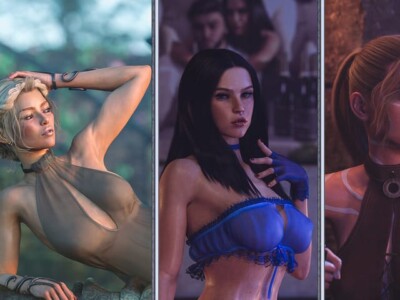




FarmD game cover image
Ongoing v1.9.4

FarmD

Download 1.06 GB 5 mirrors
Available for Android Linux macOS Windows
Developer Softscale
Version v1.9.4
File Size 1.06 GB
Engine Unity
Last Update August 16, 2026
Censorship Uncensored
Status Ongoing

Game Overview

Experience a Furry Sandbox

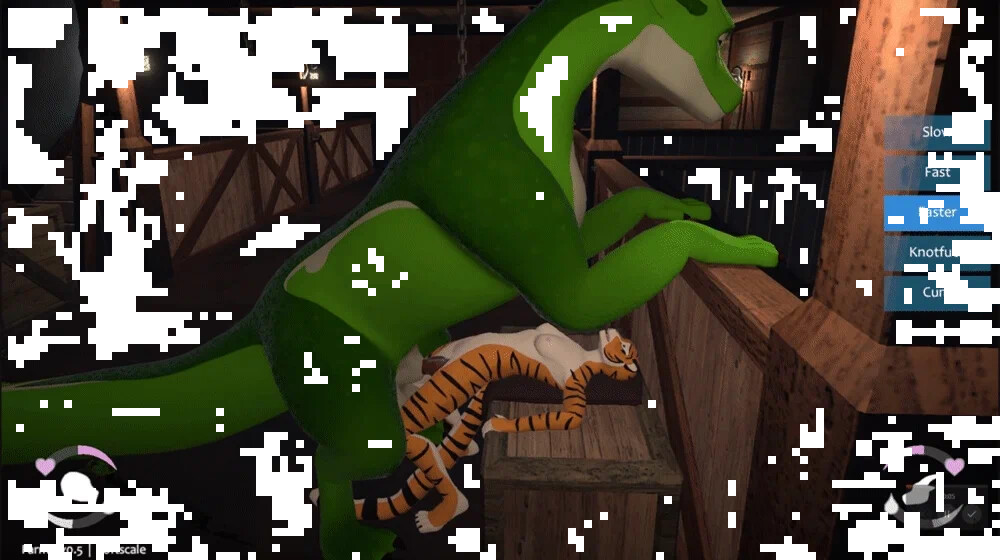
FarmD provides an open environment centered on erotic encounters with a four-legged dragon companion. This title is currently in its early stages of production, establishing a foundation for a growing collection of sexual interactions.

Development and Future Growth

While the current build focuses on the dragon partner, the development roadmap includes significant expansions. Future updates will introduce additional species for both the player and their partners, alongside new anthro characters and larger environments to explore. The project is designed to accommodate both desktop and VR play styles. While VR remains the primary development focus, the majority of the content is fully accessible to players using either format.

APK + RPA for FarmD: where do the files go?

On many mobile builds of FarmD, the package is split: one installer (.apk) and one or more data packs (.rpa). Skipping the data packs is the #1 reason the game looks empty or crashes.

Quick path

  1. Install the .apk first. Allow installs from your browser or file app if Android asks.
  2. Before opening FarmD, copy every .rpa into:
    Android/data/<package-or-game-folder>/files/game
    (create files/game if it does not exist yet).
  3. Only then launch FarmD so it can load images, audio and extra content from those packs.

Handy apps for this step (pick one you like): Files (built-in on many phones), File Manager +, File Manager Plus, or RAR when you also need to unpack a zip/7z from the mirror.

Common mistakes: unzipping .rpa files, launching the game before the copy finishes, or dropping packs in Download/ instead of the files/game folder.

Android blocked the install of FarmD. What now?

That screen is Android protecting you from Play Store sideloads. It is expected for catalog APKs, including FarmD.

Work through it in this order:

  1. Confirm the download finished (file size matches what the host shows; incomplete APKs fail install).
  2. Open the file from a file app and approve Install unknown apps for that app only (Chrome, Files, RAR, etc.).
  3. If Android still refuses: free space, uninstall an older copy of the same package, reboot, try again.

A warning alone is not a “broken link”. Use the Broken Link tab only when the host itself is dead (true 404 / page never loads).

What does “modded” mean on a page like FarmD?

Stock build = the base game as packaged for download. Modded means someone changed that package: extra scenes, unlocked gallery, cheats, UI tweaks, uncensored assets, or helper tools.

On Erovale you may see separate download groups (for example a main Windows pack plus a “Gallery Mod”). Treat each group as its own package: wrong combo or wrong folder = black screen or missing assets.

Tip: finish a clean install of FarmD first, then add a mod only if you need it. If anything breaks, reinstall from the main section and skip the mod.

Walkthrough, cheat, unlock, multi-mod: which one do I want?

Names vary by uploader, but on pages for games like FarmD they usually mean:

Walkthrough / guide mod
Nudges choices or reveals paths so you reach more content without replaying for hours.

Cheat / unlock / gallery unlock
Skips grinds: money, flags, locked CGs, or scenes that would otherwise need specific routes.

Multi-mod / “all-in-one”
Several small patches zipped together. Read the section title carefully; install order sometimes matters.

None of these are required to play FarmD. Prefer the plain build if you want the intended experience.

Why do I leave Erovale when I click a download for FarmD?

Erovale hosts the catalog page. The actual files for FarmD sit on third-party mirrors (Mega, Pixeldrain, Gofile, Uploadhaven, and similar). After a short local redirect you land on their site.

Those hosts may show their own timers or ads. That is not Erovale and it is not automatically a broken link.

Report as broken when the mirror is gone, returns a hard error, or never starts a real download after the host page loads. Mention platform + host (example: “Windows Mega 404”) so we can fix FarmD faster.

Something wrong with FarmD on this page. Where do I write it?

Use the two report tabs next to this FAQ (same game: FarmD):

Broken Link
Dead or unusable mirrors. Please describe which platform and which host failed.

Update Request
You know a newer version exists and this page still lists an older one. Optional: paste the version number you saw.

We read reports in queue. Clear notes beat long essays. Thanks for helping keep FarmD accurate on Erovale.

Latest Changelog
v.1.9.4
Steam Workshop support for sharing user-created content.
[general]
ADDED
– Added a new Content Browser option in the Pause Menu, for downloading user-created content. This uses the Steam Workshop as its backend, so non-Steam players will need to own the Steam version of the game (it’s free) in order to use the browser.
– Added an option in Preferences to automatically connect to the Steam Workshop when launching the game.
– Added a Feral/Anthro Doggystyle position for smaller-scaled ferals, accessible from the Anthro On All Fours interaction.
– Added a Feral/Anthro Missionary position for smaller-scaled ferals, accessible from the Anthro Lie Down interaction.
– Added solo Feral and solo Anthro Relieve Self watersports interactions.
– Added a Feral/Anthro Golden Shower interaction in the farmhouse bathtub.
– Added an Anthro/Anthro Golden Shower interaction for the farmhouse bathtub.
– Added a Feral/Feral Golden Shower interaction for the farmhouse bathtub.
– Added a Feral Bend Over interaction for the Seat with Half Wall.
– Added a Feral Lie Down interaction for the farmhouse bathtub.
– Added a Feral Lie Down interaction for the L-shaped sofa.
– Added an Anthro Sleep interaction for the farmhouse bed.
– Added a Feral/Anthro Riding interaction for the High Bar.
– Added an Anthro/Anthro Facesitting interaction, accessible from the Anthro Lie Down interaction.
– Added an Anthro/Feral/Anthro Spitroast interaction, accessible from the Feral/Anthro Reverse Riding interaction.
– Added a Share button for uploading custom skins in the Character Menu.
– Added a Share button for uploading custom models in the Character Menu.
CHANGED
– Various interaction tweaks for built-in interactions, to better support character scale differences and set limits on relative scales.
– Character-based interaction triggers now appear outlined when in Interact mode, to make it easier to target them with the pointer.
– Tweaked some material and lightmap settings in the Farmhouse to make things look a bit nicer.
– Disabled mipmaps for custom character textures, to reduce memory usage and prevent visible UV seams.
FIXED
– Fixed some scenarios where interactable object highlights were showing on objects that didn’t have available interactions.
– Fixed alignment issues that could occur in interactions that changed the grip angle on a held dildo during penetration.
[interaction studio]
ADDED
– Added a Share button for uploading custom interactions when viewing them in the Interaction Library.
– Added a Preview Picture feature to the Animation Editor menu, to capture the preview picture used when uploading interactions.
FIXED
– Fixed an error that could occur after copying an interaction that uses the “Has Relative Scale” condition.
– Fixed an issue where the “Has Relative Scale” condition would incorrectly evaluate as true in some scenarios.
– Fixed a bug where the camera would not snap to the correct position when opening the studio or changing scenes.
– Fixed some scenarios where characters’ hands would not align correctly when viewing animations that occur after a change-alignment or change-item-grip event, or when using the Preview Other Layers function.

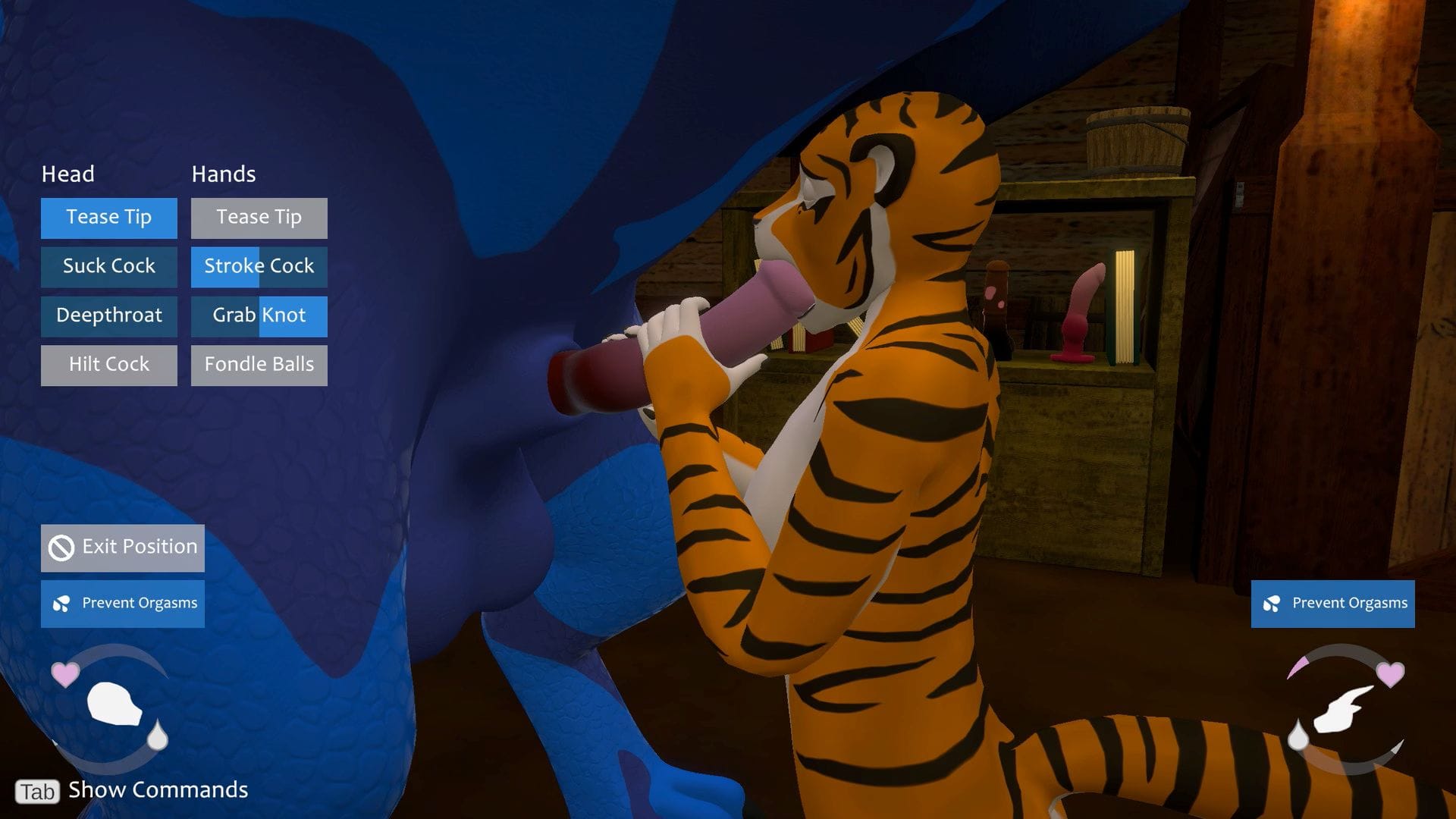
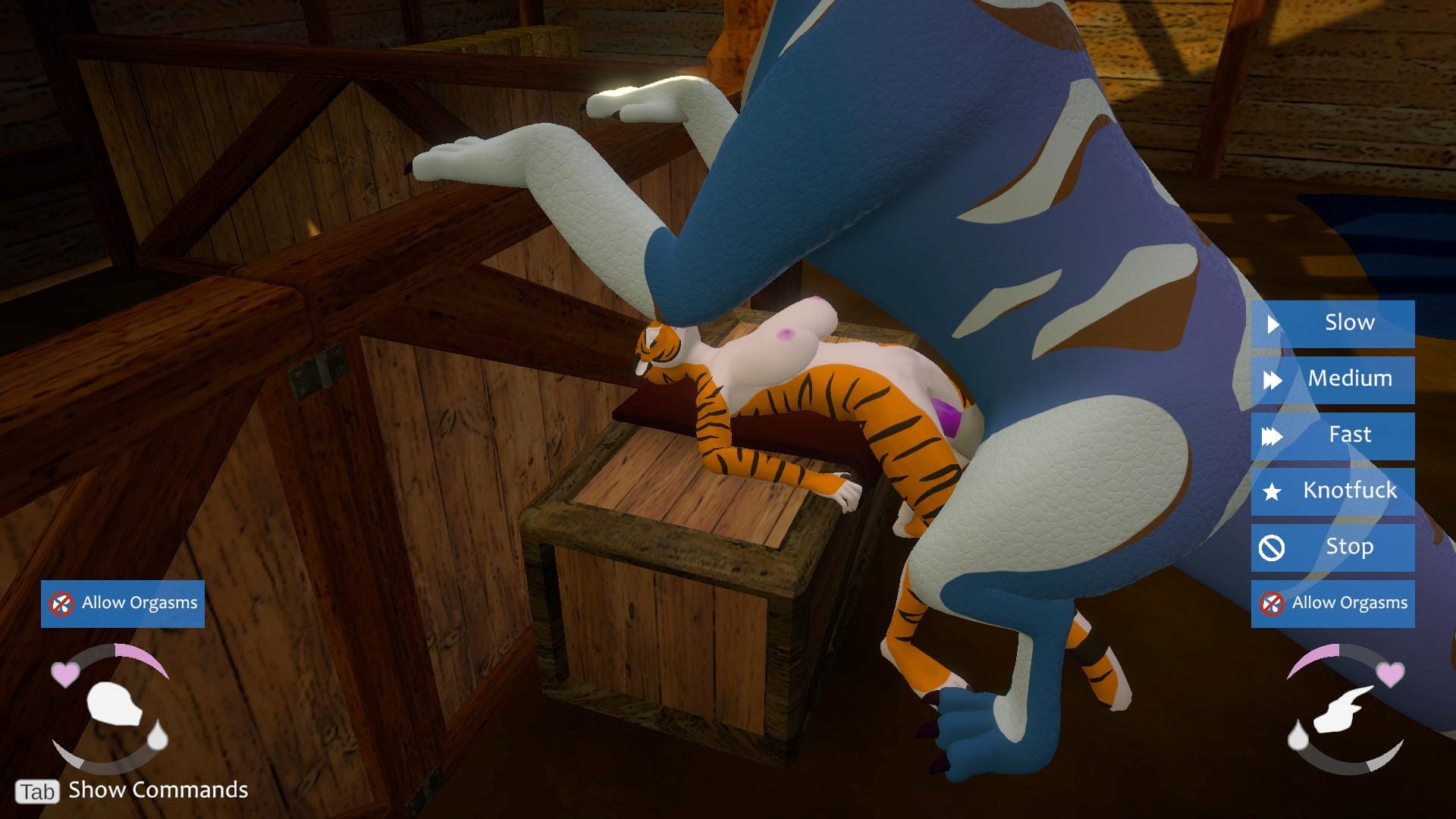
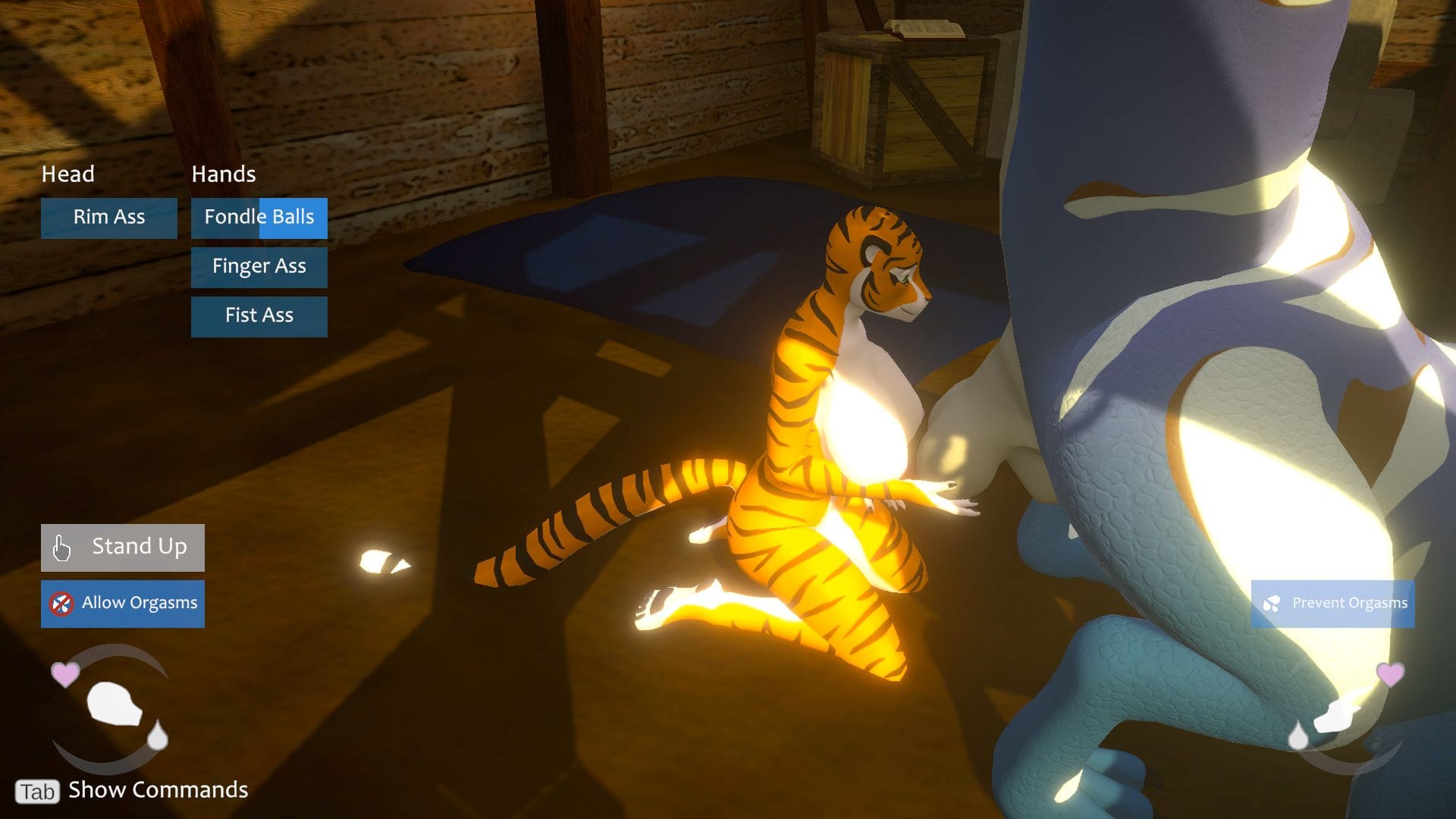
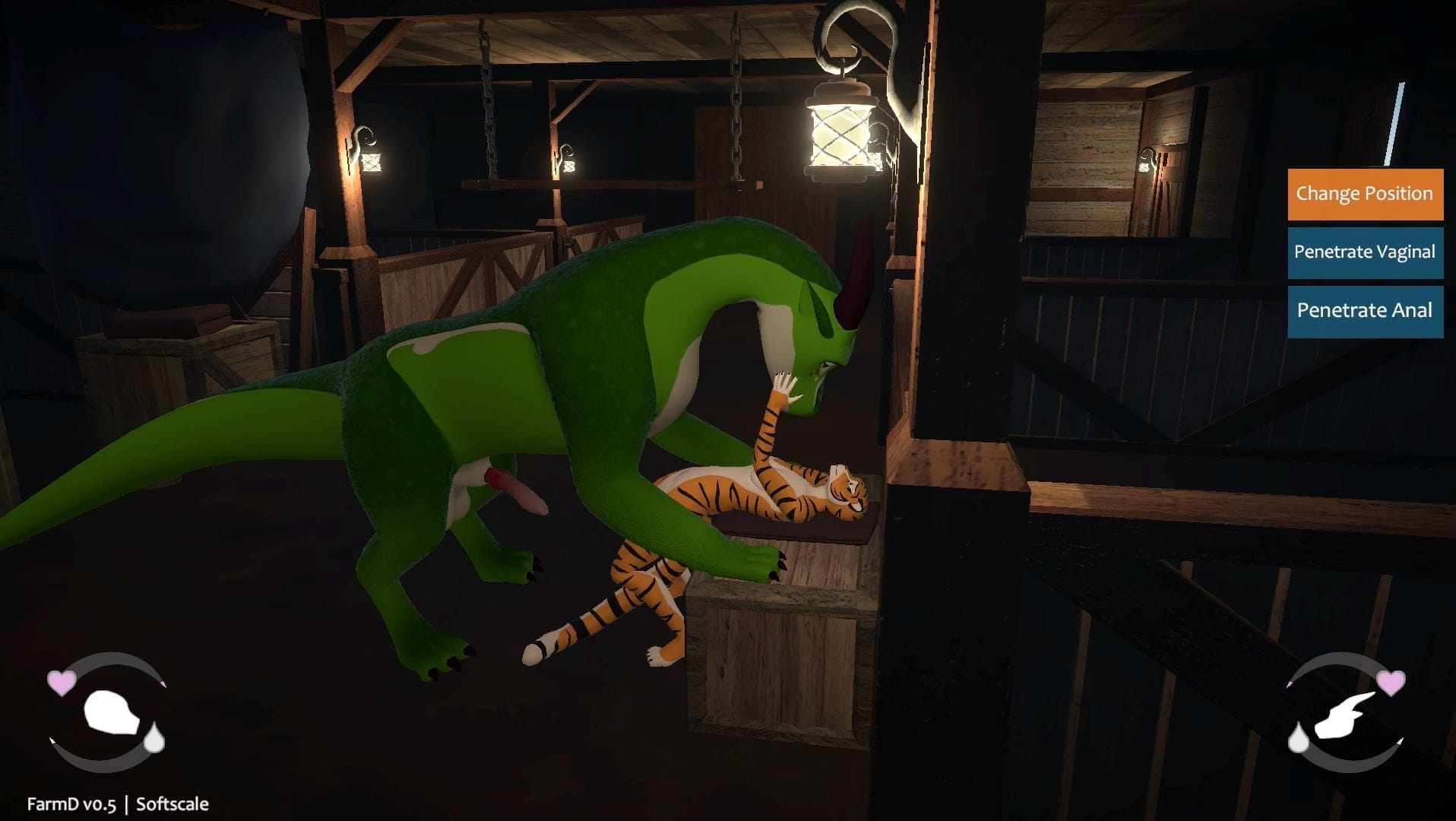
Game Screenshots

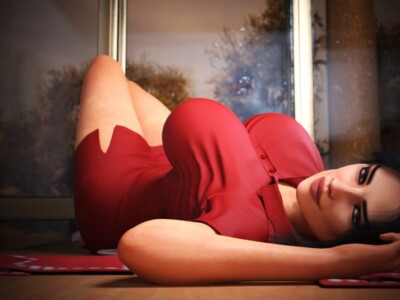
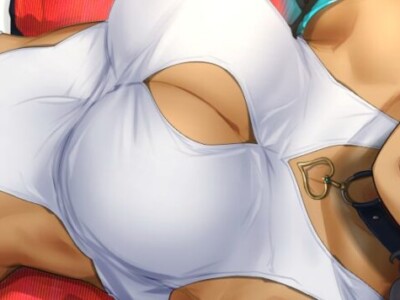
Preview scenes and UI from FarmD before you download. Tap any image to open it full size.

Keep exploring Find your next game

There is plenty more to explore around animated. Come Home [Final] is also worth a look when you are ready to move on to another title.

Community score

Do you like FarmD?

One tap. No account. No wall of text. Just pure player love (or honesty).

? / 5

No ratings yet — be first

Tap the hearts — no comment required

Player 0 notes

Share bugs, install tips, or whether you would recommend this game.

Write a note

No player notes yet. If you installed this game, your experience helps the next visitor.

Leave a player note

Want to rate the game? Use the hearts above — no need to write a note just to vote.