


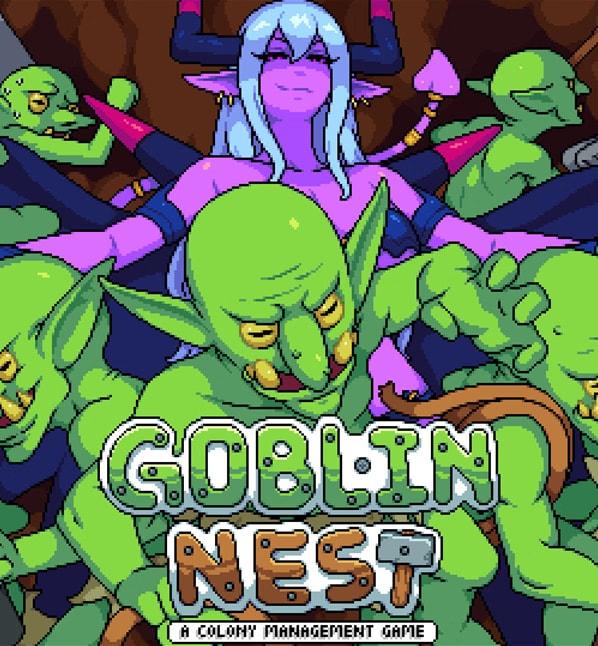

Goblin Nest game cover image
Completed v1.32v.Steam

Goblin Nest

Download 41.5MB 4 mirrors
Available for Windows
Developer BadColor
Version v1.32v.Steam
File Size 41.5MB
Engine Others
Release Date April 28, 2026
Last Update May 30, 2026
Censorship Uncensored
Status Completed

Game Overview

Leading the Goblin Nest

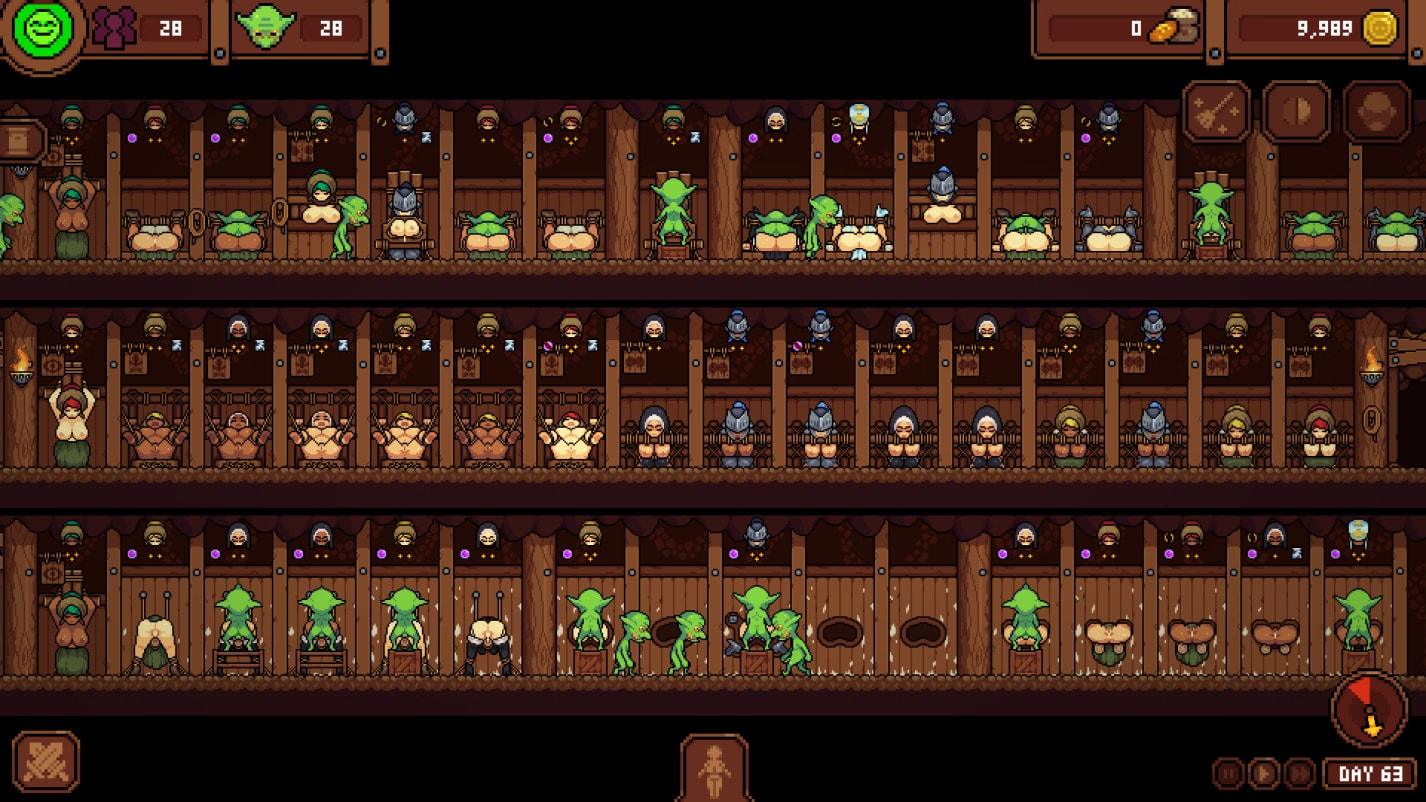
In Goblin Nest, you take command of a growing goblin colony in a fantasy world centered on expansion through conquest. The game follows your efforts to build up a central nest, increase your numbers, and secure resources from surrounding human settlements using a combination of management and action elements presented in 2DCG.

Developing the Nest

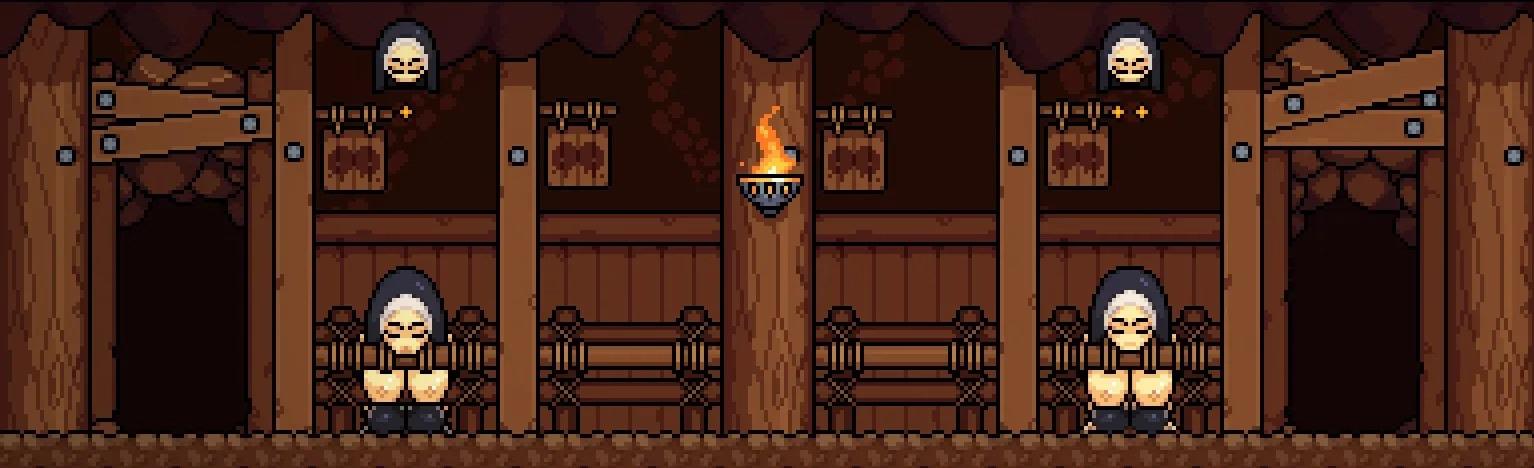
Progression revolves around sandbox-style nest management. You apply various upgrades that strengthen goblin capabilities and open new possibilities for your growing horde. Each improvement contributes to the overall development of your base while supporting the continuous breeding of additional goblins to expand your forces.

Raids on Nearby Villages

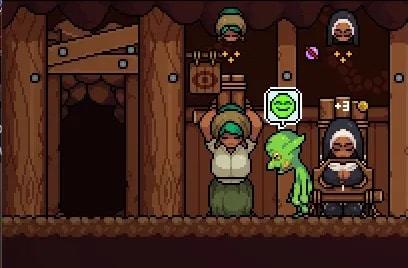
Gameplay includes strategic combat encounters against village defenders. Successful battles allow you to capture victims and bring them back to the nest. These captures directly feed into population growth, creating an ongoing cycle of conflict and acquisition that drives your empire forward.

Breeding and Pregnancy

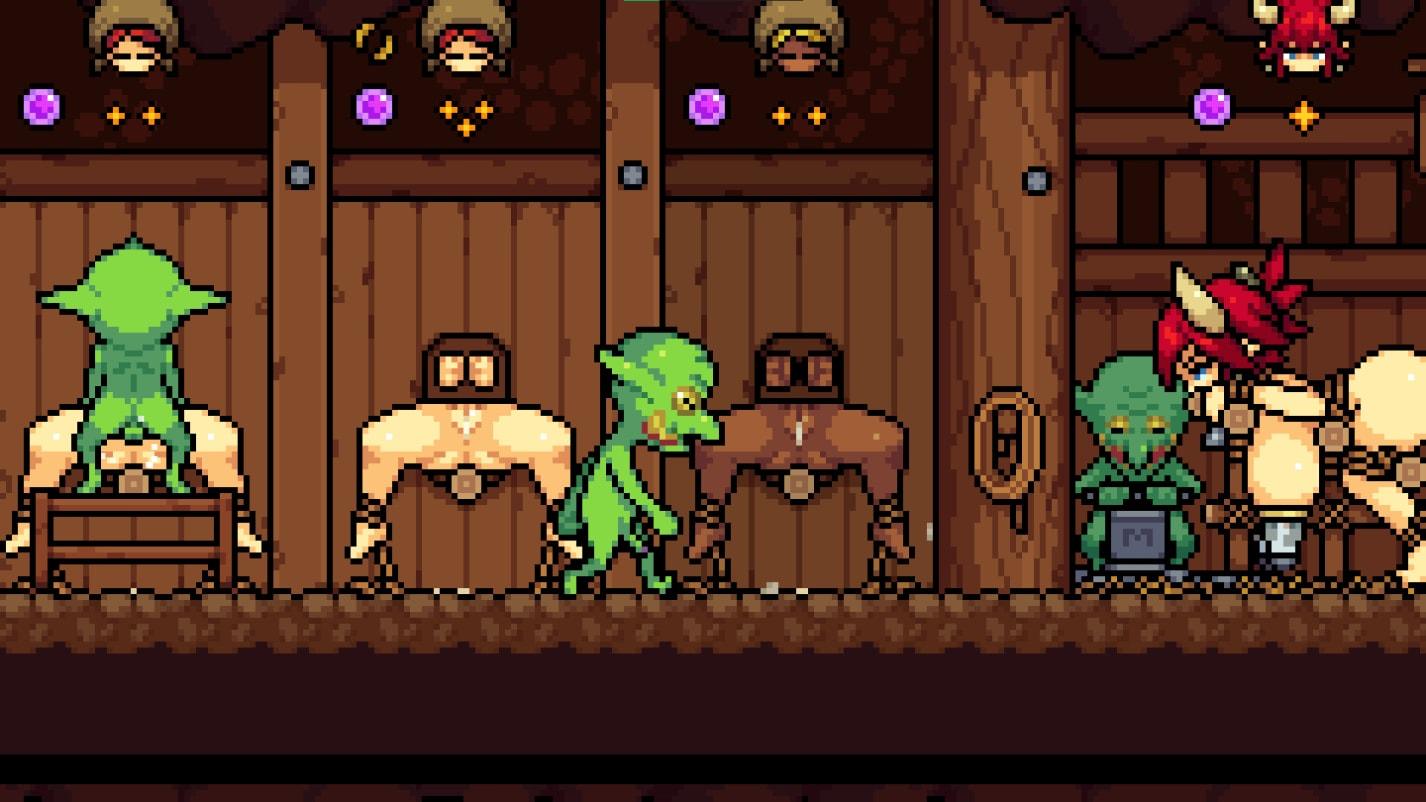
Captured females become part of the breeding system, featuring animated scenes that depict the process. The game shows the resulting pregnancies and their effects on the captured individuals, adding a layer of consequence to each successful raid. This cycle of breeding and expansion forms the core loop alongside nest upgrades and combat.

The title blends monster girl themes with fantasy action and management, focusing on the steady advancement of a goblin nest through calculated raids and controlled reproduction. English text supports the full experience on Windows platforms.


How do I install Goblin Nest on Windows or Linux?

Most desktop builds of Goblin Nest are portable: download the archive, extract it fully, then run the executable inside the folder.

Windows

  1. Grab the Windows (or Win/Linux) pack from the download section on this page.
  2. Extract with 7-Zip, WinRAR, or Windows Explorer until you see a real .exe (not still inside a nested zip).
  3. Launch that exe. If Windows SmartScreen appears, use More infoRun anyway only when you trust the mirror.

Linux

  1. Extract the archive, then mark the binary executable if needed (chmod +x on the game file).
  2. Run from a terminal if double-click does nothing; missing libraries are the usual culprit.

If the pack is split into Part 1 / Part 2 / … download every part into the same folder before extracting.

Split files, compressed packs, or patches for Goblin Nest: what should I download?

Desktop sections for Goblin Nest often use a few patterns:

Full build
One complete archive (sometimes labeled Compressed). Extract and play.

Split files (Part 1, Part 2…)
All parts are required. Same folder, same names, then extract from Part 1 with 7-Zip/WinRAR.

Patch / update only
Goes on top of an older install of Goblin Nest. Read the section title (for example “Ep.10 → Ep.11”) so you apply it to the right base version.

When several hosts list the same section (Mega, Pixeldrain, Gofile), pick any working mirror; you do not need every host.

What does “modded” mean on a page like Goblin Nest?

Stock build = the base game as packaged for download. Modded means someone changed that package: extra scenes, unlocked gallery, cheats, UI tweaks, uncensored assets, or helper tools.

On Erovale you may see separate download groups (for example a main Windows pack plus a “Gallery Mod”). Treat each group as its own package: wrong combo or wrong folder = black screen or missing assets.

Tip: finish a clean install of Goblin Nest first, then add a mod only if you need it. If anything breaks, reinstall from the main section and skip the mod.

Walkthrough, cheat, unlock, multi-mod: which one do I want?

Names vary by uploader, but on pages for games like Goblin Nest they usually mean:

Walkthrough / guide mod
Nudges choices or reveals paths so you reach more content without replaying for hours.

Cheat / unlock / gallery unlock
Skips grinds: money, flags, locked CGs, or scenes that would otherwise need specific routes.

Multi-mod / “all-in-one”
Several small patches zipped together. Read the section title carefully; install order sometimes matters.

None of these are required to play Goblin Nest. Prefer the plain build if you want the intended experience.

Why do I leave Erovale when I click a download for Goblin Nest?

Erovale hosts the catalog page. The actual files for Goblin Nest sit on third-party mirrors (Mega, Pixeldrain, Gofile, Uploadhaven, and similar). After a short local redirect you land on their site.

Those hosts may show their own timers or ads. That is not Erovale and it is not automatically a broken link.

Report as broken when the mirror is gone, returns a hard error, or never starts a real download after the host page loads. Mention platform + host (example: “Windows Mega 404”) so we can fix Goblin Nest faster.

Something wrong with Goblin Nest on this page. Where do I write it?

Use the two report tabs next to this FAQ (same game: Goblin Nest):

Broken Link
Dead or unusable mirrors. Please describe which platform and which host failed.

Update Request
You know a newer version exists and this page still lists an older one. Optional: paste the version number you saw.

We read reports in queue. Clear notes beat long essays. Thanks for helping keep Goblin Nest accurate on Erovale.

Latest Changelog
### 1.32v
- v1.32v
- - Infinite floor price now has a cap. (5 mil)-
- Infinite floor now starts at a much lower price to scale slower.-
- Infinite floor is now tied with tower level, every 5 level allows 1 new floor purchase.-
- (Extra money spent on floors before, will be refunded.)-
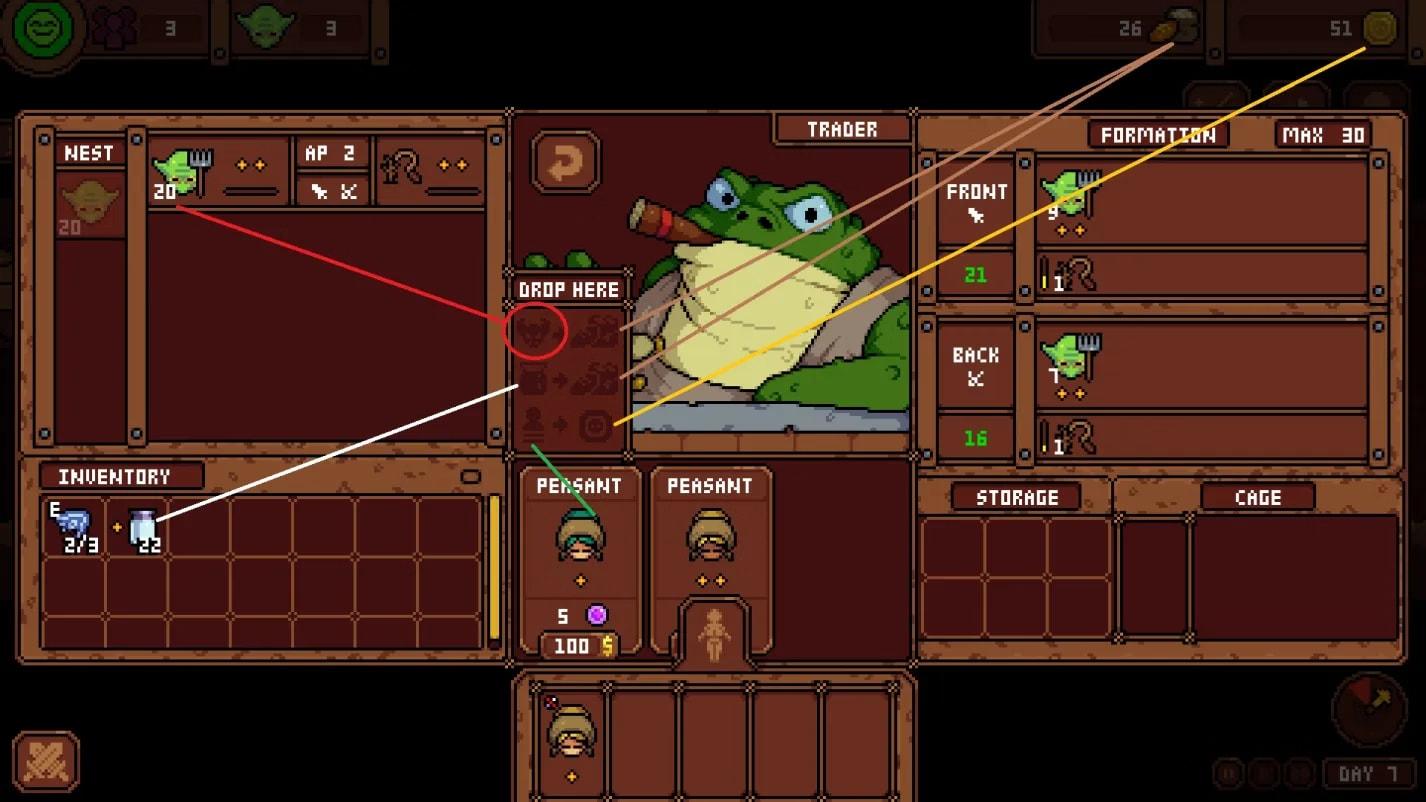
- Added cage quick sell when in trader.
- Bug fixes-
- Fixed giant cell removing clothing pieces eject monsters mid animation.-
- Fixed Shaman's hair on recover cell changing colors.-
- Fixed trader quick sell, selling for wrong amount.-
- Fixed formation leaving empty spaces when moving units around.

### 1.30
- v1.30

### 1.31
- v1.31
- The shop will now have the infinite floor upgrade once you have reached endgame and bought all of the upgrades.
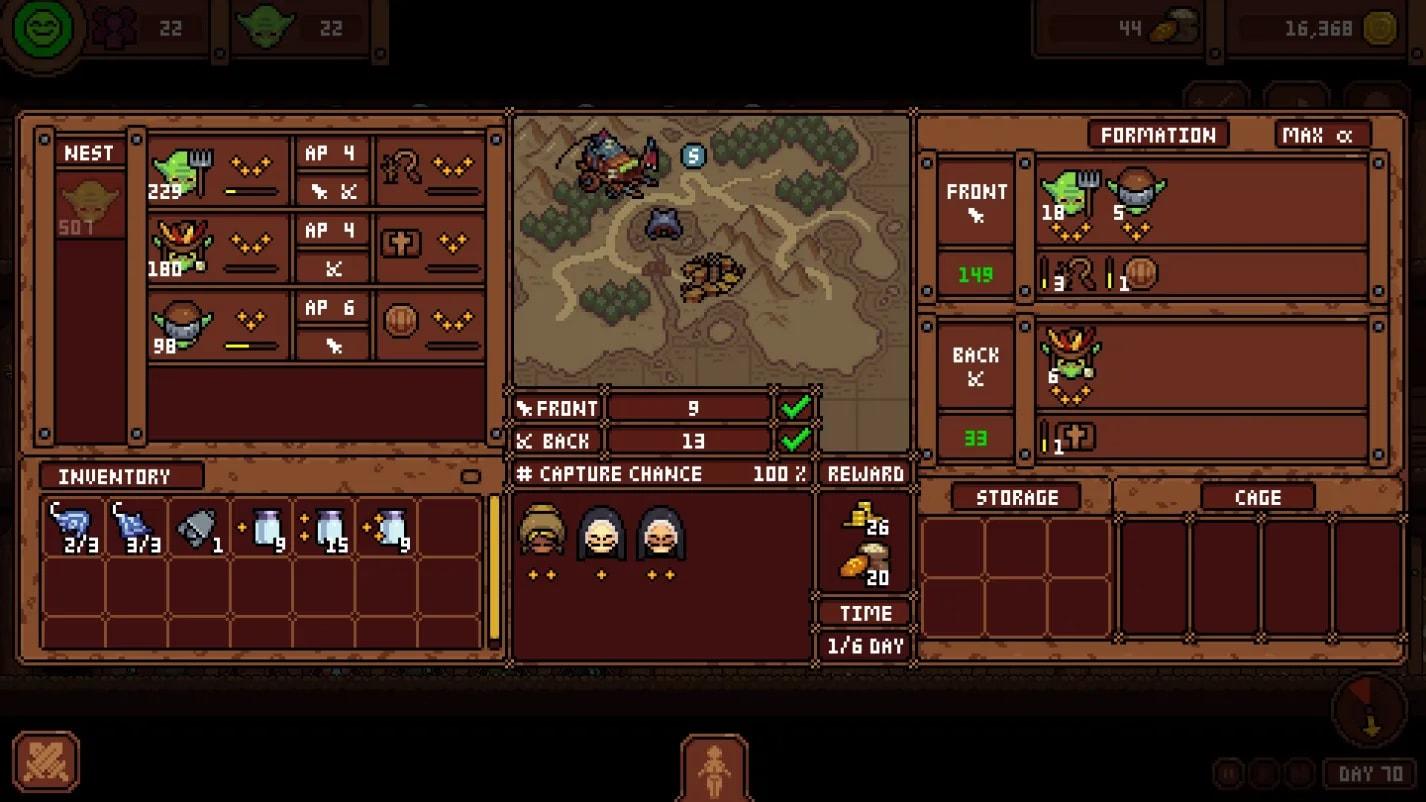
- The raid window now shows the casualty percentage (chance of each unit dying after raid), and a more detailed capture percentage.
- You can now see your Formation ap update as you edit troop numbers through the number select window.
- You can now load and save formations.
- F.shrine now allows you to switch off different class swapping. with this button off. F.shrine will no longer swap that unit if there are no unit of the same class in the prison.
- Added hold shift to speed up camera movement with using WASD/arrow hotkeys to move camera- Changed special cell modify icon to be clearer.
- Green notification will appear on guide right after tutorial.
- Buffed trapper hobgoblin (instead of increasing 4% of your current capture chance with each stack, it now just adds a flat 3% to your current capture chance with each stack.)- Increased endgame trader sell ration window to sell more rations now- Reduced click sound and increased ejaculation sound- Added 1 new endgame achievement for steam- Added more detailed explanation in guide for capture, casualties and the other newly added changes.
- Bug- Fixed a bug where if unit levels up, it doesn't update unit ap in formation- Fixed newly spawned entrances following the same edit directions of the first entrance

### 1.29
- v1.29
- fixed ap randomly increasing after combat raids

### 1.28
- v1.28
- Fixed capture chance showing wrong values when raiding.

### 1.27
- v1.27
- Bug fixes- Fixed a f shrine swapping incompatible units into tentacle breed cells, and causing an infinite loop.
- Fixed a bug that causes raid lost and all troops lost when mood changes suddenly- Slight changes- Added info in the tutorial about shop and trader existence...
- Added more info in the guide about print locations and stage levels.
- Added more info in the guide about casualties explained in the guide,- Added clearer description for some bosses quests in quest window.

### 1.26
- v1.26
- Reverted shaman skill to 4% and no cap.
- Tower past level 25 will now have an extra effect that kills troops and negates skill effect. (same as morrigan's destruction).
- When passed tower level 25, tower now have two stages, stage 1 being being capped at level 24, and the second stage being the normal climb starting at level 25.

### 1.25
- v1.25
- Further adjusted shaman revive skill to now capped at 75% and give 3% per stack.
- Fixed plaque text display when in different between types.

### 1.24
- v1.24
- Changes- a special cell is now compatible with with a specific monster that it isn't before.- shaman revive skill is now capped at 60% instead of 100% and only gives 2% per stack instead of 4%.- tower cap reset to level 25.- made tower scale faster.- added a new plaque prop to display highest tower climb (including before the reset).- allow drag and drop completed clone cell to another cell, without needing to go through prison first.
- Fixes- fixed f.shrine not working if the first slot is a specific special unit.- fixed not getting achievements sometimes when collecting all prints.- fixed clicking border cell prop being out of camera.- fixed prone cell hobgoblin visual error with short body type.- fixed dairy not calling goblin if door is closed.- fixed a special boss spawning double mail.- fixed rare units giving out more coin and mood than they should.- fixed rare star giving more gold and mood than they should from cells.

### 1.23
- v1.23
- you can now drop units into the prison by dropping them in the prison icon, without needing to open up the window- fixed rare instance where you can swap units while being transferred- fixed transfer cell transferring to wrong places again- fixed dropping units into cage causes crash

### 1.22
- v1.22
- fixed transfer cell transfering to wrong places.

### 1.21
- v1.21
- Changes- Transfer routing system will now chose the path with the closest distance for the entire sequence- Transfer now works with all special cells except for that one obvious one, transfer will also prioritize returning special units back to their special cells- F.shrine now works with all cells- F.shrine will now target the same class to swap first, before picking the first unit in your prison.
- Further buffed patrol units hitbox range to trigger speed boost- Patrol now has a new effect, if a transfer unit finishes its task, is heading back to return the log, and gets the speed boost from patrol; They will now instantly do a new transfer task instead of
...

Game Screenshots

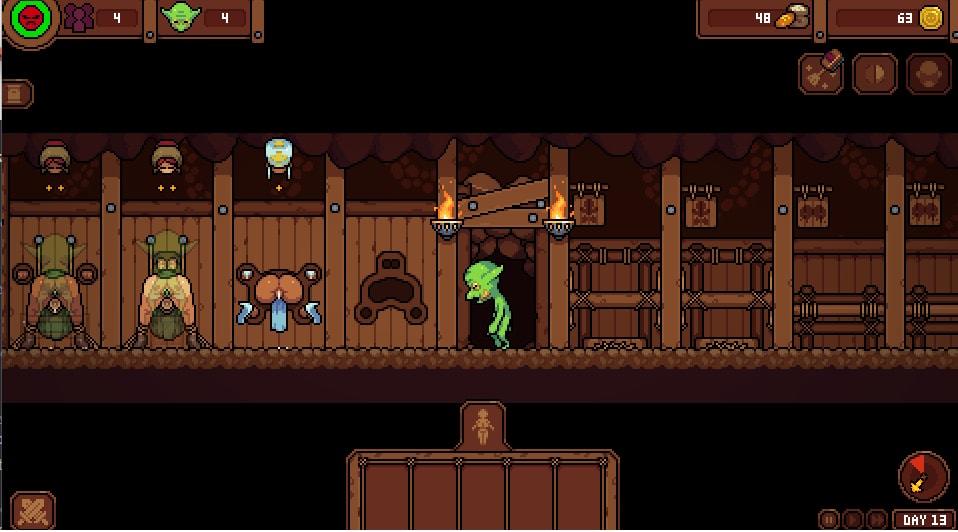
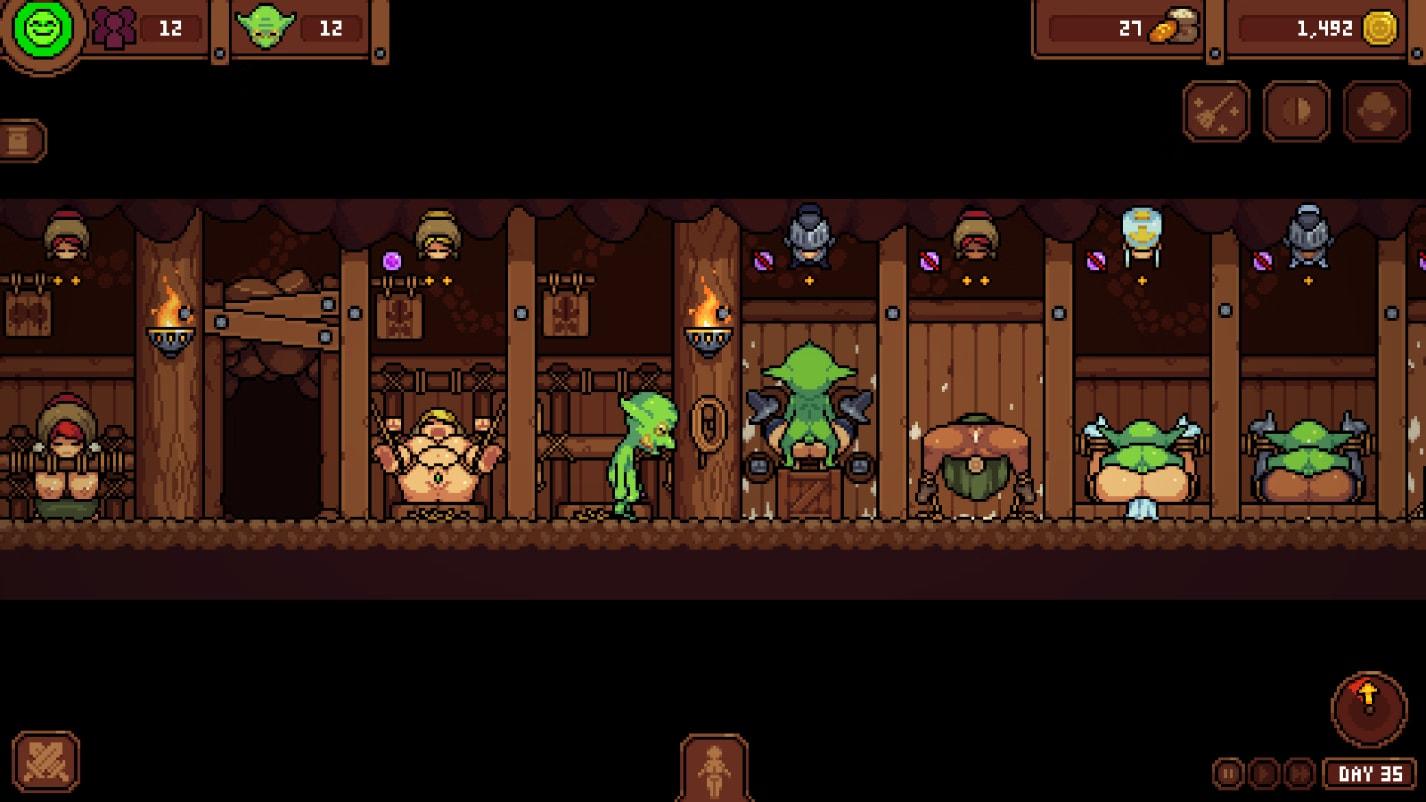
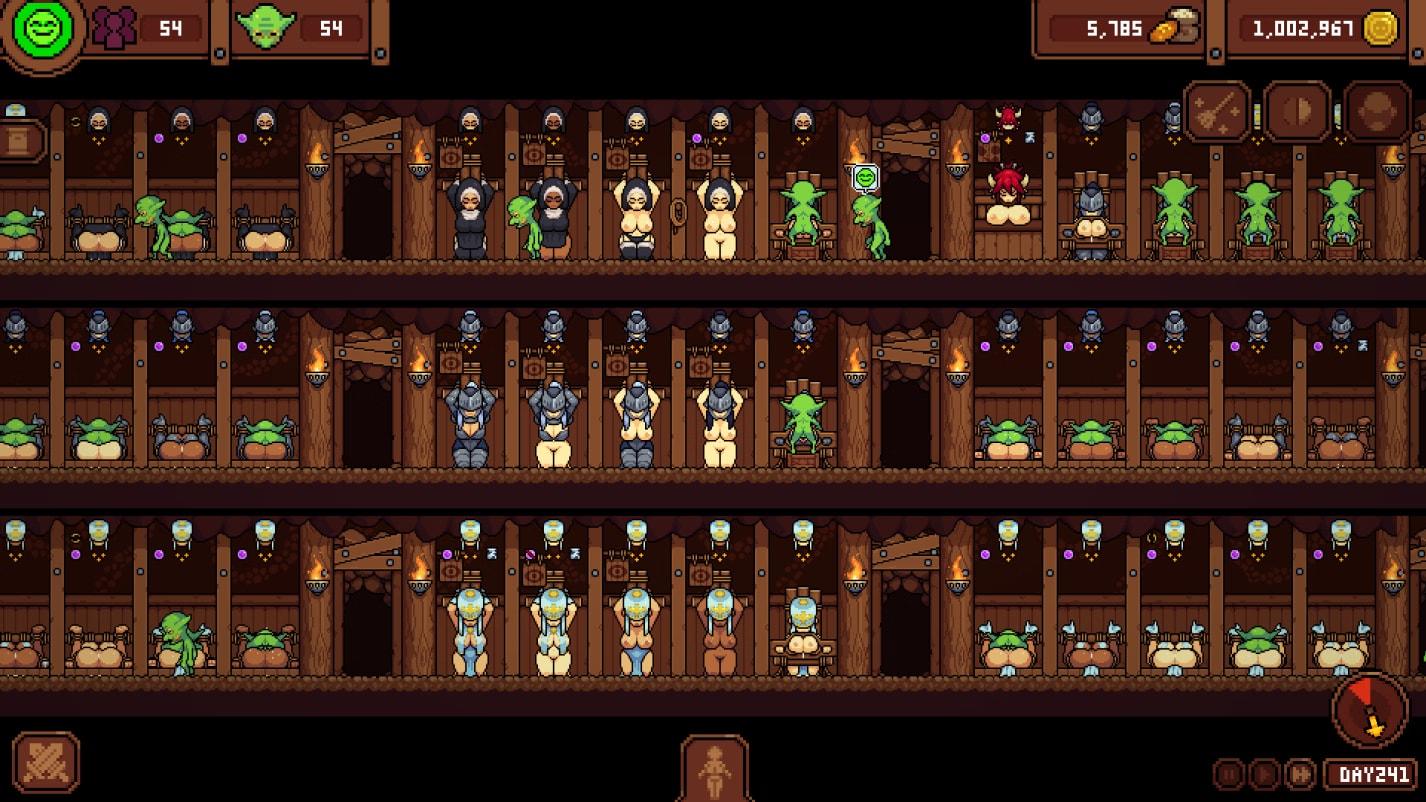
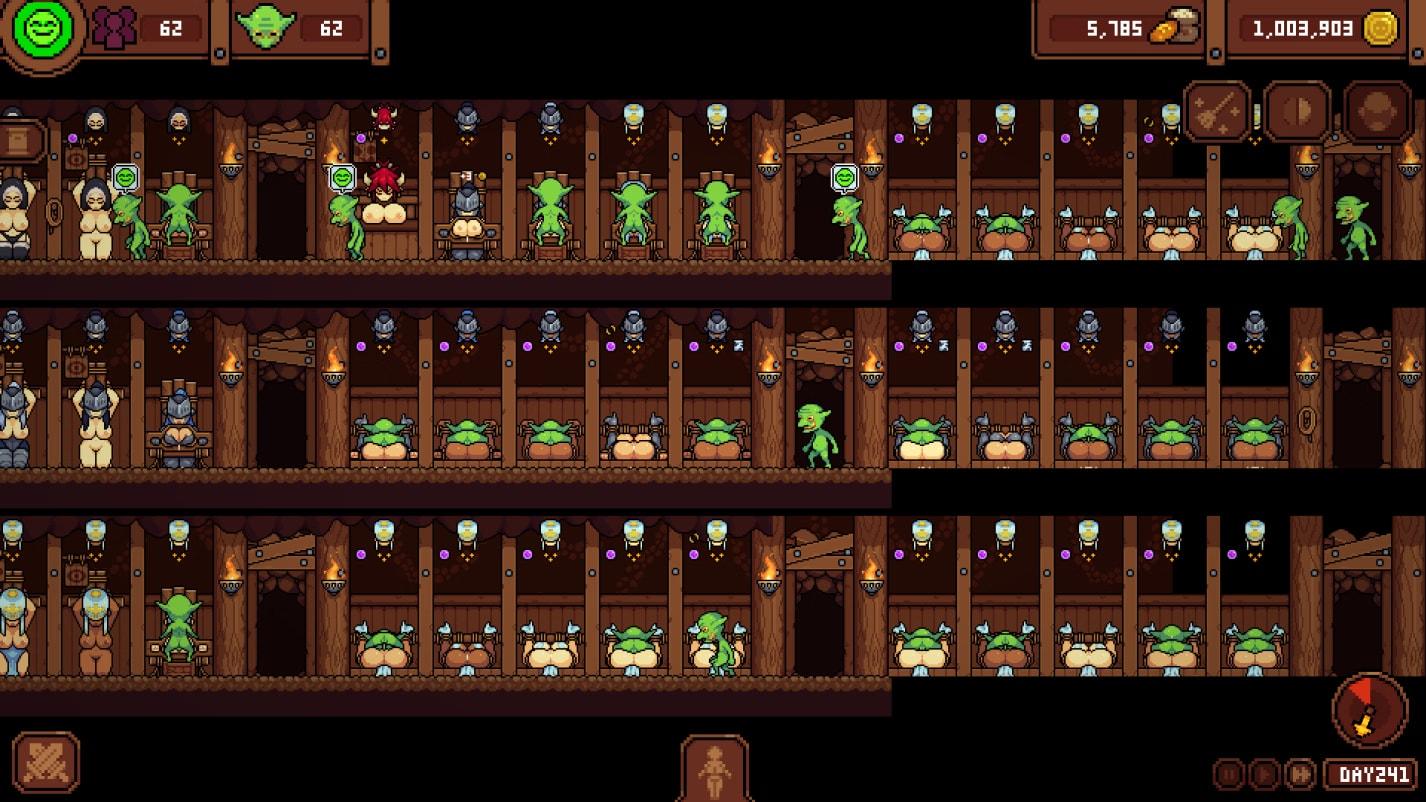
Preview scenes and UI from Goblin Nest before you download. Tap any image to open it full size.

Keep exploring Find your next game

Keep exploring fantasy for more of that theme, and do not overlook VoidBound when you want another game with a familiar appeal.

Community score

Do you like Goblin Nest?

One tap. No account. No wall of text. Just pure player love (or honesty).

5.0 / 5

1 player rated this

Tap the hearts — no comment required

Player 0 notes

Share bugs, install tips, or whether you would recommend this game.

Write a note

No player notes yet. If you installed this game, your experience helps the next visitor.

Leave a player note

Want to rate the game? Use the hearts above — no need to write a note just to vote.